Benchpad vs Heynote
Heynote is a great developer buffer that stops at the desk. Benchpad covers the rest of the day — phone included, sync included.

The problem: A developer buffer that stops at the desk
Heynote is a genuinely brilliant idea for developers: it is a single, large text buffer sliced into blocks, where each block can have its own language syntax (like JSON, SQL, or Markdown). It is free, open source, and lives on your desktop.
If you spend your entire day at a keyboard pasting JSON payloads and writing SQL queries, it is fantastic.
But Heynote has a hard limitation: it only exists on your desktop. There is no official iOS or Android app. If you step away from your desk to grab a coffee and have an idea, you cannot access your Heynote buffer. If you take your phone into a standup meeting, your scratchpad is missing.
To sync Heynote between two computers, you have to manually point its underlying buffer file to a folder in Dropbox or Google Drive. If both computers happen to write to that file at the same time, your file syncing service will create a "conflicted copy," and your notes will fork. Your scratchpad shouldn't require systems administration.
The solution: A violently fast scratchpad for the rest of your day
Benchpad is a scratchpad built for the parts of your life that happen away from the keyboard. We built a very sharp, very fast knife.
It gives you exactly three fixed pads with syntax-highlighted code blocks, but it runs natively on iOS and Android. It includes built-in CRDT sync that merges offline edits flawlessly, without you ever having to configure a Dropbox folder.
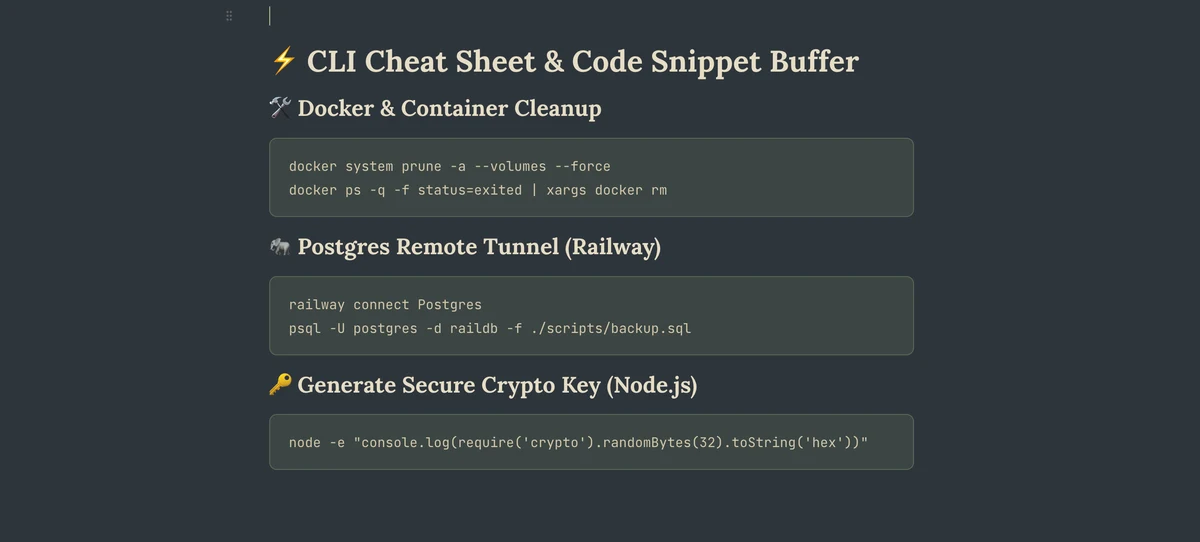 Benchpad — named pads and rich blocks instead of one raw buffer
The honest comparison
| Feature | Heynote | Benchpad |
|---|---|---|
| Platforms | Mac, Windows, Linux (desktop only) | Native iOS & Android, Mac, Windows, Web |
| Model | One buffer, language-typed blocks | Three named pads with markdown headings |
| Code | Per-block language modes, math blocks | Code blocks with syntax highlighting |
| Sync | DIY (buffer file in your own file sync) | Built-in CRDT sync, offline-first |
| Beyond text | Math evaluation | Task lists, tables, images, columns |
| Pricing | Free, open source | Free 1-pad tier; $20/year Pro |
When you should use Heynote
For pure, hardcore code scratch at a keyboard, Heynote is sharper. It has block-level language modes, in-buffer math evaluation, an instant global hotkey, zero cost, and the source code is on GitHub.
If your scratchpad consists exclusively of JSON fragments, SQL queries, and API responses, and you never need to read it on your phone, Heynote is the right tool and it's free.
When to switch to Benchpad
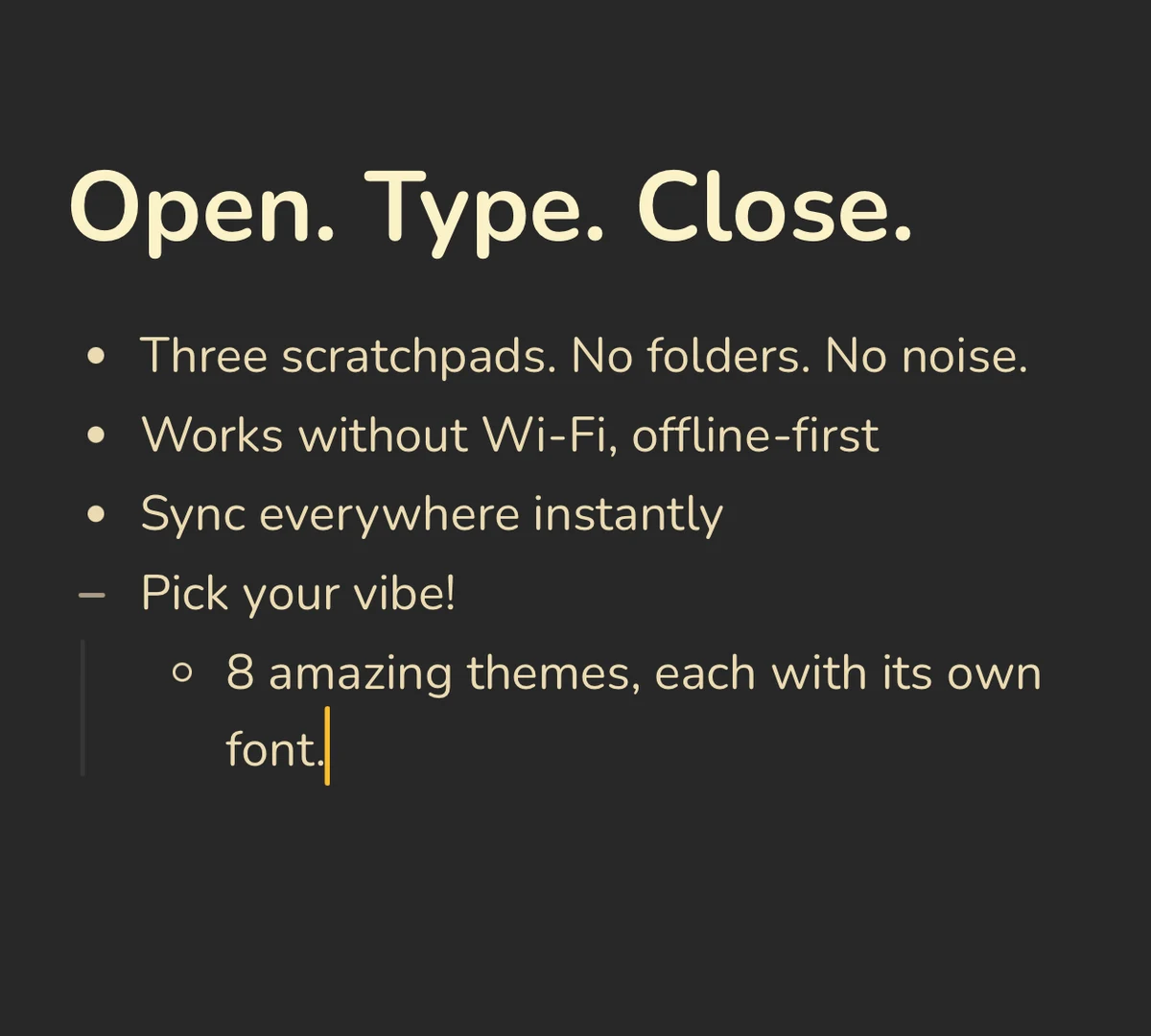 Benchpad runs natively on iOS and Android — Heynote is desktop-only
Your phone. The thought you have on a walk. The note you take during a standup meeting. The grocery list you need at the shop. Heynote isn't there. Benchpad is there, running natively, even when you're offline.
Sync that isn't homework. Heynote sync means wiring a raw text file into Dropbox and hoping two machines never write at once. Benchpad merges concurrent edits with CRDTs—nothing is ever lost, there is nothing to configure, and there are no conflict copies.
Structure when scratch grows up. A buffer is completely flat. Benchpad pads have headings you can collapse and reorder, and hitting ⌘K searches across all three of your pads instantly.
Notes that aren't code. Meeting notes, task lists, markdown tables, and file attachments cover the half of a developer's writing that isn't just a code snippet.
The buffer and the bench
Heynote proved that developers desperately want a scratchpad, not a wiki. Benchpad agrees, but adds the part of the day that happens away from the desk.
Plenty of developers run both. Use Heynote for code-shaped scratch at the desk, and keep a Benchpad pad for everything that has to survive leaving it.
Related: For developers · What is a scratchpad app? · A markdown editor that works offline
Frequently Asked Questions
Does Heynote have a mobile app?
No. Heynote is a desktop app for Mac, Windows, and Linux. There's no official iOS or Android app, and sync means putting its buffer file into your own file-sync service. Benchpad runs natively on iOS and Android plus any browser, with offline-first sync built in.
Is Benchpad good for developers like Heynote?
It has code blocks with syntax highlighting, markdown shortcuts, slash commands, and a full keyboard shortcut set — enough for command references, PR notes, and scratch thinking. Heynote's per-block language modes and in-buffer math go deeper for pure code snippets; Benchpad adds structure and follows you off the desk.
Get Benchpad
On every platform
Native apps for iPhone & Android, and a Mac menu bar & Windows tray app — same three pads, offline-first, synced everywhere.