Benchpad vs Joplin
Joplin gives you every knob, including the sync backend you now maintain. Benchpad gives you none. That's the entire decision.

The problem: Your notes shouldn't require a part-time job
Joplin is an incredible open-source project. It gives you every single knob you could ever want: notebooks, sub-notebooks, tags, an enormous plugin ecosystem, and optional end-to-end encryption.
But all of that control comes with a massive, unavoidable tax: you have to assemble the machine yourself, and you have to maintain it forever.
The biggest pain point is sync. By default, Joplin requires you to bring your own sync backend. You have to wire it up to Dropbox, Nextcloud, or an AWS S3 bucket. If you ever open the app on two devices before the backend has finished syncing, Joplin will create a "conflict note." You are then forced to manually diff the two notes, copy the correct text, and delete the duplicate.
When you just want to quickly write down a grocery list or a meeting note, spending 15 minutes debugging a WebDAV sync error is infuriating. Joplin hands you all the control, but that means you are the one responsible for fixing it when it breaks. Your scratchpad shouldn't feel like a systems administration exam.
The solution: Zero configuration and built-in CRDT sync
Benchpad is the opposite trade. We built a very sharp, very fast knife. It gives you exactly three pads, zero configuration, and built-in, conflict-free sync.
There are no plugins to update. There is no WebDAV server to configure. You simply sign in, open one of your three pads, and type.
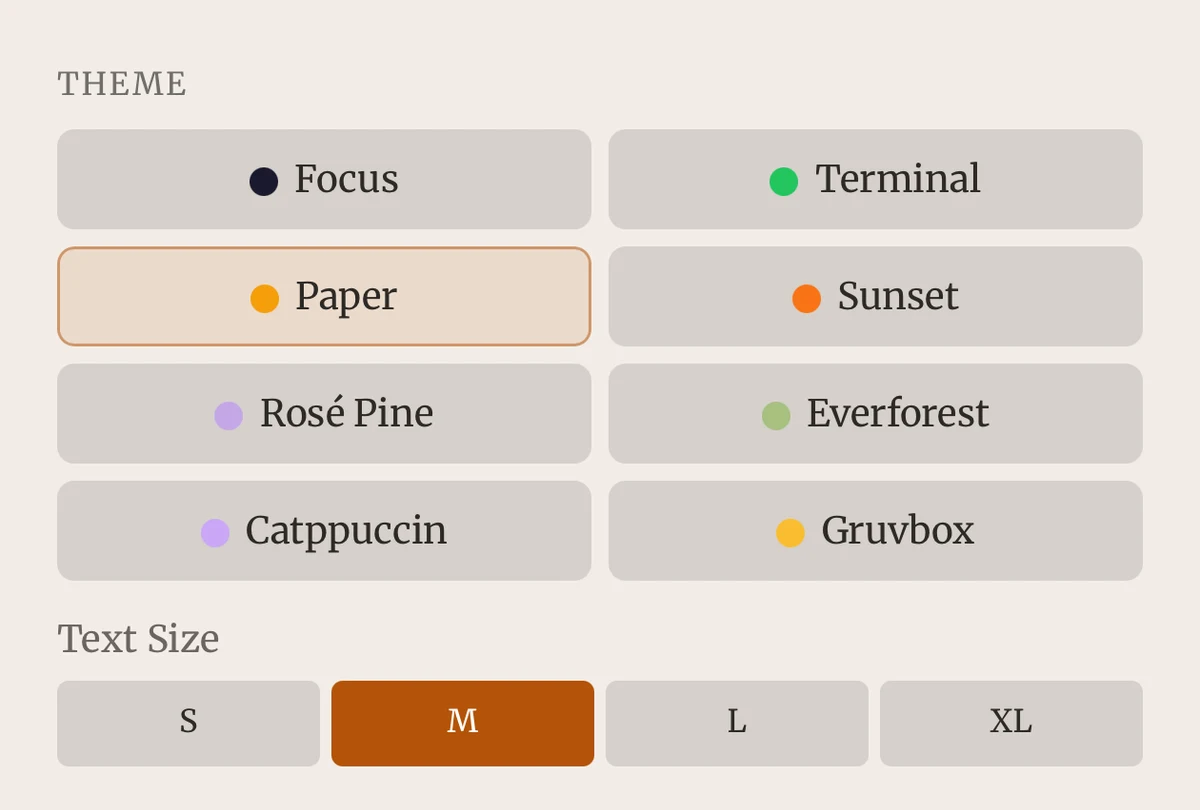 Benchpad — markdown notes with nothing to configure
The honest comparison
| Feature | Joplin | Benchpad |
|---|---|---|
| Structure | Notebooks, sub-notebooks, tags | Three named pads. No hierarchy. |
| Setup | Choose sync backend, configure E2EE | Sign in. Type. |
| Sync | DIY (Dropbox/S3) or paid Joplin Cloud | Built-in CRDT character-level merge |
| Encryption | Optional E2EE, off by default | Encrypted at rest (not E2EE) |
| Open source | Yes | No |
| Editor | Markdown source plus preview pane | WYSIWYG block editor |
| Price | Free (Joplin Cloud ~$3/mo) | Free 1-pad tier; $20/year Pro |
When you should use Joplin
Joplin is free and open-source. It is auditable, forkable, and yours in a way a hosted product never can be. If you self-host the sync, you have absolutely zero vendor lock-in. Furthermore, its optional end-to-end encryption is genuinely stronger than standard encryption at rest—if you are willing to enable and manage it.
The plugin ecosystem covers everything from kanban boards to vim bindings, and their Evernote importer is the best in the business. If those things matter to you, use Joplin. It is one of the good ones.
When to switch to Benchpad
Sync without a second job. Joplin produces conflict notes when devices disagree, and the backend is yours to babysit. Benchpad merges concurrent edits invisibly using Yjs CRDTs. If you edit a pad on your laptop while offline, and edit the exact same pad on your phone while offline, both sets of keystrokes will merge perfectly the second they reconnect. No data is lost.
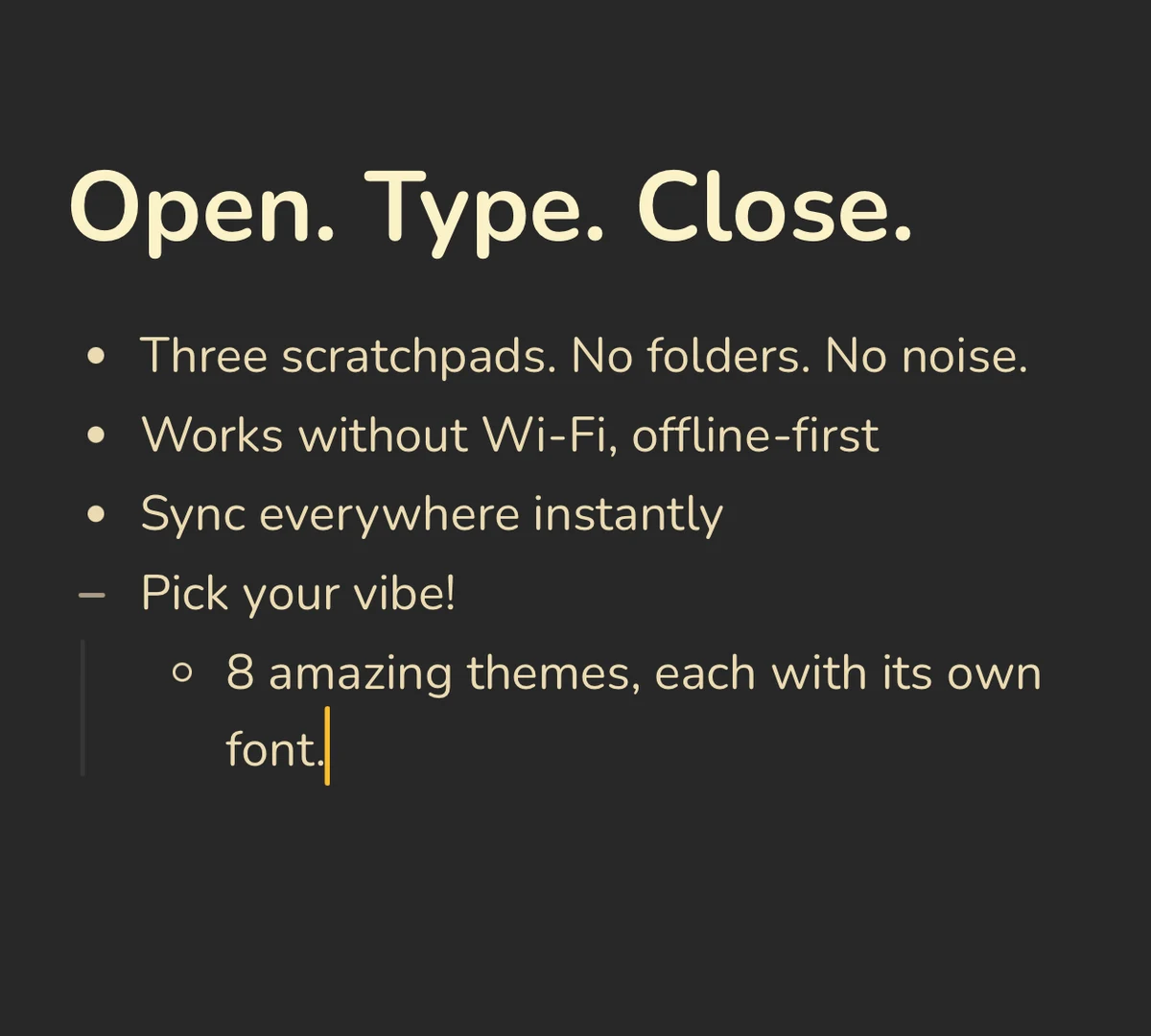 CRDT sync: offline edits from two devices merge without conflict copies
One surface, not two panes. Joplin's default editor is raw markdown on the left, and a rendered preview on the right. This means you are constantly reading two copies of the exact same paragraph. Benchpad uses a block editor that renders markdown formatting instantly as you type.
Three pads instead of a filing system. Notebooks and tags inevitably recreate the "where does this go?" problem that made you tired of your old notes app in the first place. Benchpad forces you to stop organizing and start writing.
A browser version. Joplin has desktop and mobile apps only. Benchpad runs natively on iOS, Android, Mac, Windows, and any browser—meaning you can access your notes even on a locked-down corporate work machine.
Control or calm
Joplin hands you every knob, and someone has to turn them. That someone is you, forever, including the week you're too busy.
Benchpad hands you no knobs. If your notes need a massive hierarchical stack and custom plugins, take Joplin. If you just want a reliable bench to write on, Benchpad is $20/year with the sync already solved.
Try it the next time you have to resolve a sync conflict. That's usually when the decision makes itself.
Related: Benchpad vs Standard Notes · Benchpad vs Obsidian · The best offline note app
Get Benchpad
On every platform
Native apps for iPhone & Android, and a Mac menu bar & Windows tray app — same three pads, offline-first, synced everywhere.