A markdown editor that works offline
No split-pane preview, no hidden syntax. Type `## ` and it becomes a heading; the content underneath stays plain markdown you can paste anywhere.

The problem: Markdown editors are either too raw or too bloated
Markdown is brilliant because it is portable. You can write it in any plain text editor, and it will be readable fifty years from now.
But actually writing it day-to-day usually forces you into a terrible compromise.
You either get a split-pane preview, where you write raw syntax on the left while constantly glancing to the right to see if your table rendered correctly. It feels like writing code, not taking notes.
Or, you get a heavy WYSIWYG (What You See Is What You Get) editor that hides the markdown entirely. These editors look clean, but they trade portability for comfort. When you try to copy a complex checklist or a table out of them and paste it into a terminal or an email, the formatting often shatters.
Writers and developers shouldn't have to choose between a comfortable reading experience and clean, portable data.
The solution: Render as you type
Benchpad offers the best of both worlds. It renders markdown beautifully as you type, but keeps the raw, portable markdown syntax underneath. We built a sharp knife that respects the metal it's made of.
Type ## and it instantly becomes a heading. Type three backticks and it becomes a code block with syntax highlighting. But if you select that block, copy it, and paste it into iA Writer, VS Code, or a GitHub issue, it pastes perfectly as standard, raw markdown.
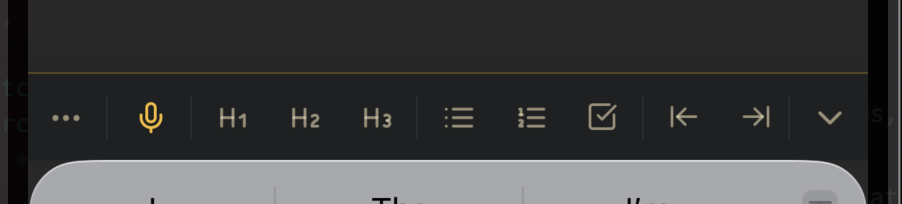 The mobile editing toolbar — headings, lists, and tasks a tap away
What it actually supports
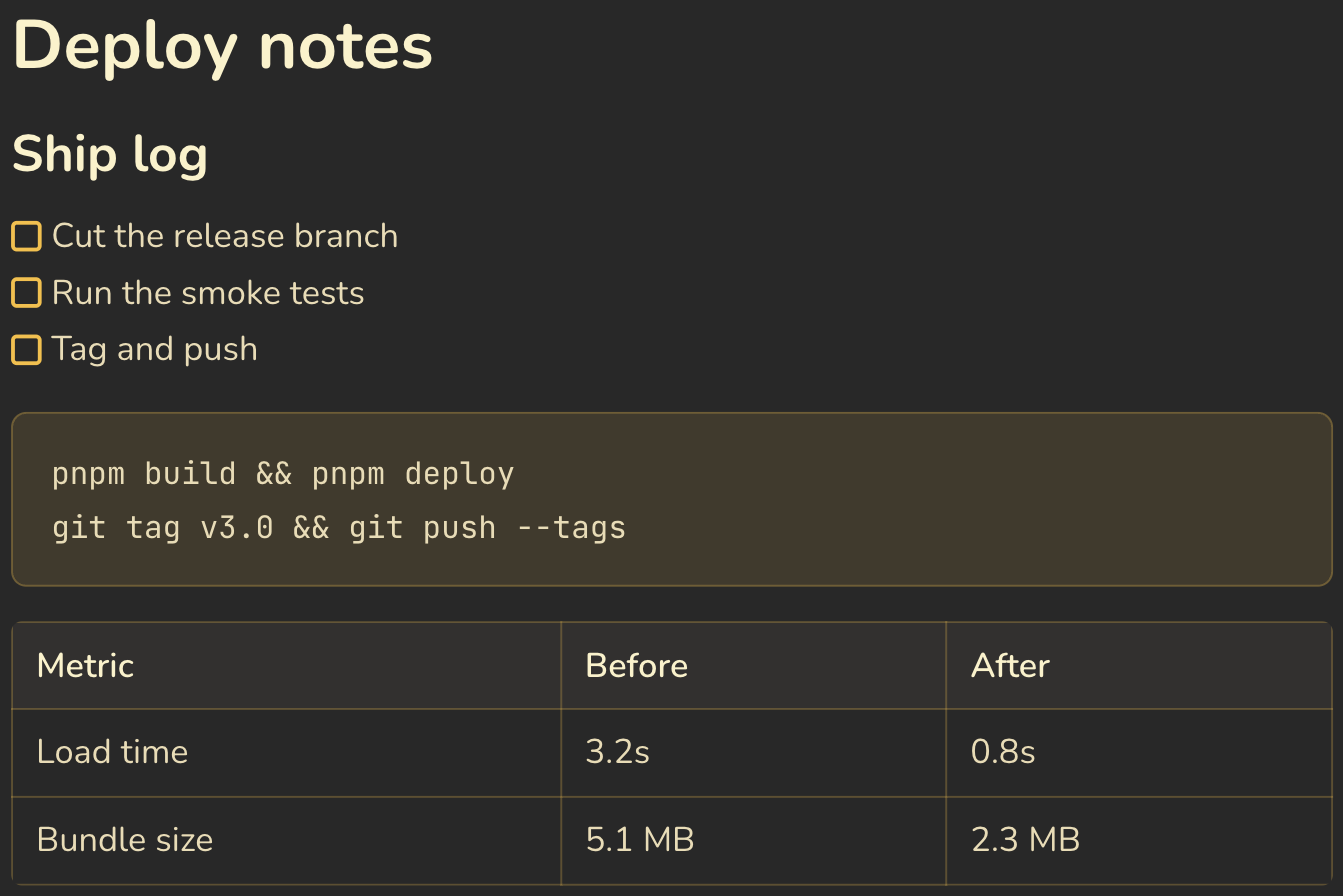 Tables, task lists, code blocks, columns, and images — all standard markdown
Benchpad supports a rich, standard markdown set:
- Headings:
#,##,###become H1–H3. You can even collapse sections under headings to hide what you've finished. - Code blocks: Type three backticks or
/code, select your language, and get native syntax highlighting instantly. - Task lists:
- [ ]or/todo. Checkbox state persists across sessions and devices. - Tables: Type
/table, add rows and columns visually, but copy them out as perfect markdown table syntax. - Blockquotes:
>renders with a heavy accent border, separating source material from your own words. - Formatting:
**bold**,*italic*, inlinecode, and standard lists (-or1.) work exactly as expected.
Keyboard shortcuts that behave
Writing in markdown is about speed, so Benchpad ensures you never have to reach for the mouse.
Beyond standard shortcuts like ⌘B (bold) and ⌘I (italic), you get a global command palette (⌘K). The palette searches all three of your pads simultaneously and jumps you directly to the matching line. A slash menu (/) gives you instant access to blocks, images, and layout options.
Offline is a working condition
Most markdown editors that sync to the cloud require a constant internet connection to save your work safely. Benchpad is built on an offline-first architecture. It writes every keystroke to your device's local storage first. The sync runs quietly in the background.
If you edit the same markdown note on two different devices while offline, Benchpad merges the versions perfectly at the character level when you reconnect. No spinner, no "reconnecting" banner, and no lost paragraphs.
Plain markdown in, plain markdown out
No proprietary format, no lock-in, and no complicated exporter required. The editor's job is to make writing markdown faster, not to hold it hostage.
Paste in a chunk of markdown you already have. If it renders exactly the way you expect, that's the only evaluation you need.
Related: For developers · Benchpad vs Obsidian · The best offline note app
Get Benchpad
On every platform
Native apps for iPhone & Android, and a Mac menu bar & Windows tray app — same three pads, offline-first, synced everywhere.