Benchpad vs Dynalist
Dynalist asks you to design an information architecture. Benchpad gives you three pads and gets out of the way.

The problem: Outliners require constant architecture
Dynalist is a powerful outliner built on the concept of infinite nesting. You can create a bullet point, nest a list inside it, nest another list inside that, and keep going forever.
If you have a massive, deeply structured project—like a book outline or a complex research tree—this level of infinite hierarchy is incredibly useful.
But for daily note-taking, infinite nesting is a trap.
Instead of just writing down a thought, you are forced to become an information architect. Every time you open Dynalist to capture a quick meeting note, you have to decide exactly where it lives in the hierarchy. You spend more time expanding and collapsing bullet points, dragging items between panes, and tagging nodes than you do actually writing.
Furthermore, while Dynalist is stable, the team behind it has shifted their primary focus to Obsidian, meaning new development has slowed down significantly.
The solution: A violently simple flat surface
Benchpad is the deliberate opposite of an outliner. It gives you three flat, named pads and gets out of your way. We built a very sharp, very fast knife.
There are no nested bullet points. There is no document tree. There are no tags or folders to maintain. When a thought occurs, you simply open one of your three pads and start typing.
 Three pads instead of a document tree — nothing to file
The honest comparison
| Feature | Dynalist | Benchpad |
|---|---|---|
| Model | Outliner plus document and folder tree | Three named pads, flat |
| Structure | Deep nesting, panes, tags | Markdown headings, no nesting |
| Pricing | Free tier plus paid Pro | Free tier; $20/year Pro |
| Sync | Built in, online | Offline-first CRDT sync |
| Capture | App and web | Native iOS, Android, Mac, Windows, Web |
| Development | Stable; team now focused on Obsidian | Actively developed |
When you should use Dynalist
For dense, deeply nested outlines—research trees, large project breakdowns, and tag-driven views across thousands of items—Dynalist has years of depth. It has panes, advanced search, document organization, and keyboard controls that power users swear by.
If you genuinely use that power, it is a good home, and Benchpad's three flat pads will not match it on hierarchy.
When to switch to Benchpad
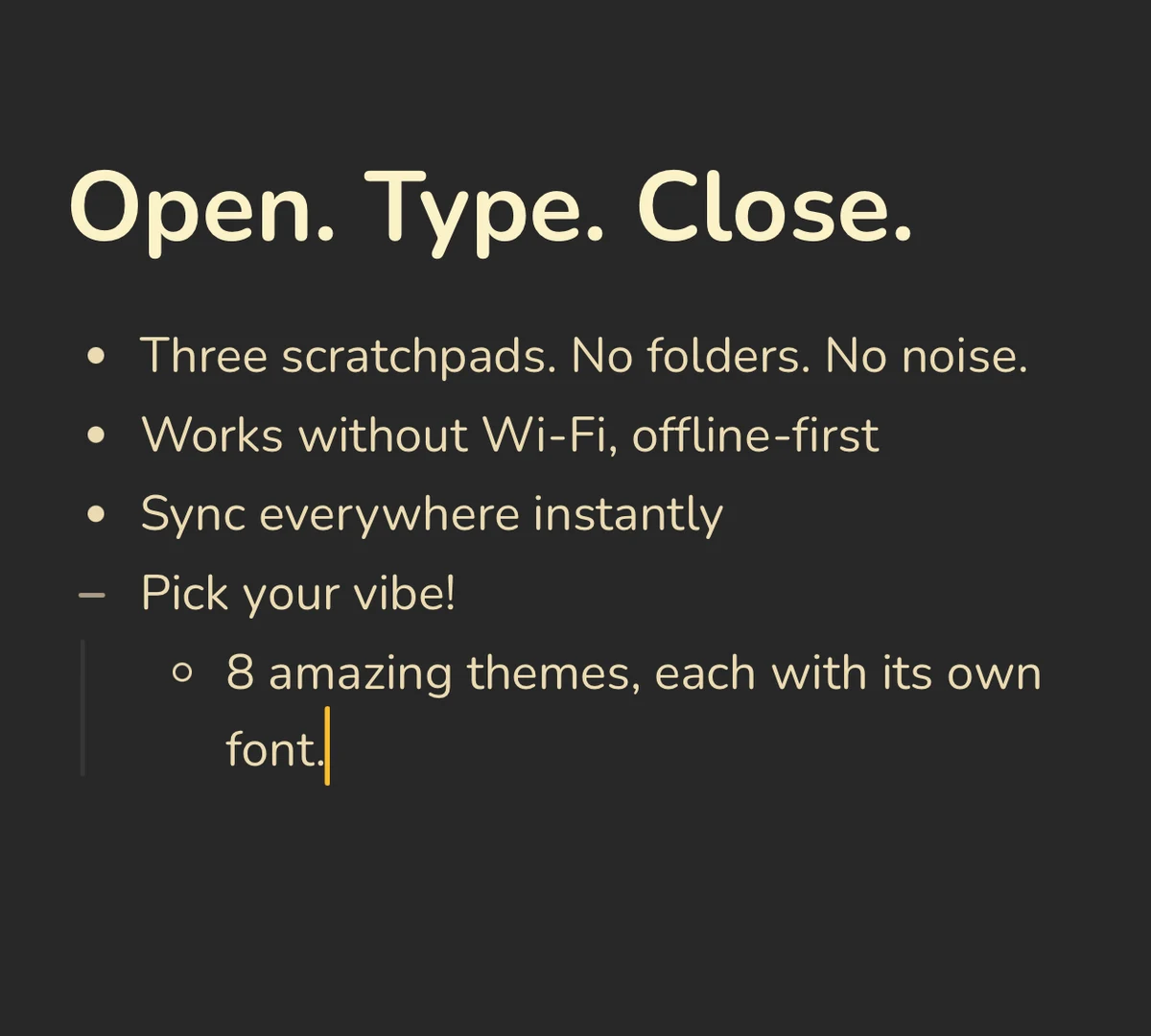 Same pads on the desktop, the browser, and your phone
Nothing to architect. Dynalist's core strength—a tree you design—is also its tax. You pay that tax every time you capture something, and you pay it again whenever the tree stops matching how your brain works. Benchpad eliminates the tax entirely.
Offline-first sync that works. Benchpad is fully usable with no connection. If you edit on two devices simultaneously, concurrent edits are merged perfectly conflict-free using CRDTs.
A roadmap that stays focused. Benchpad is actively developed with a clear goal: stay small and get better at staying small.
More or less
Dynalist is the maximal outliner. Benchpad is the minimal scratchpad.
If your last few productivity tools kept growing in complexity until the administrative upkeep outweighed the actual writing, choosing "less" is the upgrade.
Take the ten lines of text you actually need today. Paste them into one Benchpad pad, and see if you actually miss the infinite nesting tree.
Related: Benchpad vs WorkFlowy · Benchpad vs Logseq · The minimalist notes app
Frequently Asked Questions
Is Benchpad an outliner like Dynalist?
No. Dynalist combines an infinite-nesting outliner with a folder and document tree — a lot of structure. Benchpad has neither nesting nor a tree: three named pads, each a flowing document with headings. If you live for nested bullets and panes, Dynalist is richer. If that structure became the chore, Benchpad removes it.
Is Dynalist still being developed?
Dynalist is stable, but its team now focuses on Obsidian, so new development has slowed. Benchpad is actively built, and ships native mobile apps, a desktop app, and a Chrome side panel rather than asking you to wire up sync yourself.
Get Benchpad
On every platform
Native apps for iPhone & Android, and a Mac menu bar & Windows tray app — same three pads, offline-first, synced everywhere.