Benchpad vs Craft
Craft is one of the best-looking apps ever made — and a document hierarchy you maintain, at $44.99/year, on Apple hardware.

The problem: When design becomes a tax on attention
Craft is, without question, one of the most beautiful pieces of software ever written. It is an absolute masterclass in native iOS and Mac development.
If you are writing a document that you intend to publish or present to other people, Craft is incredible.
But for personal notes, that extreme focus on visual presentation creates a problem: friction.
Craft is a hierarchy. It is a set of conventions you have to learn and maintain. Every time you want to capture a quick thought, you are faced with a wall of choices. Which space does this go in? Should this be a sub-page or a card? What should the title be? Should I add a cover image?
That friction happens at the exact moment you just wanted to write something down before you forgot it. Over time, the beauty of the app starts to feel like a tax on your attention. You wanted a scratchpad; it handed you a publishing suite.
The solution: Trading polish for speed
Benchpad isn't trying to be as beautiful as Craft. It's trying to be open before you've finished having the thought. We built a very sharp, very fast knife.
It trades the complex document hierarchy and block styling for raw speed, cross-platform availability, and a price tag that is less than half the cost.
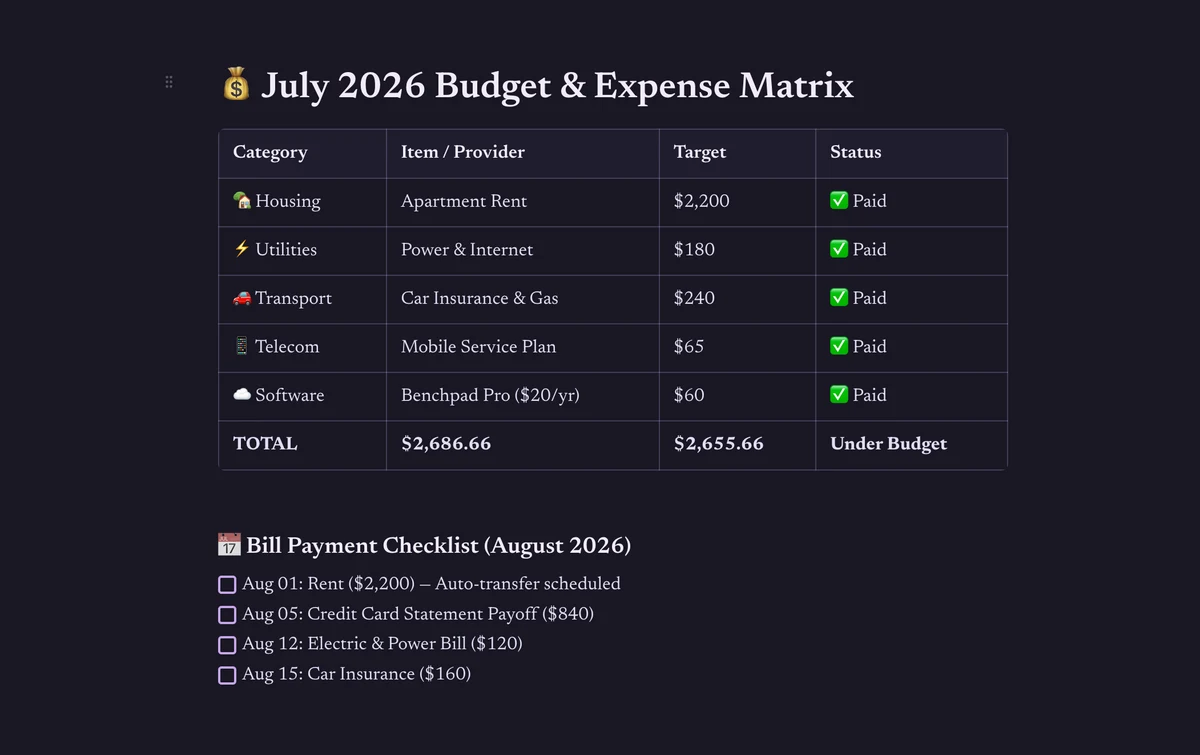 Benchpad — a writing surface, not a document design tool
The honest comparison
| Feature | Craft | Benchpad |
|---|---|---|
| Structure | Documents, folders, spaces, backlinks | Three fixed pads, no folders |
| Before you write | New document, choose location, title | Open pad, type |
| Editor | Beautiful blocks, cards, inline styles | Block editor (markdown, code, tables) |
| Platforms | iOS, macOS (limited web) | Native iOS & Android, Mac, Windows, Web |
| Collaboration | Share docs, comments | Single-user by design |
| Price | $44.99/year | $20/year Pro |
The document model vs the pad model
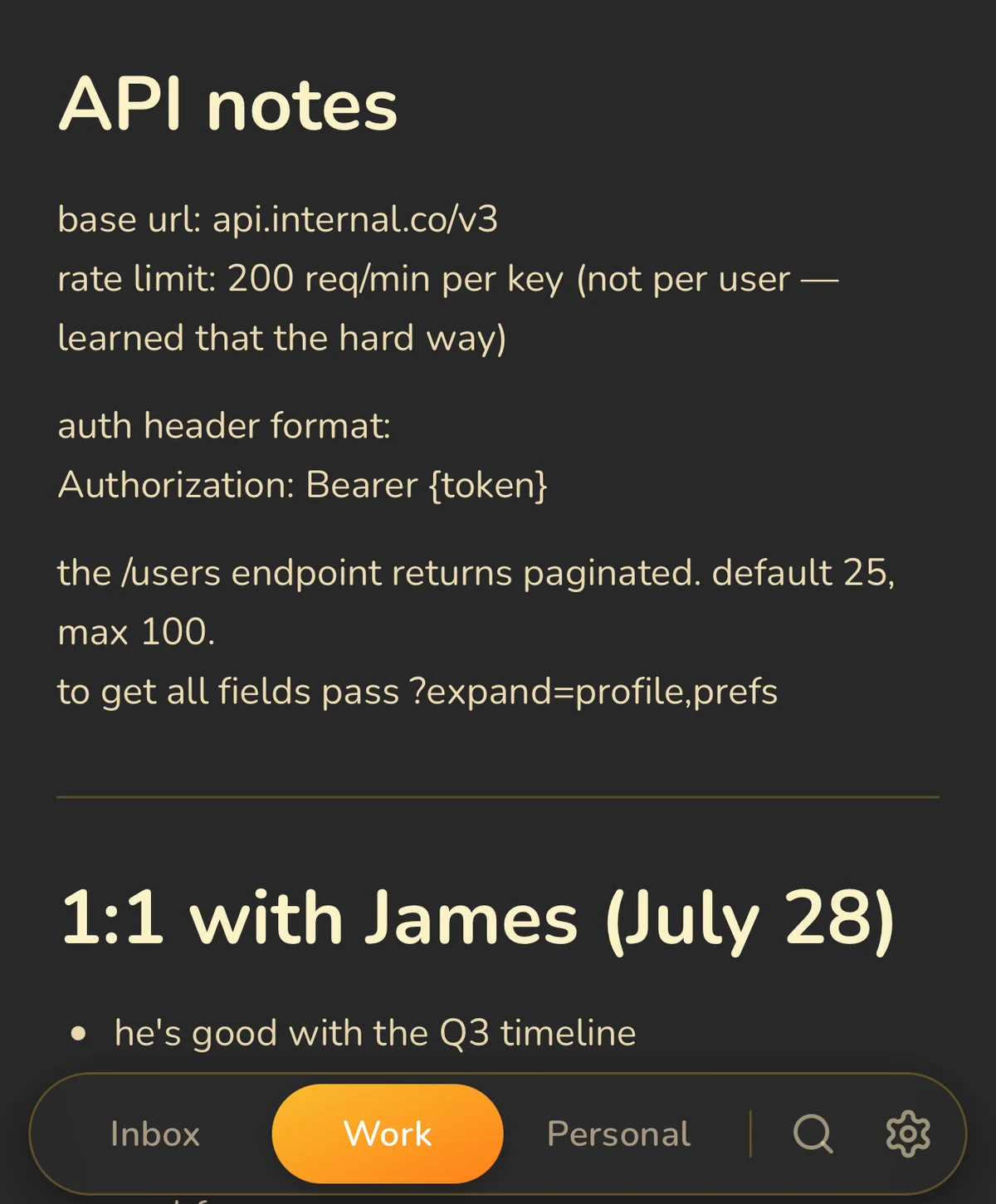 Three pads instead of an ever-growing document tree
Craft thinks in documents. Each note is its own distinct object, filed in a complex folder hierarchy. That's powerful when you have many distinct, finished notes that need to coexist.
Benchpad thinks in pads. Each of your three pads is one long, continuous document. The structure emerges naturally from markdown headings. Nothing ever needs filing because there is nowhere to file it. The document model asks a question at every capture: where does this go? The pad model has no such question. There are three places. Pick one. Write.
The platform question
Craft is a native Apple application with a limited web version. On a Windows PC, a Chromebook, or an Android phone, you are a second-class citizen by design.
Benchpad runs natively on iOS and Android, as a progressive web app on Mac and Windows, and in any browser. It treats every platform as a first-class citizen.
When you should use Craft
If you regularly present documents to clients, if you need real-time collaboration with comments, or if you simply want the most visually stunning tool available on Apple hardware—Craft is the right call. It sets the standard for the category.
When to switch to Benchpad
If you want an app that opens instantly with absolutely nothing to name or file, works flawlessly on your corporate Windows machine, and costs $20 instead of $45, Benchpad is the better fit.
Next time you open Craft just to write down four lines of text, write them in a scratchpad instead. See how much faster you get back to work.
Related: Benchpad vs Bear · Benchpad vs Notion · The minimalist notes app
Get Benchpad
On every platform
Native apps for iPhone & Android, and a Mac menu bar & Windows tray app — same three pads, offline-first, synced everywhere.