Benchpad for developers
A scratchpad that knows what a code block is: fenced blocks with language selection, slash commands, ⌘K across pads. No vault, no plugins, no folders.

The problem: You have a place for code, but nowhere to think about it
Every developer's workflow is heavily structured and heavily surveilled. The repository holds the code. Jira or Linear holds the ticket. The internal wiki holds the documentation that nobody actually reads.
But none of those tools are the right place for the messy, unstructured thinking you're doing at 3 PM on a Tuesday.
When you're trying to figure out if a massive refactor is actually a good idea, or when you're piecing together a stack trace from three different microservices, you do not need a formal document. You need a buffer.
Yet, most modern note apps force you to name a file, choose a folder, and add tags before they will even give you a blinking cursor. When you're mid-thought on a complex bug, that friction is enough to make you just open a random temp.txt file in VS Code instead—which you will inevitably lose or accidentally commit to production.
The solution: A sharp knife built for code
Benchpad is a scratchpad that treats code as a first-class citizen. It opens instantly to a blank page. There is no vault to configure, no bloated plugin ecosystem to manage, and absolutely no folder tree to file anything into.
 Rich formatting on iPhone — headings, lists, tasks, and columns in Benchpad
The editor bits that matter
A developer's scratchpad needs to respect the keyboard. Benchpad is built on a foundation of plain markdown, enhanced with the shortcuts you expect, without turning into a heavy IDE:
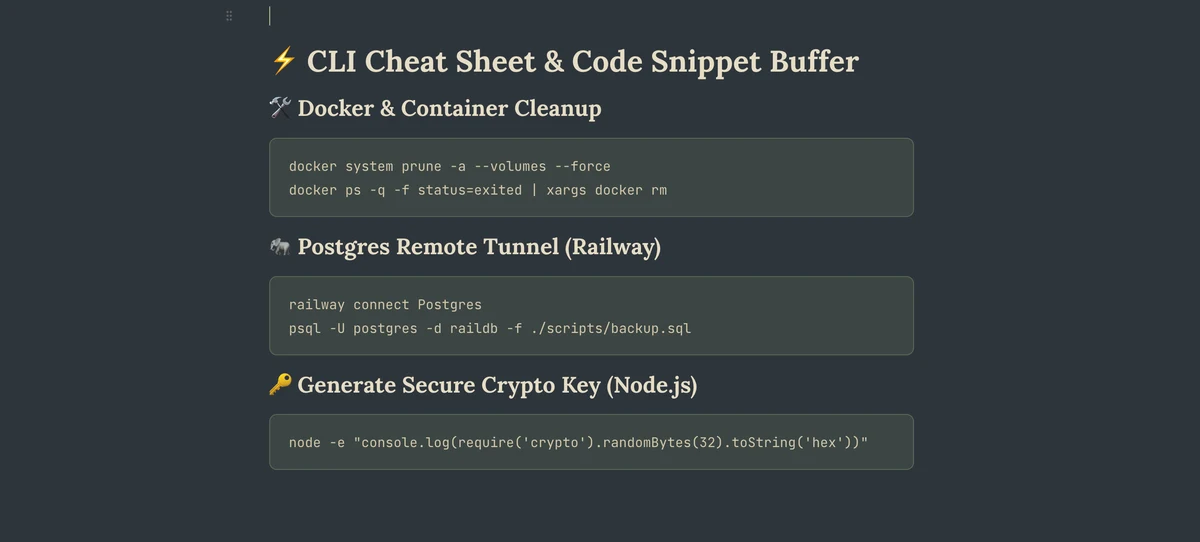
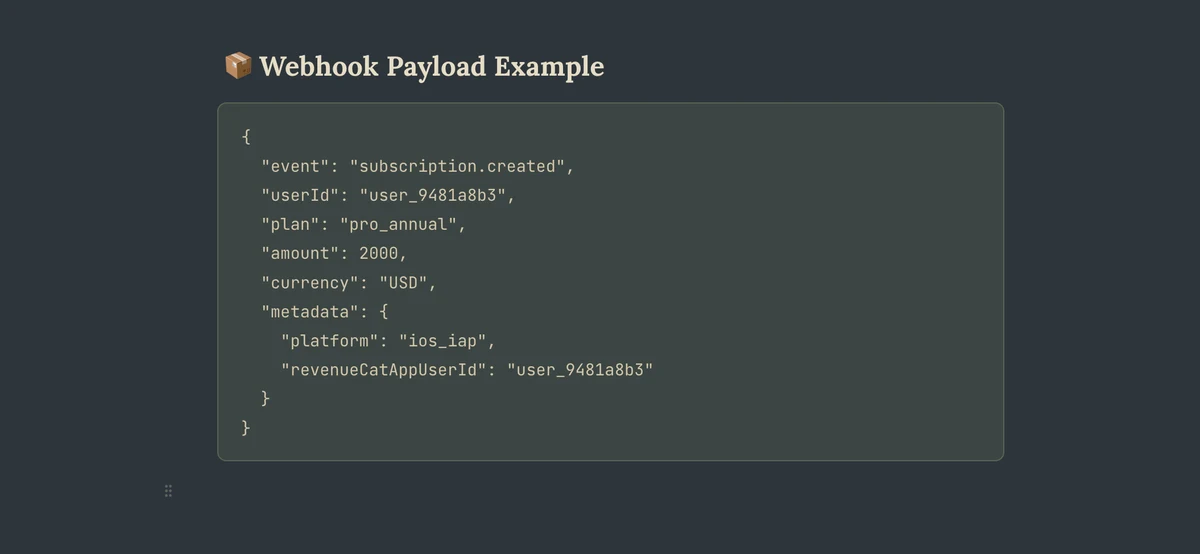 A fenced code block in Benchpad with language selection and syntax highlighting
- Fenced code blocks: Type three backticks or
/code, select your language, and get native syntax highlighting instantly. - Inline code: Use backticks anywhere—including inside headings and list items.
- Markdown natively:
#for headings,- [ ]for task lists,>for blockquotes. You already know them; there is nothing new to learn. - Command palette (
⌘K): Instantly search across all three of your pads and jump directly to the matching line. No mouse required. - Find and replace (
⌘F): Standard regex-supported find and replace in the pad you're in. - Attachments (Pro): Drop a massive
.logfile, a JSON payload, or a screenshot of an error trace straight into the editor.
What developers actually put in the three pads
Most developers land on a three-pad structure that looks something like Scratch, Work, and Personal.
- Scratch before a PR: Mid-refactor, you need somewhere to aggressively think the approach through before committing to it. A heading for the problem, a code block for the proposed shape, a task list for the steps. Clear it when the branch merges.
- Command references that travel: A pad for the Docker flags or obscure Git commands you always forget. Because Benchpad syncs to your phone, you have them even when you're frantically debugging over SSH at a conference.
- Meeting notes with structure: Standup, incident review, architecture call. A heading per topic, inline code for ticket IDs, a task list for action items. Cleared when the project ships.
- Daily scratch: The running list of things you noticed, want to look up, or want to try. Not organized, not tagged—dumped in one pad you clear when it gets too long.
Offline-first means something here
You can write code offline. You should be able to write notes offline.
Every keystroke in Benchpad goes directly to your device's local IndexedDB storage before the network is ever touched. Close the tab mid-thought, and it's exactly there when you come back.
If you edit on your laptop and your phone while both are offline, our Yjs CRDT engine merges them at the character level the moment you reconnect. No "Conflicted Copy" files, and no losing the version you didn't have open. If our servers went down, you'd hear about it on HackerNews long before it affected your work.
Open it during your next debugging session
The next time you're about to write a massive multi-line comment block just to hold some temporary thoughts, open Benchpad instead.
Related: A markdown editor that works offline · Benchpad vs Obsidian · Benchpad vs Heynote
Get Benchpad
On every platform
Native apps for iPhone & Android, and a Mac menu bar & Windows tray app — same three pads, offline-first, synced everywhere.