Benchpad vs Apple Notes
Apple Notes is fast, free and good — until you leave Apple hardware, or until iCloud resolves a conflict by discarding one version.

The problem: Apple Notes is a beautiful trap
Apple Notes is genuinely excellent software. It is incredibly fast, deeply integrated into the OS, entirely free, and already installed on the device you are holding. If you live your entire life within the Apple ecosystem and you don't care about formatting text, it is very hard to beat.
But the trap snaps shut the moment you try to leave the walled garden.
The ecosystem hostage situation: The moment your company issues you a Windows PC, or you buy an Android phone, your notes are trapped. iCloud for Web is slow, clunky, and completely unusable offline.
The formatting prison: Apple Notes uses a proprietary rich-text editor. You cannot write in Markdown. You cannot create collapsible headings, insert syntax-highlighted code blocks, or easily export your data into a standard format. When you copy a checklist out of Apple Notes and paste it into an email or a Jira ticket, the formatting violently shatters.
The offline sync gamble: Apple's iCloud resolves sync conflicts by choosing a "winner." If you edit a note on your Mac while on a plane, and edit the same note on your iPhone before it connects to Wi-Fi, iCloud will simply overwrite one version with the other. Your edits are silently discarded.
The solution: A fast, cross-platform, markdown-native alternative
Benchpad is a scratchpad built for people who love the speed of Apple Notes, but refuse to be held hostage by the Apple ecosystem.
We built a very sharp knife. It runs everywhere, stores plain markdown, and merges offline edits perfectly instead of arbitrarily deleting your data.
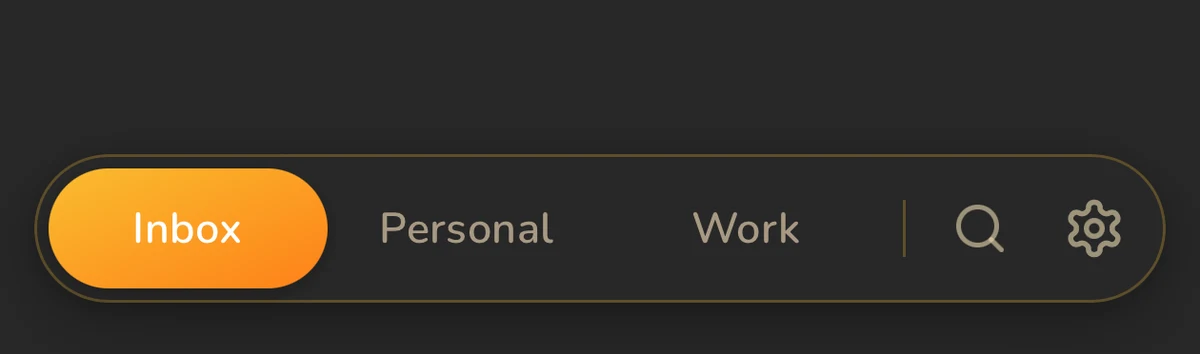 Benchpad's block editor — markdown in, markdown out, on every platform
The honest comparison
| Feature | Apple Notes | Benchpad |
|---|---|---|
| Platforms | iOS, macOS, iPadOS only | Native iOS & Android, Mac, Windows, Web |
| Markdown | No | Yes, standard markdown |
| Editor | Rich text, limited formatting | Block editor (code, tables, task lists, sections) |
| Offline | Yes | Yes, true offline-first architecture |
| Sync | iCloud (Last-write-wins) | CRDT merge (Zero data loss on conflict) |
| Export | Proprietary format | Plain markdown; export as text or HTML |
| Lock-in | High | Zero |
When to stay with Apple Notes
We are highly opinionated about what Benchpad is not. If you use an Apple Pencil to draw diagrams, or if you heavily rely on Siri to dictate notes ("Hey Siri, add milk to my groceries note"), you should absolutely stay with Apple Notes. Benchpad is a text editor; it does not support handwriting or Siri integration.
When to switch to Benchpad
 CRDT merge: two offline devices reconcile at the character level, nothing lost
When you use more than one operating system. A Windows machine at work, a Mac at home, and an Android phone means Apple Notes only covers one third of your day. Benchpad runs natively on iOS and Android, as a dedicated desktop app on Mac and Windows, and in any browser.
When you care about your data surviving a conflict. Benchpad uses CRDTs (Conflict-Free Replicated Data Types). If two devices edit the same pad offline, when they reconnect, both sets of changes are merged at the character level. Neither version has to lose, because our data structure doesn't require a loser.
When you write code or need portable formatting. Benchpad content is plain markdown. You can paste a Benchpad task list or a code block into Slack, Jira, or an email, and the formatting will transfer perfectly. And because there is no proprietary lock-in, you can export your entire database as markdown files at any time.
Test the part that matters
Put a week of notes in one pad, then open it on the device Apple Notes refuses to reach. That's the whole comparison, in about five minutes.
Related: Benchpad vs Bear · A truly cross-platform notes app · Benchpad vs Google Keep
Get Benchpad
On every platform
Native apps for iPhone & Android, and a Mac menu bar & Windows tray app — same three pads, offline-first, synced everywhere.