Benchpad vs Ulysses
Ulysses is a manuscript studio for Apple hardware. This is the notebook beside it — for the words that never become a sheet.

The problem: The heavy machinery of a manuscript studio
Ulysses is a spectacular manuscript studio. It offers a comprehensive sheet library, word-count goals, deadlines, and one-click publishing directly to WordPress and Ghost.
If you are shipping a 90,000-word book, it is the tool you want.
But not every word you write is destined for a book. Most of a writer's words are fragments: overheard lines, half-formed outlines, quick research, and the paragraphs you cut in case they become the start of something else.
When you use a heavy manuscript tool for these fragile, early-stage thoughts, the tool gets in the way. Ulysses demands that you file these fragments into its library as "sheets." You have to organize them into groups and sub-groups. You are operating heavy machinery just to write down a sentence.
Furthermore, Ulysses is strictly limited to Apple hardware. If you have a brilliant idea while working on a Windows PC, or while holding an Android phone, your manuscript studio is completely inaccessible.
The solution: The violently simple notebook beside the manuscript
Benchpad is not a manuscript studio. It is the scratchpad you keep beside it. We built a very sharp, very fast knife.
It is built for the thinking, the capture, and the drafts-before-the-drafts. It gives you three named pads to hold your fragments until you are ready to use them. And crucially, it runs everywhere.
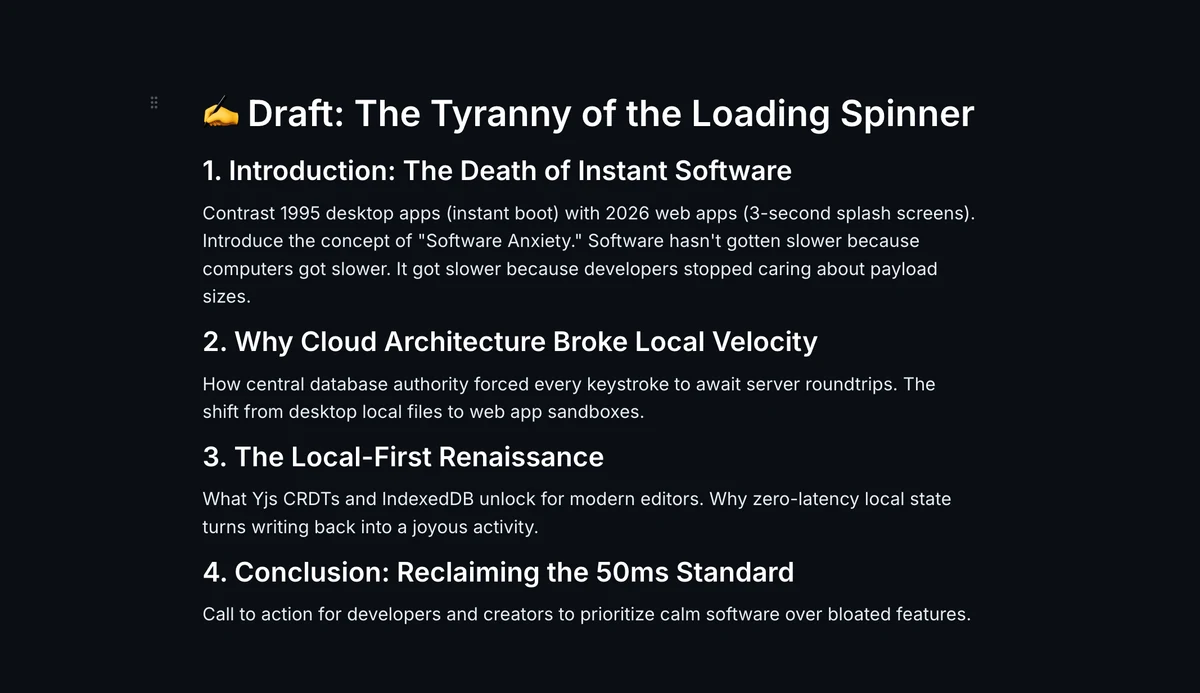 Benchpad — the notebook beside the manuscript
The honest comparison
| Feature | Ulysses | Benchpad |
|---|---|---|
| Built for | Manuscripts and publishing | Thinking, capture, drafts before drafts |
| Structure | Library: groups, filters, sheets | Three named pads with markdown headings |
| Platforms | Mac, iPhone, iPad only | Native iOS, Android, Mac, Windows, Web |
| Publishing | WordPress, Ghost, Medium, PDF | Markdown, plain text, or HTML export |
| Goals & stats | Word targets, deadlines | None |
| Price | $39.99/year | Free 1-pad tier; $20/year Pro |
When you should use Ulysses
Long-form writing, without argument. The Ulysses sheet library handles massive multi-chapter books without flinching. The writing goals keep a draft on schedule. The export styles produce beautiful, clean PDFs and EPUBs, and the typewriter-mode editor is genuinely one of the nicest writing surfaces ever built.
If you are shipping a book or a weekly column from a Mac, keep Ulysses. Nothing here replaces it.
When to switch to Benchpad
Everywhere Ulysses isn't. Benchpad runs on the Windows PC at work, the Android phone in your pocket, and the borrowed laptop. Apple-only means your notes live exactly where your hardware does. Benchpad is local-first, syncing instantly across every platform via CRDTs.
The before-writing. Ulysses makes you file a two-sentence fragment into a library as a permanent sheet. A Benchpad pad just holds it without demanding metadata.
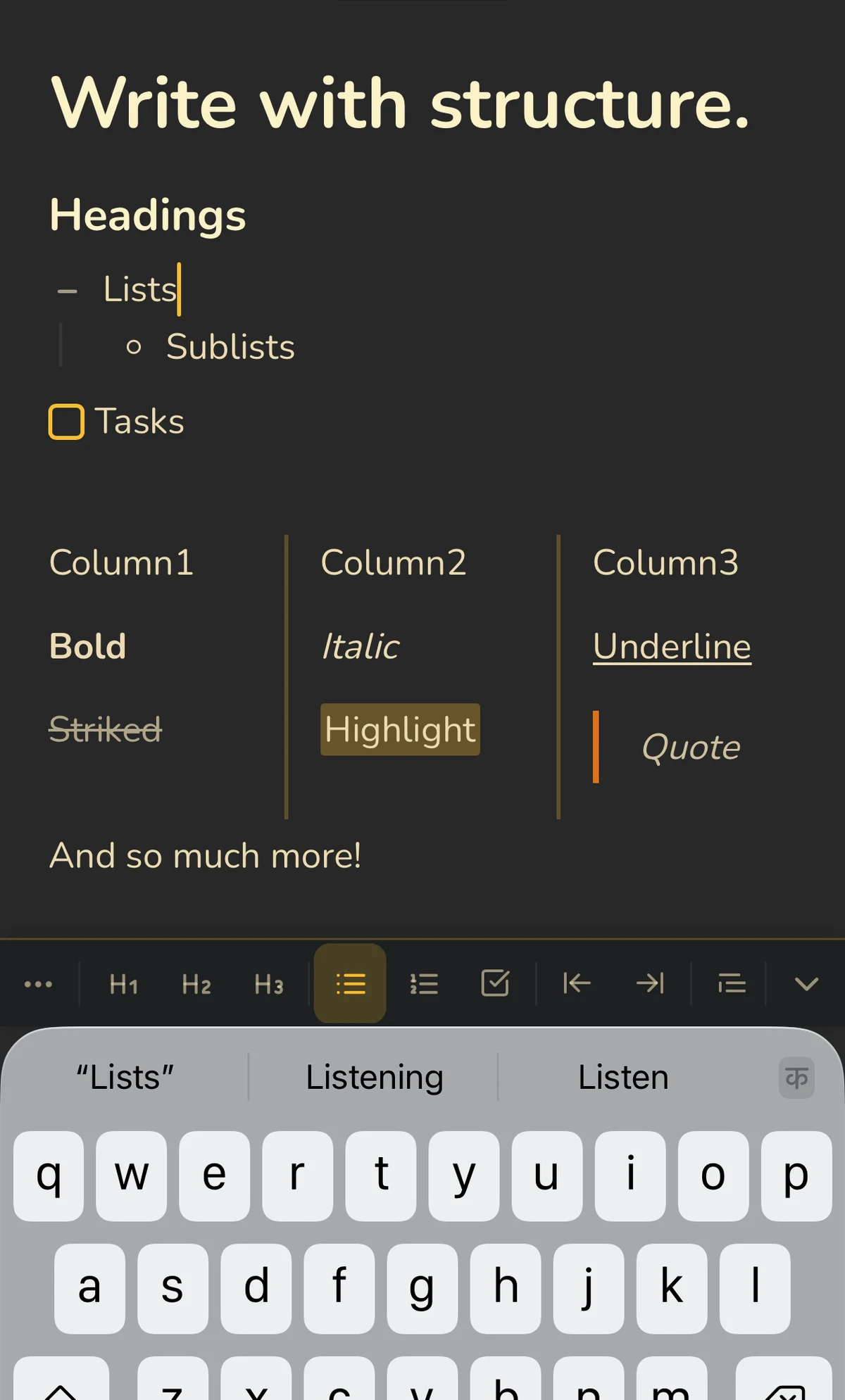 A pad on iPhone — headings, lists, and tasks with rich formatting
Clearing. A fragment that becomes a draft moves to your manuscript tool. One that doesn't stays in your pad until you are done with it, and then you clear it. There is no endless library of dead ideas to curate.
A fraction of the price. Benchpad is $20/year against Ulysses' $39.99/year. Better yet, Benchpad offers a completely free, indefinite one-pad tier—which covers the scratchpad job perfectly on its own.
Most writers should use both
Use Ulysses for the manuscript, and Benchpad for everything upstream. They do not compete for the same hour of the day.
But if you are paying $39.99 mostly to jot ideas into sheets you never actually publish—that is a scratchpad job. The scratchpad costs half as much, and it runs everywhere.
Put your next week of stray lines in a Benchpad pad instead of a Ulysses sheet, and see how many were ever going to be published.
Related: For writers · A distraction-free writing app · Benchpad vs Bear
Get Benchpad
On every platform
Native apps for iPhone & Android, and a Mac menu bar & Windows tray app — same three pads, offline-first, synced everywhere.