Benchpad vs Drafts
Drafts is an inbox you process. Benchpad is where the text already lives. If your capture queue has become a chore, that's the difference.

The problem: Capture queues become a chore
Drafts is built around a very specific productivity philosophy: capture first, process later.
When you open Drafts, it immediately presents you with a blank screen and a flashing cursor. You type your thought, and then it goes into an Inbox. Later, you are supposed to review that Inbox and run "Actions" that route your text to its final destination—sending it to an email, a task manager, or a long-term notes app.
If your workflow heavily relies on complex automation, Drafts is incredible.
But for many people, this system creates a new problem: the capture queue. You start treating your notes app like a secondary email inbox. At the end of the week, you have 40 untagged, unprocessed snippets of text that you now have to perform "administrative work" on.
Eventually, processing your own capture queue becomes a chore that you dread, and the notes pile up endlessly in a digital purgatory.
The solution: Capture text where it already lives
Benchpad solves the inbox problem by eliminating the inbox entirely. We built a very sharp, very fast knife.
Drafts is a capture queue where text lands before it goes somewhere else. Benchpad is a durable scratchpad where text lands and stays.
Because you only have three fixed pads, you don't need a routing step. When you have a thought, you open the pad it belongs in, and you type it. It is already filed. There is no queue to process on Friday afternoon.
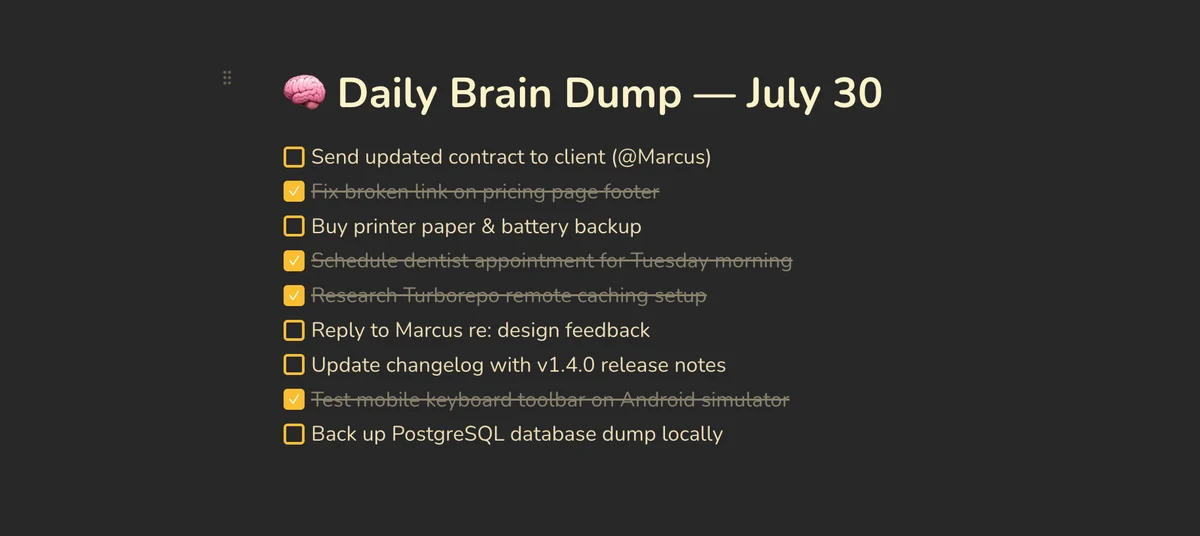 Benchpad — text lands in a named pad and stays there
The honest comparison
| Feature | Drafts | Benchpad |
|---|---|---|
| Model | Inbox of drafts, plus actions | Three named pads |
| After capture | Tag it, file it, or run an action | Nothing. It's already where it lives. |
| Platforms | Apple only (iPhone, iPad, Mac) | Native iOS & Android, Mac, Windows, Web |
| Automation | Extensive (scripts, webhooks) | None, deliberately |
| Editor | Plain text with markdown syntax | Block editor (tables, task lists, code) |
| Price | Pro $19.99/year | Pro $20/year |
When you should use Drafts
Capture speed on Apple devices is unmatched. The app opens to a blank draft with the keyboard already up, and the Apple Watch app, iOS share sheet, and Siri integrations are best in class.
The action system is a real automation platform: you can send text to Things, OmniFocus, Mail, a webhook, or an iOS Shortcut with a single tap. If your workflow is capture here, process elsewhere, Drafts is the right tool and Benchpad will not replace it.
When to switch to Benchpad
Android and Windows exist. Drafts locks a capture habit to Apple hardware. If you need to capture a thought on a Windows PC at work, Drafts cannot help you. Benchpad pads are identical on iOS, Android, Windows, and any browser.
No queue to process. Drafts creates an inbox, and inboxes generate maintenance. Benchpad has no queue. The thought goes in the pad it belongs to, because there are only three and you named them.
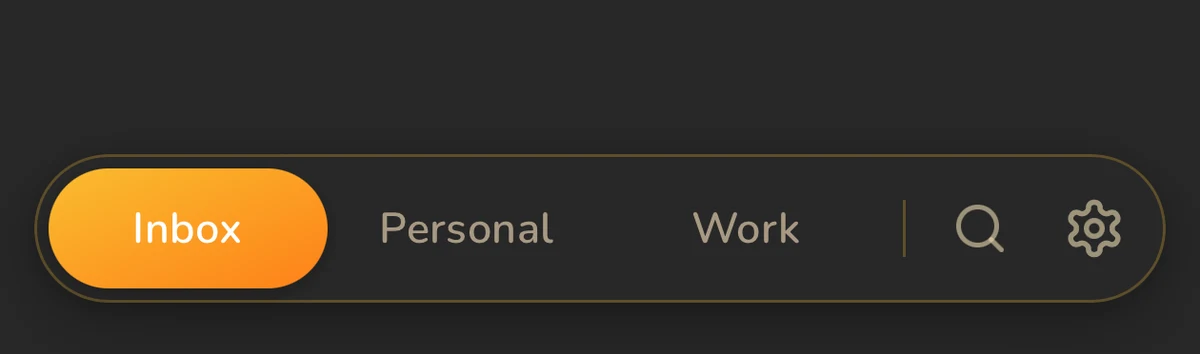 Three user-named pads — capture lands where it lives
Text that stays. Drafts treats text as transient by design; that is the philosophy, not an oversight. Benchpad treats it as durable. You get named pads, collapsible headings, search across all three, and version history if you need to go back.
A richer surface. Capture in Drafts is plain text. Capture in Benchpad is a real document from the first keystroke, with task lists, tables, code blocks with syntax highlighting, and multiple columns.
The inbox or the bench
Drafts is where text starts before it goes somewhere else. Benchpad is where text lives.
Both philosophies are coherent. The question is whether processing your own capture queue has become the part you dread.
If last month's inbox is still sitting there unprocessed, try an app that doesn't have an inbox.
Related: What is a scratchpad app? · The menu bar app · Benchpad vs Apple Notes
Get Benchpad
On every platform
Native apps for iPhone & Android, and a Mac menu bar & Windows tray app — same three pads, offline-first, synced everywhere.