Benchpad vs Tot
Tot got the philosophy right and stopped at Apple hardware. Three named pads is the same idea, on the phone you actually carry.

The problem: A great philosophy locked inside the Apple ecosystem
Tot is a beautifully designed app that got the core philosophy exactly right: a fixed set of scratchpads instead of an infinite pile of documents. It gives you seven color-coded dots to write in, and that's it.
However, Tot is famously and deliberately Apple-only. It is available on Mac, iPhone, and iPad, and uses iCloud to sync between them.
The problem is that the modern workplace is rarely single-platform. You might have an iPhone in your pocket, but a Windows PC on your desk at work. You might use a Mac at home, but carry an Android phone.
When your primary scratchpad is locked to a single vendor, your quick thoughts, daily to-do lists, and meeting notes are completely inaccessible the moment you switch devices. You are forced to email text to yourself, use a secondary notes app, or rely on clunky workarounds just to see a note you wrote five minutes ago.
The solution: The violently simple fixed-surface philosophy, available everywhere
Benchpad takes the same philosophy—a fixed set of scratchpads—and frees it from the Apple ecosystem. We built a very sharp, very fast knife.
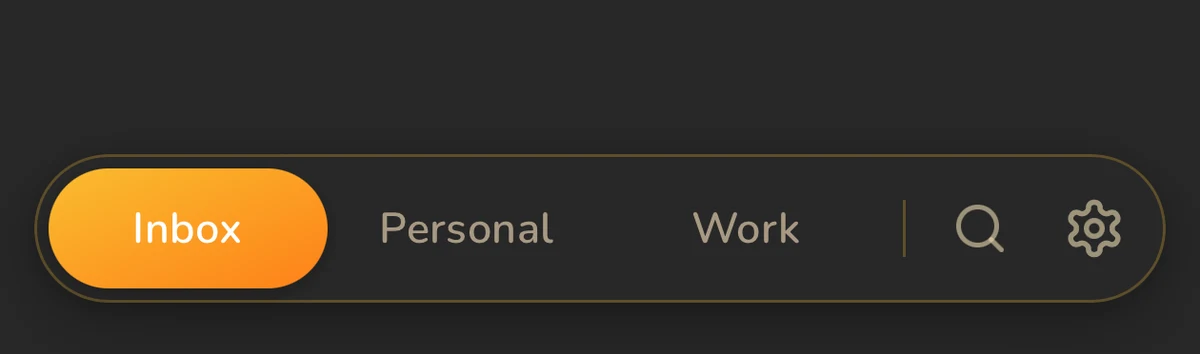
Instead of seven color-coded dots, you get exactly three named pads. But more importantly, Benchpad runs natively on iOS, Android, Mac, Windows, and in any browser. It syncs perfectly across all of them using conflict-free CRDTs, completely bypassing iCloud.
 Benchpad — Tot's philosophy with real documents
The honest comparison
| Feature | Tot | Benchpad |
|---|---|---|
| The surfaces | 7 color-coded dots | 3 named pads |
| Platforms | Mac and iOS only | Native iOS, Android, Mac, Windows, Web |
| Pricing | Free on Mac; ~$20 one-time on iOS | Free 1-pad tier; $20/year Pro |
| Sync | iCloud (Apple devices only) | CRDT sync across all platforms |
| Editor | Plain or lightly formatted text | Headings, tasks, tables, code blocks |
| Search | Within a single dot | ⌘K across all three pads |
| When full | Delete, or move it elsewhere | Clear what's done; keep what matters |
When you should use Tot
Tot is smaller, and that is its charm. Seven dots, almost no interface, instant launch on a Mac, and a genuinely lovely icon. The developers have been making polished Apple software for decades, and every pixel shows it. Furthermore, it is a one-time purchase on iOS and free on the Mac, which is a rare pricing model today.
If absolutely everything you own has an Apple logo on it, and your scratch notes never exceed a few lines of plain text, Tot is a fantastic piece of software.
When to switch to Benchpad
 Native iOS and Android apps plus any browser — not just Apple hardware
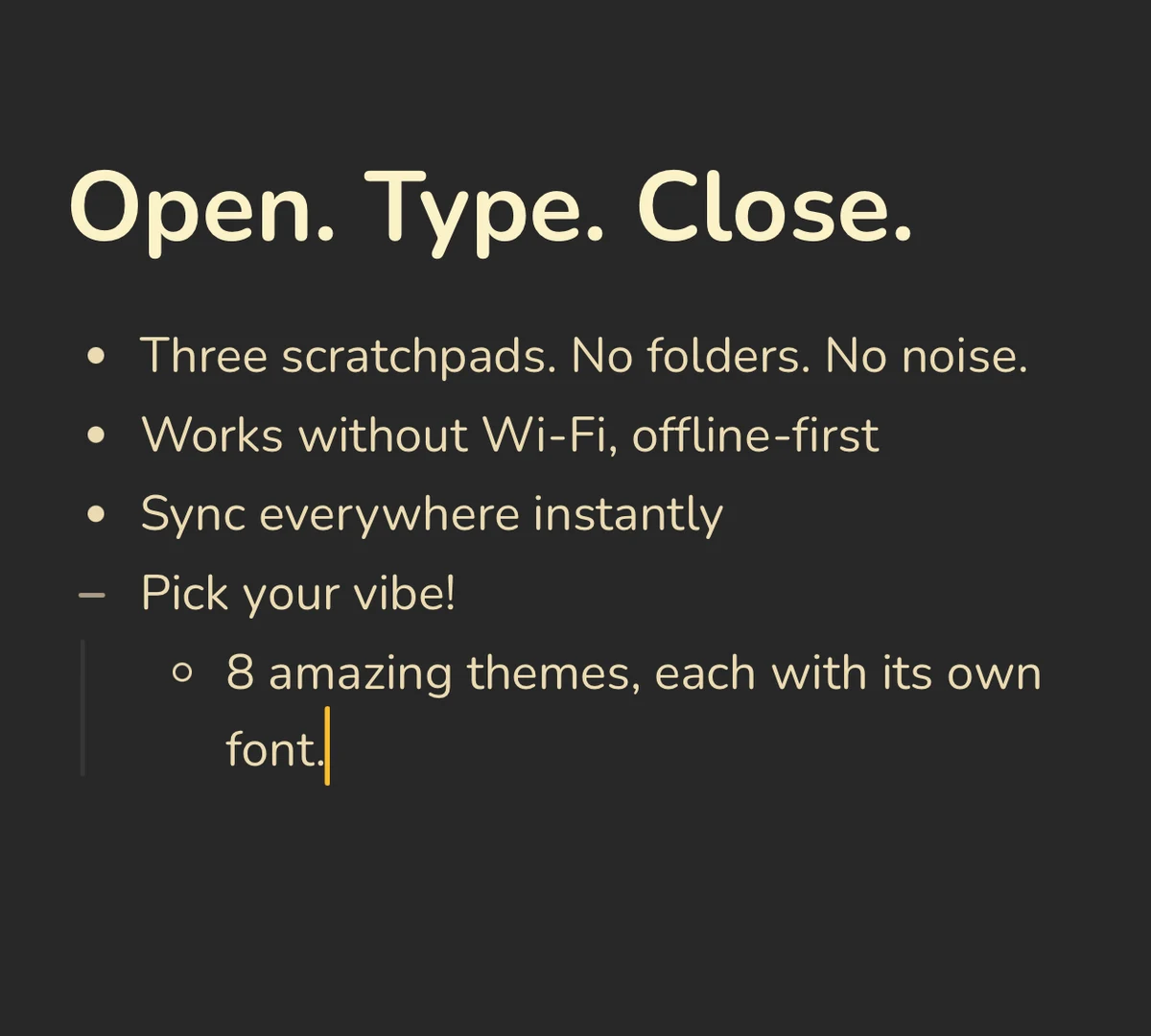
Android, Windows, Linux, and the web. This is the entire argument. Tot stops at the edge of Apple hardware. Benchpad is exactly the same everywhere. You can edit a pad offline on your Android phone, and edit the exact same pad offline on your Windows laptop, and the edits will merge perfectly the moment both devices reconnect.
Notes longer than a few lines. Tot's dots are perfect for small fragments of text. Benchpad's pads are designed to handle the meeting that ran long, the project that grew, or the checklist with twenty items. You can use markdown headings to structure the document and collapse sections you aren't actively reading.
Named, not numbered. Seven identical colored dots can't tell you what is inside them. Three pads, explicitly named by you for the context they hold, can.
Search that spans everything. Tot's search is limited. Benchpad's ⌘K global search instantly finds a line across all three of your pads and jumps you directly to it.
Same philosophy, bigger world
Benchpad isn't Tot with enterprise features bolted on. The underlying constraint is exactly the same: a few fixed places to write, and no filing.
Benchpad is simply what that brilliant idea looks like when it isn't restricted to Apple hardware.
Try it on the device Tot can't reach. Open a browser on a Windows PC, and start writing.
Related: What is a scratchpad app? · Benchpad vs Antinote · A truly cross-platform notes app
Frequently Asked Questions
Is there a version of Tot for Android or Windows?
No. Tot is Apple-only — free on Mac, a one-time purchase on iOS, with iCloud sync between them. If you need the same idea on Android, Windows, Linux, or the web, Benchpad is the closest match: a small fixed set of scratchpads, offline-first, syncing across every platform.
How is Benchpad different from Tot?
Both are fixed-surface scratchpads. Tot gives you seven color-coded dots of mostly plain text. Benchpad gives you three named pads with headings, task lists, tables, code blocks, and search across all three — and it runs natively on iOS and Android and in any browser.
Get Benchpad
On every platform
Native apps for iPhone & Android, and a Mac menu bar & Windows tray app — same three pads, offline-first, synced everywhere.