Apple Notes Alternative for Desktop (Mac & Windows)
Looking for an Apple Notes alternative for desktop PCs and Macs? Benchpad brings clean offline markdown scratchpads to every operating system.

The problem: The Apple ecosystem trap
Apple Notes is undeniably excellent—as long as you never dare to step outside the walled garden. It’s fast, reliable, and deeply integrated into iOS and macOS. But the exact moment your company issues you a Windows PC, or you decide to try a Linux workstation at home, Apple Notes instantly transforms from a tool into a hostage situation.
If you want to access your Apple Notes on a Windows desktop, you are forced to use the iCloud web interface. It is a miserable experience. It’s painfully slow, it randomly logs you out, and it feels like exactly what it is: an afterthought built by a company that deeply resents you for using Windows.
You can’t quickly jot down a thought with a global keyboard shortcut, and you absolutely cannot rely on it when your internet connection drops. This creates massive friction. Your scratchpad should be a ubiquitous extension of your brain, available instantly no matter what piece of plastic and silicon you happen to be sitting in front of.
The solution: A sharp knife that cuts through the walled garden
Benchpad is built as the ultimate Apple Notes alternative for desktop, designed specifically for people who refuse to be locked into a single operating system. We didn't build an ecosystem. We built a very sharp, very fast knife.
Native speed, zero ecosystem lock-in
Whether you're using Mac, Windows, Linux, iOS, or Android, Benchpad provides the exact same uncompromised experience. It aggressively refuses to treat Windows or Linux as second-class citizens. You get a lightning-fast, local-first application that launches instantly and respects your keyboard shortcuts.
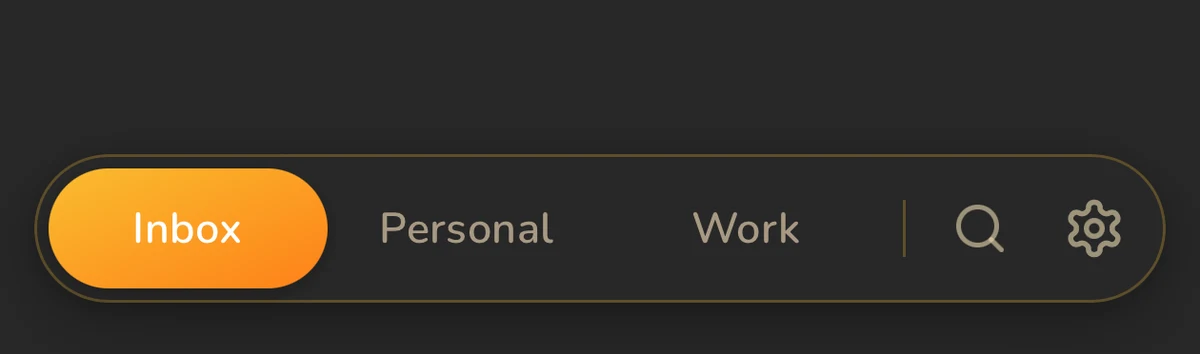 Benchpad App View
Offline-first because the cloud is unreliable
Unlike the iCloud web interface, which instantly becomes an inert brick without Wi-Fi, Benchpad is built on a local-first architecture.
When you type on your Windows desktop at work, the data is saved instantly to your local hard drive. Period. It syncs quietly in the background. If you edit a note on your Mac while offline on a flight, and then edit the exact same note on your Windows PC at the office, Benchpad's Yjs CRDT engine merges the changes perfectly at the character level. No iCloud sync failures, and no duplicated "Conflicted Copy" files.
The end of folder fatigue
Apple Notes constantly encourages you to create endless nested folders. Before long, you are spending more time playing librarian for your notes than you are actually thinking about them.
Benchpad takes a violently different approach. We deleted folders entirely. Instead, you get exactly three persistent scratchpads. The constraint is deliberate and unyielding—it completely removes the friction of deciding where a note should go, forcing you to focus entirely on what you're writing.
Try Benchpad on Desktop Free →
Related: Benchpad vs Apple Notes · Windows scratchpad · A truly cross-platform notes app
Frequently Asked Questions
Can I access Apple Notes on a Windows PC?
Apple Notes on Windows is restricted to a slow iCloud web browser interface. Benchpad offers a fast, native-feeling desktop app for both Windows and Mac.
Get Benchpad
On every platform
Native apps for iPhone & Android, and a Mac menu bar & Windows tray app — same three pads, offline-first, synced everywhere.