The Clean Desktop Alternative to Sticky Notes
Tired of sticky note window clutter on your desktop screen? Discover why Benchpad is the modern, distraction-free alternative to Sticky Notes.

The problem: Sticky note chaos takes over your screen
Sticky notes start with good intentions. You are on a phone call, you need to write down a quick tracking number or a link, and you click the macOS Sticky Notes app (or Windows Sticky Notes). It gives you a fast, brightly colored square to drop your text into.
But within a week, the system completely breaks down.
Your desktop screen is covered with fourteen overlapping yellow and pink windows. They block your active work. You can't search across them. You can't format them properly. When you try to close one, you realize you don't know if you still need the information on it, so you leave it open "just in case."
The digital sticky note promised speed, but it delivered a chaotic, unsearchable mess that actively pollutes your workspace. And worst of all, the moment you step away from your desk and look at your phone, all of those quick notes are completely inaccessible.
The solution: A clean, persistent desktop scratchpad
Benchpad replaces sticky note chaos with three permanent, cross-platform scratchpads. We built a very sharp, very fast knife.
It provides the exact same instant-capture speed as a sticky note, but with the structure and cleanliness of a modern writing app.
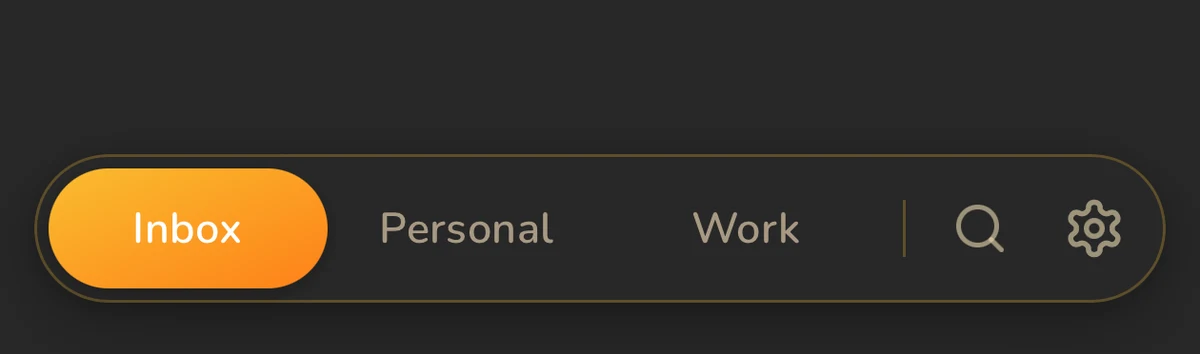 Benchpad App View
Reclaim your desktop
Instead of a scattered mess of overlapping windows, Benchpad gives you exactly three fixed pads.
You name them once (e.g., Today, Work, Ideas), and you never create a new pad again. When you need to jot something down, you just open the app and type.
- Zero desktop overlap: You get a single, elegant window that recedes when you don't need it. Your desktop background is actually visible again.
- Never lost: Because you only have three pads, you always know where you put something. If you need to find an old link, you can hit
⌘Kto search through your past scratch items instantly, without having to dig through closed sticky windows. - Full markdown formatting: Unlike a sticky note that limits you to plain text or basic rich text, Benchpad is a full block editor. You can instantly create task checklists, insert code blocks, and build markdown tables right inside your scratchpad.
Sync across all your devices
The biggest flaw of a digital desktop sticky note is that it is physically tethered to your desktop.
Benchpad is an offline-first app that automatically syncs in the background. If you jot down a grocery list on your Mac scratchpad at 4:00 PM, you can open the native Benchpad iOS or Android app at the store at 5:30 PM, and the list will be there waiting for you.
Clean up your workspace
A cluttered digital workspace creates a cluttered mind. Stop relying on a patchwork of yellow squares to manage your day.
Replace your sticky notes with Benchpad for free
Related: Scratchpad app · Minimalist notes app · Mac scratchpad
Frequently Asked Questions
Why replace physical or digital sticky notes?
Sticky notes create visual clutter on your screen or desk, lose track of past notes, and lack markdown tables or code syntax support. Benchpad organizes your scratch into 3 clean, persistent pads.
Get Benchpad
On every platform
Native apps for iPhone & Android, and a Mac menu bar & Windows tray app — same three pads, offline-first, synced everywhere.