Benchpad vs Bear
Bear is beautiful, Apple-only, and $29.99/year for sync. Benchpad is everywhere, with sync included, at a third of the price.

The problem: Beautiful design has a hidden cost
Bear is a genuinely great app. It is fast, beautiful, and well-designed. The typography, the swipe gestures, and the overall feel of the app are examples of native software craft that most developers don't even attempt anymore.
But that extreme level of Apple-native polish comes with a massive, hidden cost: lock-in.
Because Bear is built so deeply into Apple's ecosystem, it simply cannot exist anywhere else. If you use a MacBook at home but your company issues you a Windows PC or a Chromebook, you can't access your Bear notes. If you switch from an iPhone to an Android device, your entire system violently breaks.
Furthermore, Bear uses a tag-based organizational system. While #tags seem flexible at first, they inevitably turn into a messy taxonomy project. You spend your Friday afternoons renaming #work/q3/marketing to #q3/work/marketing instead of actually writing.
And finally, to sync your notes across your Apple devices, Bear requires a $30/year subscription.
The solution: A cross-platform scratchpad that actually syncs
Benchpad is for people who want the speed and markdown support of Bear, but refuse to be held hostage by the Apple ecosystem. We built a very sharp, very fast knife.
It runs natively on iOS, Android, Mac, Windows, and the Web. It eliminates tag management entirely by giving you exactly three pads, and it includes cross-device sync at a third of the price.
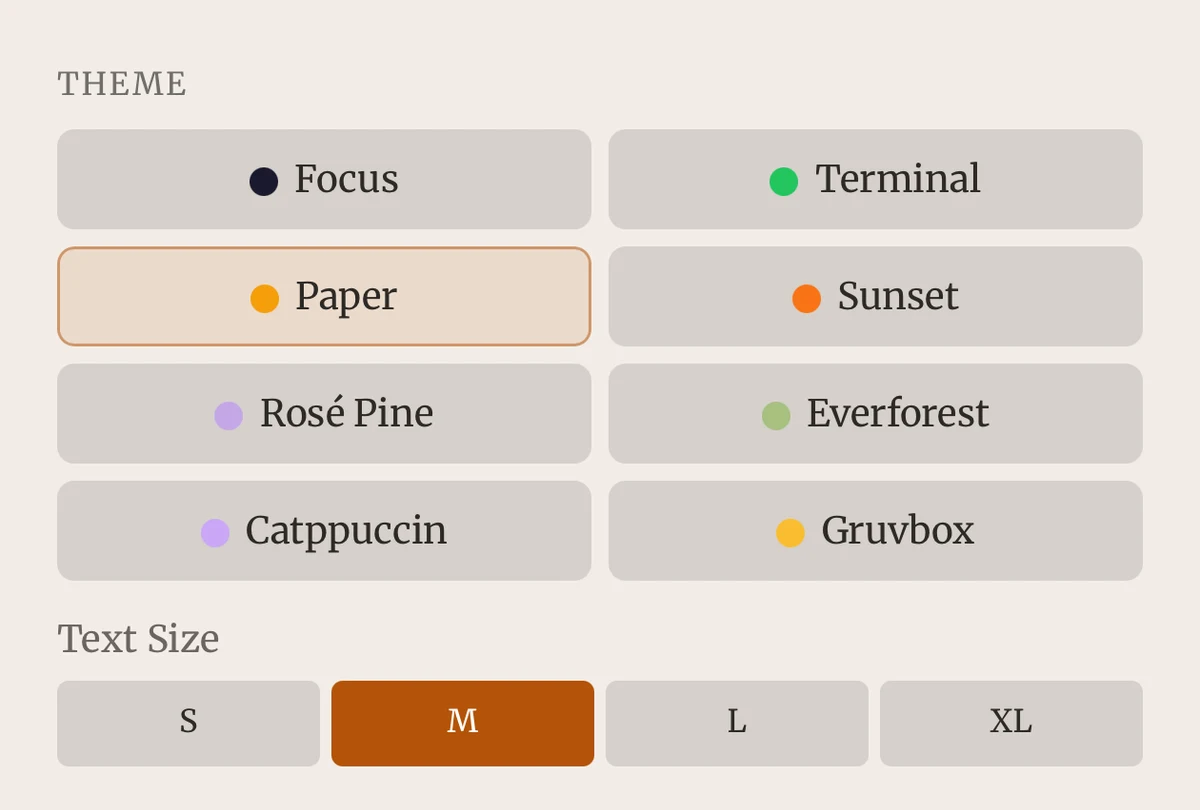 Benchpad Interface
The honest comparison
| Feature | Bear | Benchpad |
|---|---|---|
| Platforms | iOS and macOS only | Native iOS & Android, Mac, Windows, Web |
| OS requirement | Apple devices | None |
| Organization | Tag-based system | Three pads — no tags to maintain |
| Sync | Bear Pro ($29.99/year) | Included in Pro ($20/year) |
| Conflicts | Sync-dependent | CRDT merge — nothing lost |
| Offline | Yes, native | Yes, offline-first by default |
| Markdown | Bear's extended syntax | Plain standard markdown |
| Export | Multiple formats (Pro) | Plain markdown; export as text or HTML |
| Themes | Paid theme packs | Eight themes, free on both tiers |
When you should stay with Bear
On Apple hardware, Bear is incredibly hard to beat on feel. The animation, the typography, and the way it looks on an iPad are exceptional. It is a highly polished native app, and Benchpad (which uses web technologies for its block editor) does not try to match it purely on aesthetics.
If you are 100% committed to the Apple ecosystem, you never plan to leave, and you want the most beautiful text editor available, Bear is the right choice.
When to switch to Benchpad
Windows, Linux, and Android. Bear doesn't exist on these platforms. If you have a work PC and a personal Mac, Bear only covers half your day. Benchpad is everywhere.
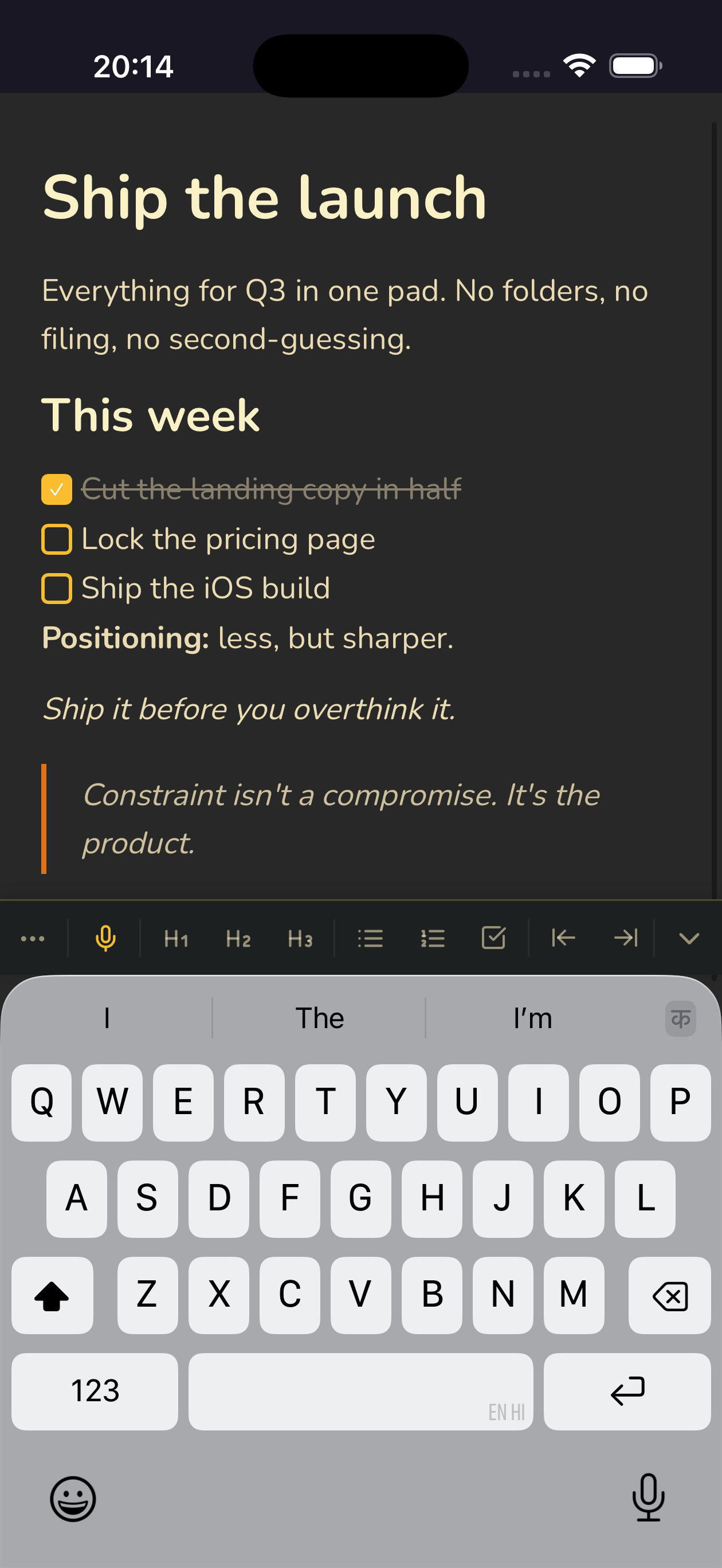 Native iOS and Android apps plus the web — no Apple lock-in
No tag system to manage. Bear's tags are elegant, but they are still an archival system. You start adding, then refining, then reorganizing. Benchpad gives you exactly three pads. There is nothing to reorganize. You write, you finish the task, and you clear the pad.
Clearing instead of accumulating. In Bear, notes pile up. You search a longer list every single year. In Benchpad, the active surface stays exactly the size of your current attention span.
The switching moment
Most people leave Bear the very first time they urgently need a note on a device that doesn't have an Apple logo on the back.
It isn't a criticism of Bear—they made a deliberate choice, and that choice buys them the polish. But it has a cost, and you only pay it at the worst possible moment.
Try Benchpad where Bear can't go.
Related: Benchpad vs Apple Notes · Benchpad vs Craft · A truly cross-platform notes app
Get Benchpad
On every platform
Native apps for iPhone & Android, and a Mac menu bar & Windows tray app — same three pads, offline-first, synced everywhere.