Benchpad vs Obsidian
Most people who install Obsidian end up using Daily Notes and nothing else. This is the writing without the vault — sync included, no plugins.

The problem: You just wanted a scratchpad, but you built a second brain
Obsidian is an incredible tool for building a personal knowledge base. If you are writing a book, organizing years of academic research, or managing a massive web of interconnected notes, it is unparalleled.
But most people who download Obsidian aren't trying to do any of those things. They just want a fast, markdown-based notes app to write down their thoughts.
What usually happens is this: You spend an entire weekend configuring the perfect vault. You install a dozen community plugins, pick a custom theme, and carefully arrange your sidebar folders. Then, you spend another evening trying to figure out how to sync your vault across devices using iCloud or a Git repository.
After all that setup, you realize you only ever use the "Daily Notes" plugin. The complex folder structure and the beautiful graph view go completely unused.
If this describes your experience with Obsidian, you are paying a massive configuration and maintenance tax for a feature set you aren't actually using.
The solution: Writing without the vault
Benchpad is three pads that work the moment you open them. We built a very sharp, very fast knife.
There is no vault to configure. There are no plugins to install, update, or debug. There is no graph view to manage. It is simply the writing part of Obsidian, without any of the architectural overhead.
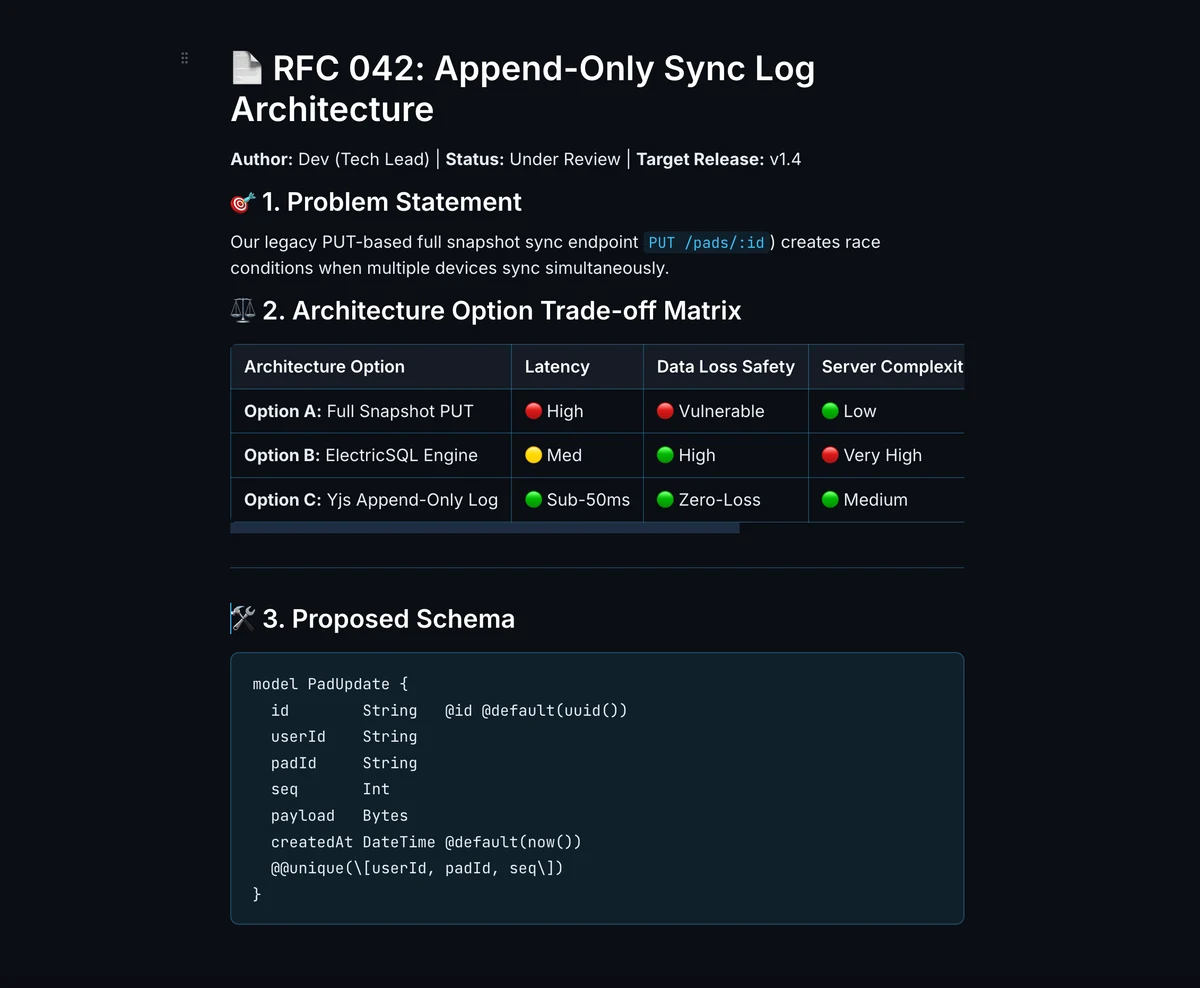 Benchpad — a block editor with zero vault setup or plugins
The honest comparison
| Feature | Obsidian | Benchpad |
|---|---|---|
| Notes | Unlimited, fully local files | Three pads |
| Organization | Folders, tags, backlinks, graph view | None — three pads and headings |
| Plugins | 1,000+ community plugins | None. Nothing to install or update. |
| Offline | Fully local by default | Offline-first by default |
| Sync | Separate product ($96/year) or DIY | Included at $20/year |
| Conflict handling | Depends entirely on your sync method | CRDT merge at the character level |
| Setup required | Vault, plugins, theme, sync | None |
| Export | They're already local markdown files | Export as Markdown, text, or HTML |
When you should use Obsidian
If you are genuinely building a personal knowledge base with backlinks and a graph view, Obsidian is the best tool on the market. The community plugin ecosystem is remarkable, and the ability to open your vault in VS Code and treat your notes as raw data is a massive advantage.
If those features are load-bearing in your workflow, you should absolutely use Obsidian. Benchpad's three flat pads cannot compete with a fully realized Zettelkasten.
When to switch to Benchpad
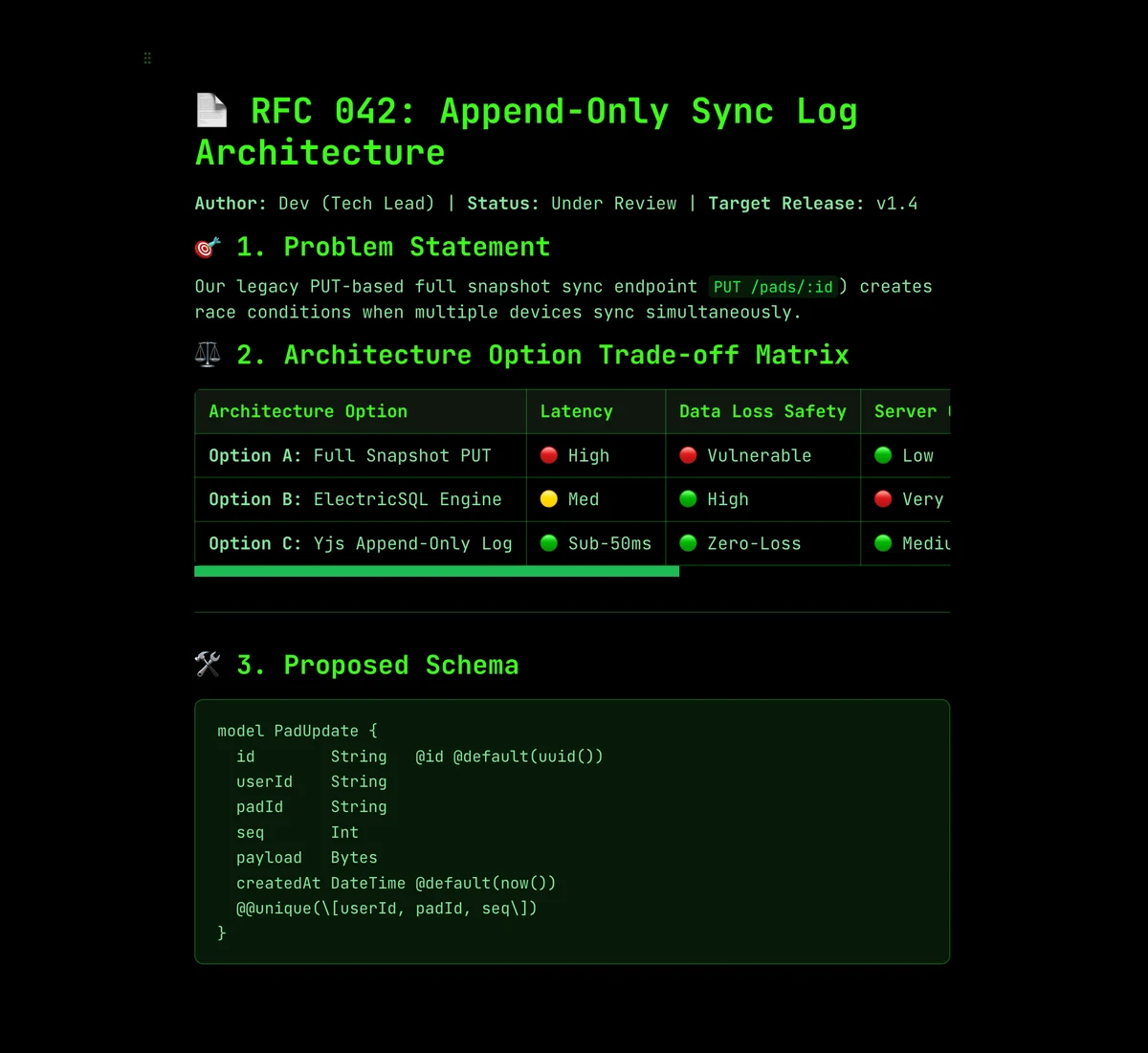 Built-in CRDT sync — no sync plugin, no conflict files
Sync that merges, included. Obsidian is free, but sync is an open question. You can pay $96/year for Obsidian Sync, or you can try to DIY it with iCloud (notoriously unreliable) or Git (requires technical discipline). Benchpad's sync is included. You don't choose a backend or configure a vault path. If you edit offline on two different devices, the changes reconcile flawlessly at the character level using CRDTs.
Every platform without work. Benchpad runs natively on iOS, Android, Mac, Windows, and any browser—including a locked-down corporate work PC where you are strictly forbidden from installing local apps like Obsidian.
Zero plugins required. Headings, task lists, markdown tables, images, syntax-highlighted code blocks, and collapsible sections work immediately out of the box.
Clearing instead of accumulating. When a Benchpad pad fills up, you clear out what's done. Obsidian vaults only grow; that is their nature, and eventually, organizing them becomes a maintenance job.
Plenty of people run both
Obsidian is for long-term knowledge work. Benchpad is for daily scratch thinking. They serve different jobs at different hours of the day.
Benchpad is the fast, cross-platform scratchpad you open before you know where a thought belongs in your massive Obsidian vault.
Take the last five days of your Obsidian Daily Notes and paste them into one Benchpad pad. If you don't miss the graph view, you've found the part you were actually using.
Related: Benchpad vs Logseq · Benchpad vs Roam · For developers
Get Benchpad
On every platform
Native apps for iPhone & Android, and a Mac menu bar & Windows tray app — same three pads, offline-first, synced everywhere.