What is a scratchpad app? (And why your notes app isn't one)
A scratchpad app has no filing step: fixed places, instant open, nothing to name. How the category works and where Benchpad fits.

The problem: Count the decisions before your first keystroke
Think about what happens when you open a standard notes app to write down a quick thought.
- Do you want to create a new note or append to an existing one?
- Which folder does this belong in?
- What should the title be?
- Do you need to add any tags so you can find it later?
That is four decisions and about six seconds of friction. And that gap—that six-second delay—is exactly where thoughts die.
By the time the cursor finally starts blinking on a blank page, the phone number, the half-formed idea, or the thing you were supposed to remember has already slipped out of your working memory.
A standard notes app is designed to manage and organize an infinite number of documents. But when you are in the middle of a task and a thought strikes you, you do not need a document manager. You need a napkin. You need a place to absorb your thinking instantly, without demanding a title.
The solution: What makes a true scratchpad app
A scratchpad app is a note tool with absolutely no filing step.
It opens instantly to a fixed writing surface, asks you nothing about where the note belongs, and reliably holds whatever you left there. A scratchpad has no gap. There is no "new note" button. There are just a few fixed places, and you are always already inside one.
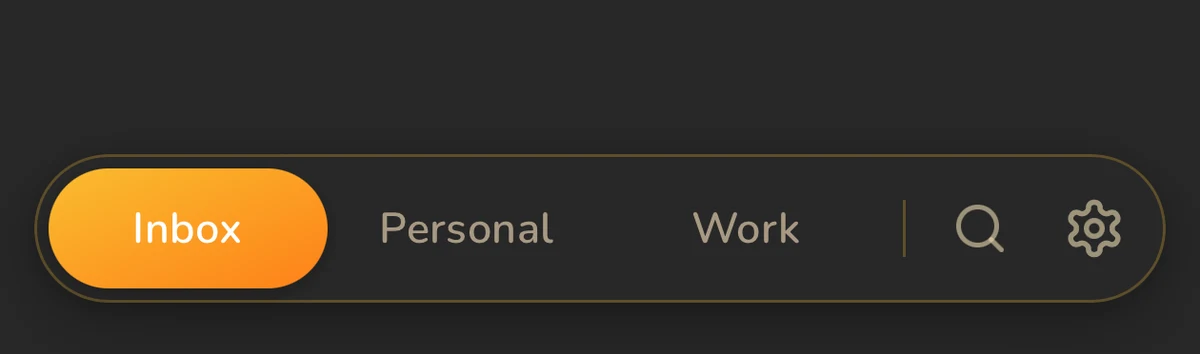 Three named pads — the entire organizational system
The rules of a real scratchpad
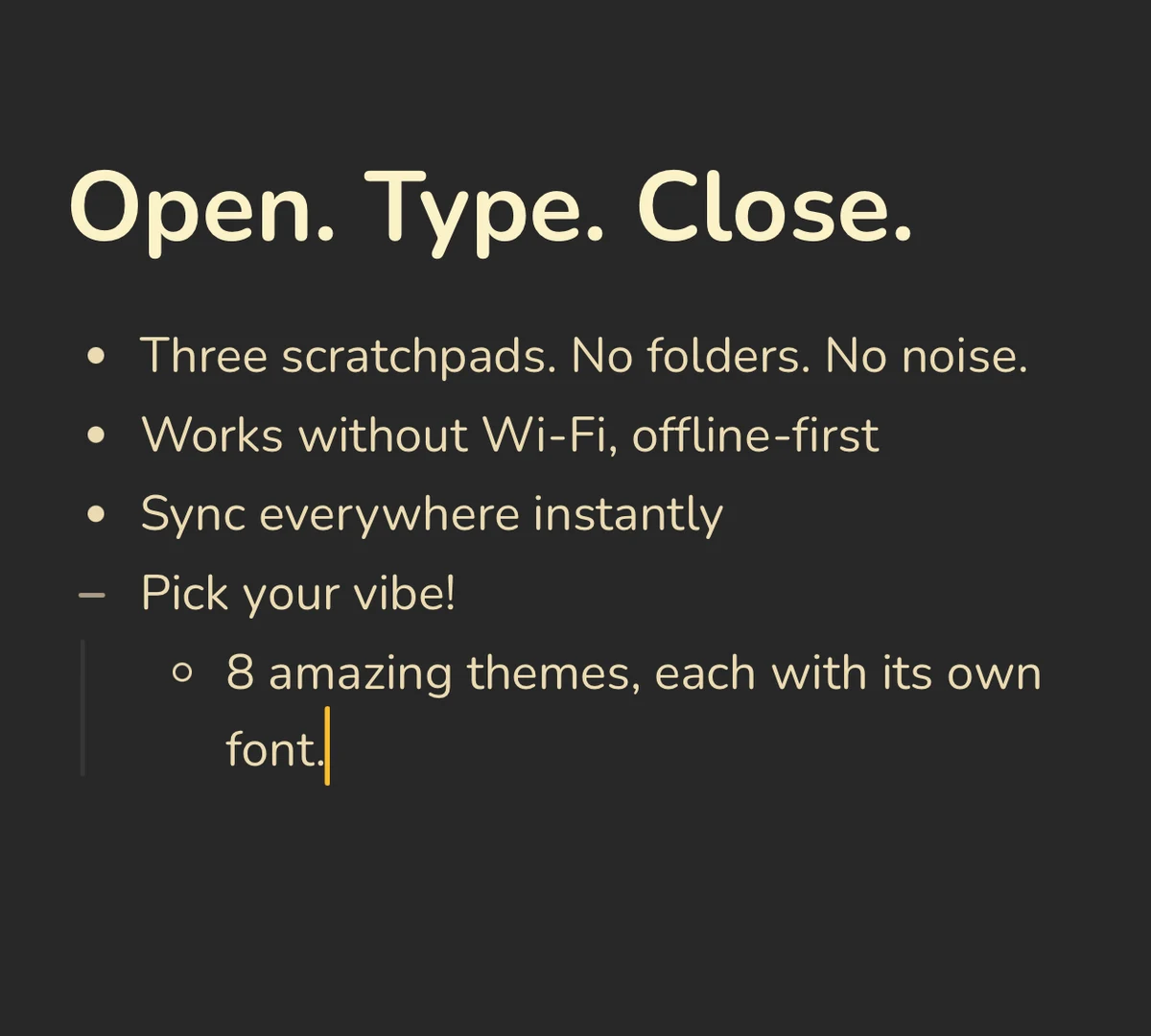 Open, type, close — a scratchpad with a real block editor underneath
- Fixed surfaces, not infinite documents: Tot gives you seven dots. Benchpad gives you three pads. The exact number matters less than the fact that the number never grows.
- Instant open: The app is the note. There is no dashboard, no sidebar of folders, and no recent-files list to navigate.
- Zero filing: There are no folder trees, no tag prompts, and no title fields standing between you and the text.
- Clearable by design: Pads eventually fill up. That is the point. You clear the finished parts and keep going. A scratchpad is a workspace meant to be cleared, not a museum meant to be curated.
- Offline, always: A scratchpad that needs Wi-Fi is just a slow webpage. Benchpad writes to your device's local storage before it even attempts a network request.
The scratchpads worth knowing
| App | Platforms | Pricing | The Philosophy |
|---|---|---|---|
| Tot | Mac, iOS | Free on Mac, $20 on iOS | Seven color-coded dots |
| Antinote | Mac | $5 one-time | Disposable notes + calculations |
| Heynote | Mac/Windows/Linux | Free | Developer buffer with code blocks |
| Benchpad | iOS, Android, Desktop, Web | Free 1-pad tier; $20/year Pro | Three named pads, offline sync included |
All four of these apps share the exact same fundamental philosophy. They differ primarily on reach: Tot and Antinote stop at Apple hardware, and Heynote stops at the desktop.
Benchpad's three pads are cross-platform. They follow you to an Android phone, a corporate Windows machine, or a borrowed laptop—and if you edit on two devices at once while offline, our CRDT engine merges the text perfectly at the character level.
(Full comparisons: vs Tot · vs Antinote · vs Heynote)
Where a scratchpad stops
A scratchpad is not a "second brain" and it refuses to pretend to be one.
There are no backlinks, no graph views, no database properties, and no team workspaces. If you are trying to build a permanent, linked knowledge base for your entire company, you want Obsidian or Notion. Don't use a scratchpad.
Many professionals run Notion and a scratchpad, because the scratchpad is where the messy, unfiltered thinking happens before the thought is finalized and ready to be filed away into the company database.
The honest test
Ask yourself: Do you spend more time maintaining your notes app than you do actually writing in it?
If the answer is yes, then what you actually wanted all along was a scratchpad. You bought a Swiss army knife when you just needed a very sharp blade.
One pad is free forever, featuring a full block editor, true offline support, and device sync, with no credit card required.
Related: Why three pads? · How people use the three pads · A note app that knows when to stop
Frequently Asked Questions
What is a scratchpad app?
A scratchpad app is a note tool with no filing step. It opens straight to a fixed writing surface — no folder tree, no 'new document' dialog, no decision about where the note goes. You write, you close it, and the text is where you left it next time.
How is a scratchpad different from a notes app?
A notes app organizes many documents: folders, tags, links, search. A scratchpad gives you a small fixed number of surfaces you reuse. That constraint removes the filing decision, which is the part that makes notes apps feel like work.
What are the best scratchpad apps?
Tot (Apple-only, seven fixed dots), Antinote (Mac, disposable notes with calculations), Heynote (free desktop buffer for developers), and Benchpad (three named pads, native iOS and Android plus any browser, offline-first with sync).
Is there a scratchpad app for Android?
Most well-loved scratchpads are Apple-only or desktop-only. Benchpad is the exception: the same three pads run as a native Android app, a native iOS app, and in any browser, offline-first, with edits from two devices merged conflict-free.
Get Benchpad
On every platform
Native apps for iPhone & Android, and a Mac menu bar & Windows tray app — same three pads, offline-first, synced everywhere.