Skip to content

What Benchpad is

A note app that knows when to stop.

Three scratchpads. Offline-first. Clear it when you are done. No folders, no AI, no rabbit holes. That is the product.

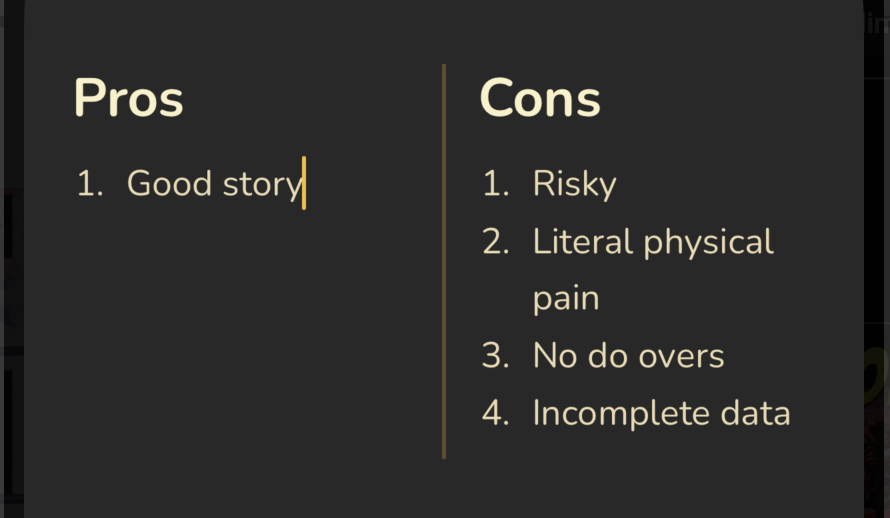
Benchpad — a two-column pros-and-cons layout with numbered lists

01 · Focus

Three scratchpads. Nothing to configure.

Not a workspace. Not a hierarchy of folders. Three named pads with nothing between them and your cursor. The constraint is deliberate — fewer decisions at the door means more thinking once you are in.

02 · Reliability

Actually works offline.

Loads from your device first, every time. The network is consulted second. Write on a flight, in a tunnel, or after your router gives up — nothing waits for a connection that might not come.

03 · Editor

A block editor that stays quiet.

Every pad is divided into sections — named, collapsible, reorderable. Inside each: headings, checklists, code blocks, images, columns. Collapse a section with Tab, reorder with drag or keyboard. The editor earns its keep by getting out of the way.

04 · Memory

Clear, not hoard.

When a pad fills up, clear the sections that are done — keep the keepers, copy them out, let the rest go. A pad is a working surface, not a filing cabinet. It stays the size of what you are working on now.

05 · Speed

Keyboard-native, all the way through.

Switch pads, jump between sections, search — every action has a shortcut. The interface should be faster than reaching for your trackpad.

06 · Safety

Local first. Server second. In that order.

Your text hits local storage before it touches the network. Background sync runs quietly behind you. Conflicts get resolved, not silently dropped. Plain markdown means you can always leave with everything intact.
Everything the editor can do.

A full list, for the people who read these.

Text formatting

  • +Bold, italic, underline
  • +Strikethrough
  • +Inline code
  • +Highlight
  • +Hyperlinks (open in new tab)

Structure

  • +Named, collapsible sections
  • +Reorder sections by drag or keyboard
  • +Fold and unfold sections with Tab
  • +Headings H1 – H3
  • +Blockquotes and code blocks

Lists

  • +Bullet lists
  • +Numbered lists
  • +Task / checklist items
  • +Nested lists
  • +Drag to reorder any item

Layout

  • +2, 3, and 4 column layouts
  • +Tables with header rows
  • +Block type conversion
  • +Delete block from handle

Media

  • +Image upload
  • +Paste images from clipboard
  • +Drag and drop image files
  • +Inline image rendering

Workflow

  • +Slash (/) command menu
  • +Command palette (Cmd/Ctrl + K)
  • +Markdown input shortcuts
  • +Full keyboard shortcut set
  • +Jump between sections
  • +Full-text search across pads

What it is not.

The decisions we made against are as important as the ones we made for.

No AI
Nothing is reading your notes, summarising them, or trying to be helpful about them.
No folders
Organisation is a trap. Three named scratchpads is the whole system.
No templates
Start blank. The slash menu adds a heading, a checklist, or a table when you want it — never a form to fill in.
No dashboards
The editor is the entire product. There is no home screen to tend.
No tags
The three pads and the sections inside them are the whole structure. Nothing to file, nothing to maintain.
No pricing tricks
$10 a year. One plan. No per-seat pricing, no annual-vs-monthly games.

Start free.

No credit card required to start. Cancel any time.

Start writing free