A distraction-free writing app
Focus mode draws a curtain over an interface that's still there. Benchpad removed the objects instead: no tree, no badges, no AI, no plugin store.

The problem: Distraction is structural, not visual
Most modern writing apps proudly offer a Focus Mode. You click a button, the sidebars slide away, the menus fade out, and you are left with a blank page.
The problem: "Distraction-free" apps that demand your attention
Most writing apps claim to be "distraction-free" because they let you hide the sidebar or fade out the toolbars while you type. They mistake visual minimalism for cognitive minimalism.
But hiding the interface doesn't hide the structural demands of the software. The moment you open the app to write down a fleeting thought, it still forces you to name the file, select a folder, and choose a template. It forces you to play librarian before it permits you to be a writer.
That is not distraction-free. A tool that demands you configure its internal architecture before you can do your actual work is precisely the definition of a distraction.
Furthermore, apps that use cloud databases (like Notion or Evernote) introduce another layer of anxiety. You are always secretly wondering if the app is saving, if the Wi-Fi at the café is holding up, or if your draft is going to mysteriously vanish into a sync conflict. True focus requires absolute structural trust.
The solution: A sharp knife with no configuration
Benchpad achieves focus through structural constraint, not just visual tricks. We didn't build a Swiss army knife; we built a very sharp blade for writing.
There are no folders. There is no file tree to organize. You get exactly three scratchpads, and that number never grows. The constraint is the feature: because there is nowhere to file anything, there is nothing to decide. You just open the app and you are already writing.
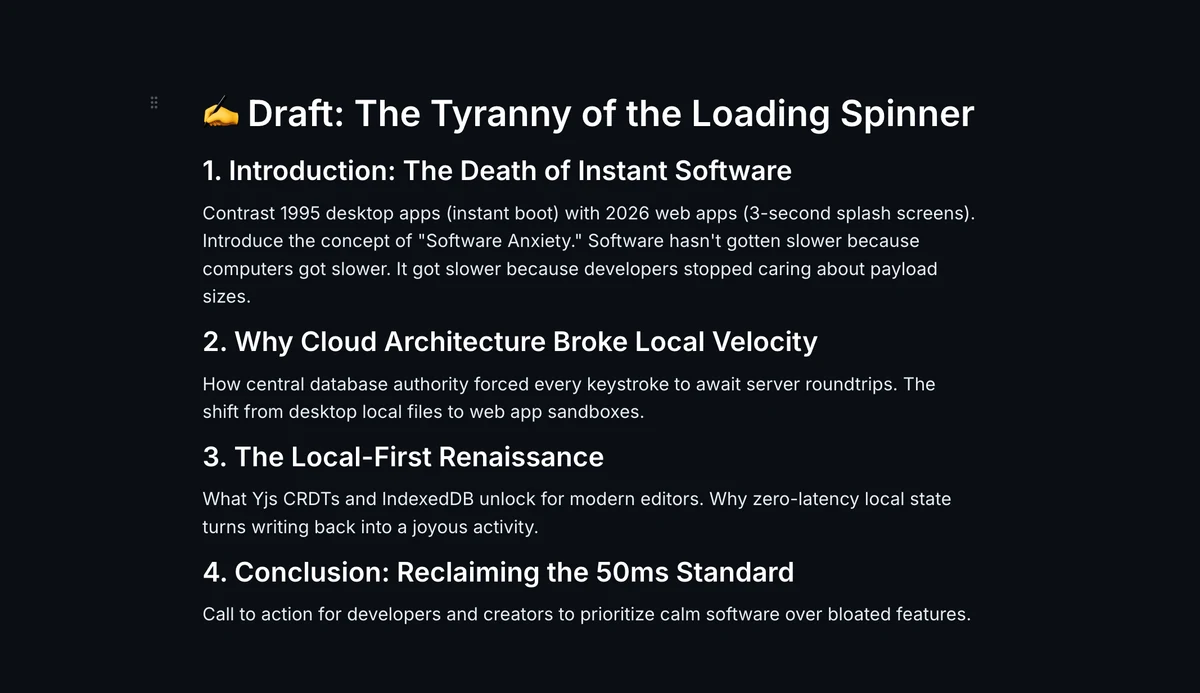 Benchpad Interface
The mechanics of focus
- Instant capture: There is no "New Note" button. You don't name documents. You open the app and the cursor is exactly where you left it on one of your three permanent pads.
- Visual silence: There is no sidebar to collapse. No property fields. No word count glaring at you. It is just your text, set in beautiful typography (like iA Writer Mono or JetBrains Mono).
- Markdown natively: Headings, blockquotes, and lists are formatted instantly with standard markdown. You never have to take your hands off the keyboard to reach for a formatting toolbar.
The psychology of a scratchpad
A blank page is intimidating. An infinite archive is a burden.
Benchpad is neither. It is a temporary workspace meant to be used and cleared. When you finish drafting an essay or an outline, you move the finished text to wherever it ultimately belongs (a CMS, an email, or Word), and you clear the pad. The app stays light because you aren't forced to hoard your history.
Offline-first is a focus feature
True focus requires knowing your tool won't betray you when the router fails.
Benchpad is built on a local-first architecture. Every keystroke is saved immediately to your device's local IndexedDB. It does not wait for a server response. When you write on a plane with no Wi-Fi, the app doesn't complain, throw error banners, or force you into a read-only mode. It just works.
When you eventually reconnect, Benchpad's CRDT engine quietly syncs your work in the background, merging edits perfectly without demanding your attention.
Stop organizing. Start writing.
The next time you need to draft something, don't open an app that asks you what you want to name the file. Just write.
Related: For writers · The best offline note app · A note app without AI
Get Benchpad
On every platform
Native apps for iPhone & Android, and a Mac menu bar & Windows tray app — same three pads, offline-first, synced everywhere.