Benchpad for writers
Writers don't delete, they bury. A pad for the lines you cut but can't kill — plus the drafts before the draft has a home.

The problem: Writers don't delete. They bury.
Every writer has a graveyard.
It contains the paragraph that was too good for the piece it was originally written for. It contains the opening you wrote six different ways before awkwardly settling on the seventh. It holds the abandoned essay that you are not quite ready to admit is abandoned.
Most writing apps handle this graveyard terribly. Because pressing "Delete" feels physically violent to a writer, you choose to file it instead. You create a folder called Old, Cuts, or Archive, and you dump the text in there. You tell yourself you'll use it later, but you know you will never open that folder again. It is the exact same outcome as deleting it, just minus the honesty.
When you try to use heavy manuscript apps like Ulysses, Scrivener, or Notion for this early-stage drafting, you're hit with another problem: friction. The app demands that you name the file, choose a folder, and pick a metadata template before you're allowed to write down a single fleeting sentence. The tool insists on being a filing cabinet when all you needed was a napkin.
The solution: A home for the drafts before they have a home
Benchpad is where the writing happens before the draft is allowed to have a home.
We didn't build a manuscript studio. We built a very sharp knife for the messy, upstream work of capturing thoughts. It provides three permanent pads, full markdown support, and room for the lines and paragraphs you cut but can't bring yourself to kill.
There is no folder to choose, no template to browse, and no title field standing between you and the sentence.
Out of view. Not out of existence.
Instead of a dusty folder hierarchy, Benchpad gives that cut material a single, flat pad.
Name your third pad Fragments or Cuts. The next time a paragraph isn't working in your main draft, just cut it and move it there instead of killing it. It sits exactly one ⌘K global search away until you either actually use it or finally find the courage to let it go.
What writers use the three pads for
- Morning pages and daily dumps: The unstructured writing you do before you actually write. Use your Now pad to violently clear your head every morning, and wipe the pad clean every Sunday.
- Draft fragments: The brilliant line that came to you at 2 AM. The overheard sentence on the subway. The piece you abandoned.
- Research as you read: A pad called Reading. Create a heading per book or article, blockquote the key text, write your reaction underneath it, and add a task list of threads to chase. If you have Pro, attach the source PDF so it sits right beside you. Clear the heading once you've mined it for your essay.
- Outlines: Use headings as sections, and bullets as ideas. Reorder them entirely from the keyboard. The outline and the draft live in the exact same pad, which is where they belong.
The surface
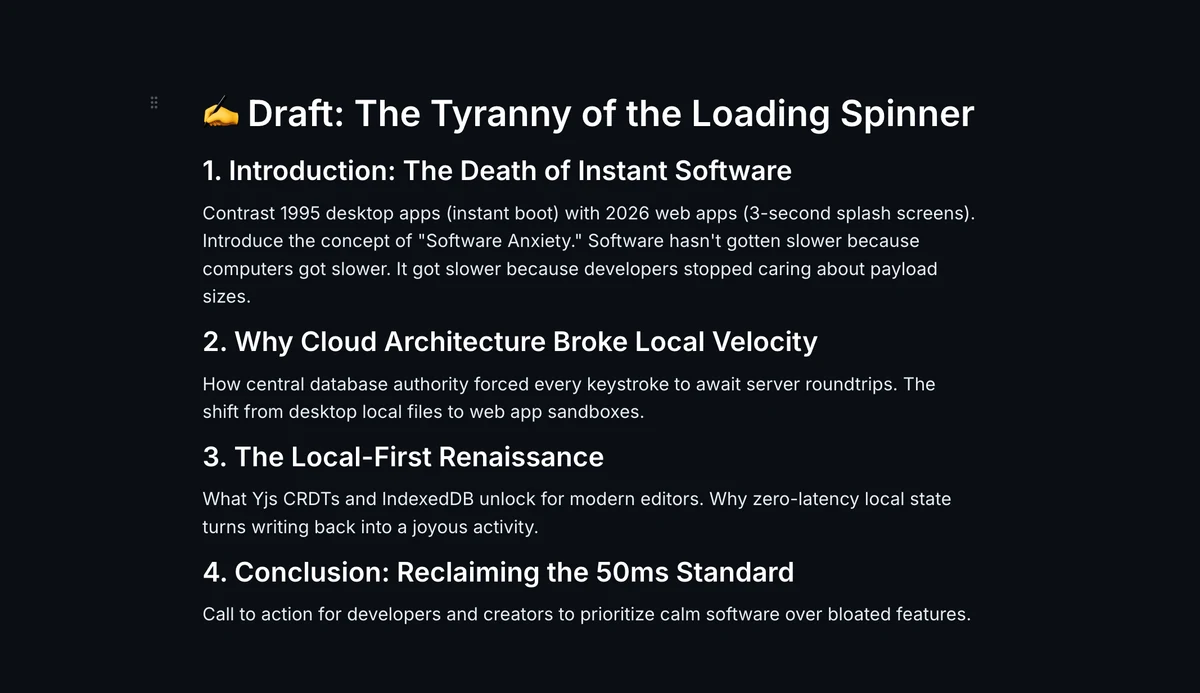 A clean writing surface — headings, prose, and nothing else in your way
- Full width: No sidebar, no panels, no file tree in your peripheral vision quietly begging to be organized.
- Blockquotes (
>): Renders with a beautiful accent border, ensuring source material never visually blurs into your own words. - No word count in your face: Nothing is counting at you while you're trying to think.
- Eight themes, all free: Choose warm paper cream with iA Writer Mono, deep navy with JetBrains Mono, or pure black for OLED screens at 1 AM.
Offline is a writing feature
Writers work in cafés with bad Wi-Fi, on trains, and on airplanes.
In Benchpad, every single keystroke is saved directly to your device's local storage before anything is sent anywhere. Your draft is never at the mercy of a router. Write on your laptop, keep going on your phone, and if you did both entirely offline, our CRDT engine merges the two documents perfectly at the character level when you reconnect.
What it isn't
Benchpad is not a publishing platform. It is not a CMS. It is absolutely not where a final 10,000-word draft should live. That is what iA Writer, Ulysses, Word, and Google Docs are for.
Benchpad is strictly upstream of all of them.
Give the cuts somewhere to go
Name a pad Fragments. The next time something isn't working, move it there instead of pressing delete.
Related: A distraction-free writing app · Benchpad vs Ulysses · For academics
Get Benchpad
On every platform
Native apps for iPhone & Android, and a Mac menu bar & Windows tray app — same three pads, offline-first, synced everywhere.