Benchpad for students
Campus wifi is a rumor and lectures don't wait. Notes that open instantly, work with no signal, and clear cleanly at the end of term.

The problem: Lectures do not wait for you to organize your notes
When a 9 AM lecture starts, you have exactly ninety seconds to get settled before the professor starts talking. You do not have time to set up a complex Notion template, and you certainly don't have time to meticulously pick a folder structure in Obsidian. You are just trying to find a seat and start capturing information before you fall behind.
If your note-taking app forces you to navigate a complex filing system before it gives you a cursor, the software is actively working against you.
Worse, most modern note apps rely heavily on a constant internet connection. But bad campus Wi-Fi is a universal constant. The library basement dead spot, the lecture hall with 300 laptops fighting for one access point, or the guest network stuck behind an expired login page—these are the environments where you are supposed to do your most important work.
If your app shows a spinning "Reconnecting..." wheel right as the professor explains what is going to be on the midterm, the app has fundamentally failed you.
The solution: A sharp knife for a hostile environment
Benchpad is designed for the brutal reality of being a student. It opens instantly to a blinking cursor. It aggressively refuses to ask you to file anything, and it works flawlessly whether the campus Wi-Fi is working or not. We built a very sharp knife for capturing information.
What students actually put in the pads
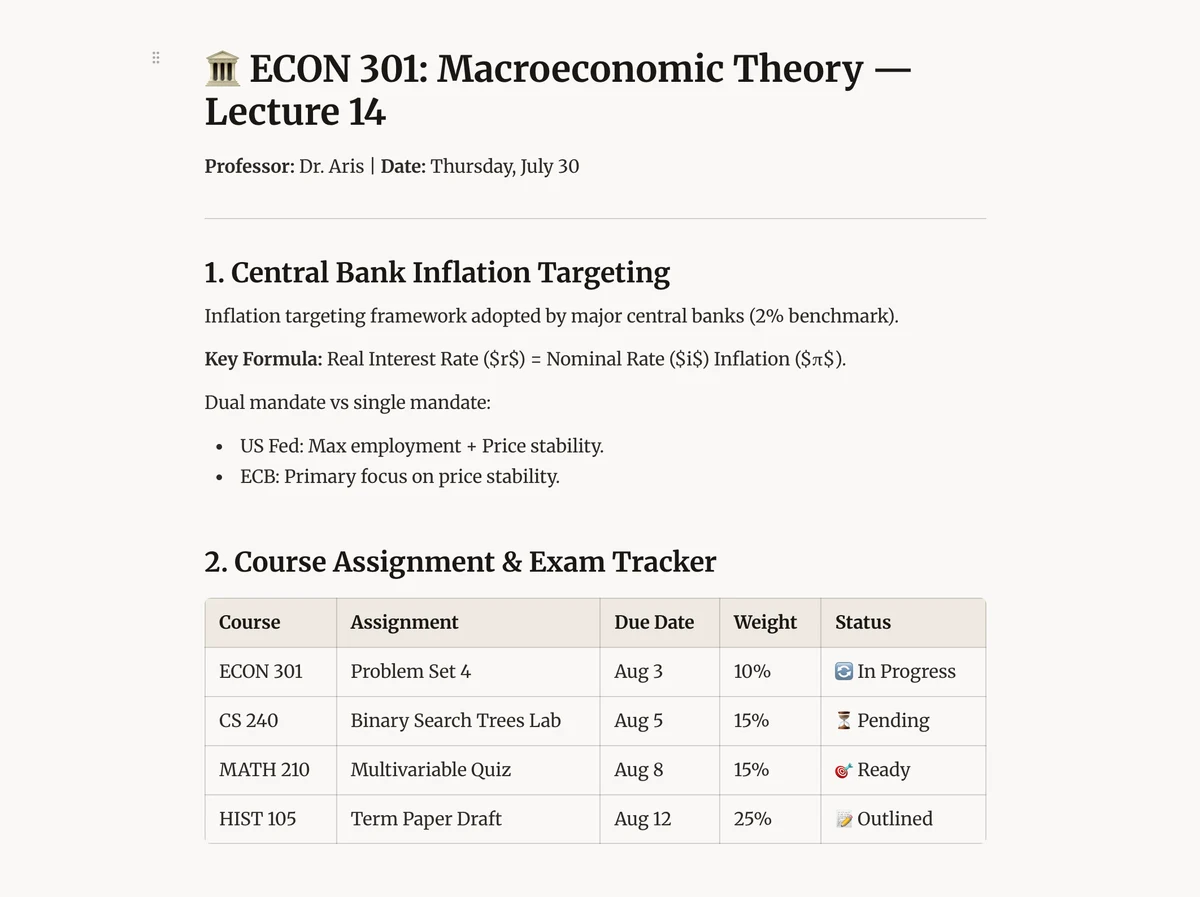 The Benchpad editor — a heading per lecture, all in one pad
A common setup for students is to use their three pads for School, Personal, and Scratch.
- Lecture notes: Create a heading per lecture, use bullets for the main ideas, insert code blocks if you're in a Computer Science class, build tables for data, and add task lists for your assigned readings. Everything lives in one running pad, in exact chronological order, with absolutely zero filing overhead.
- Reading notes: Create a heading per paper or chapter. Paste the key passage as a blockquote (
>), and type your reaction underneath it. If you have Benchpad Pro, you can attach the PDF directly so the source material sits right next to your notes. Clear the heading once you've mined it for your essay. - Essay outlines: Use headings as the major sections of your paper, and bullets as your core arguments. You can reorder them entirely from the keyboard. When you write a draft but end up cutting a paragraph, drop it in your Scratch pad just in case your argument pivots back.
- Exam prep: Dedicate an entire pad to an upcoming exam for two weeks. Keep everything in one place, use
⌘Kto instantly search across all your notes, and then aggressively clear the pad entirely the second you walk out of the exam hall.
Campus Wi-Fi is strictly optional
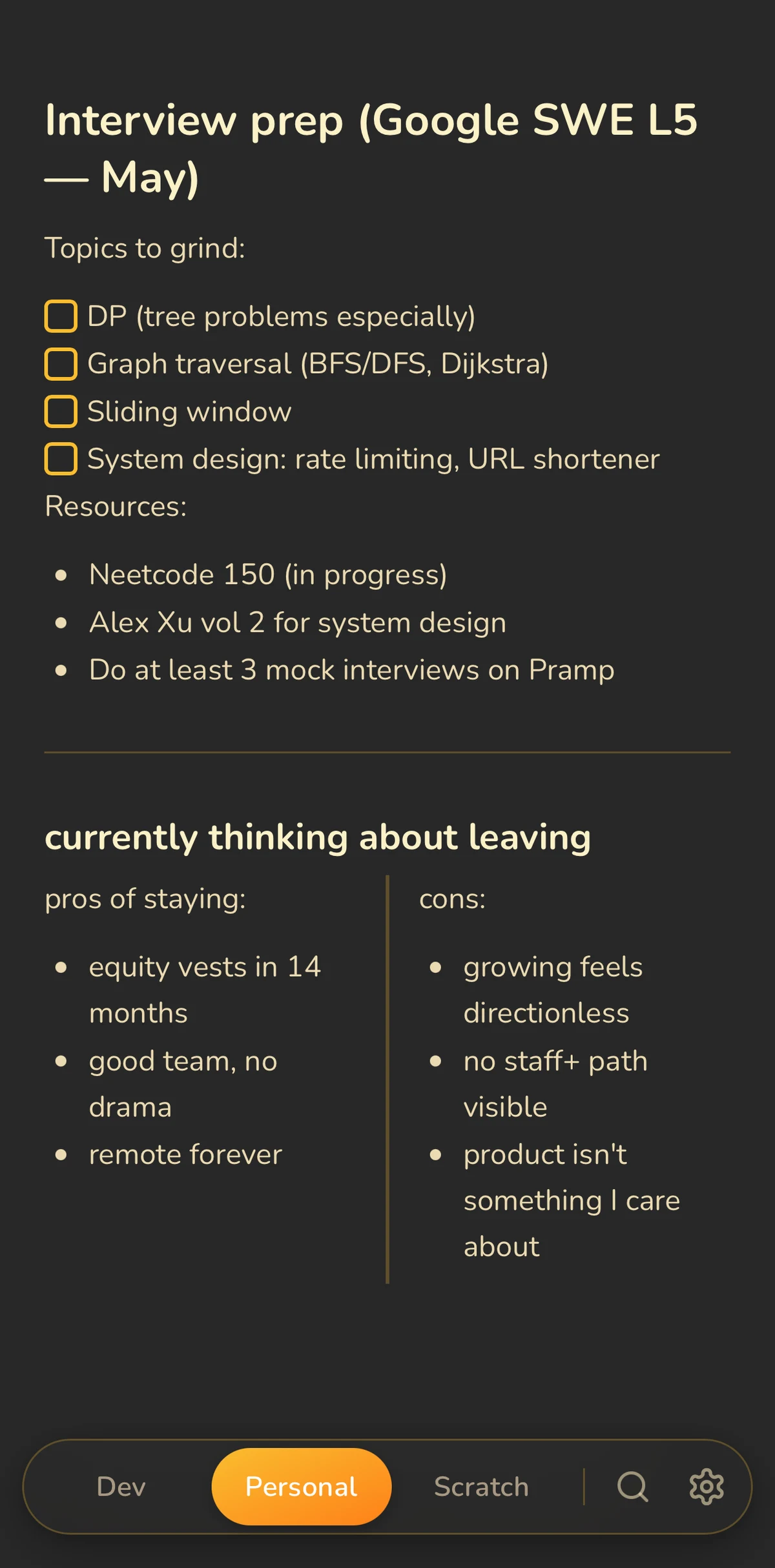 Benchpad fully editable with no connection — campus Wi-Fi optional
Benchpad loads from your device's local storage after your first visit. From that point on, it saves every single keystroke locally before it even considers attempting to sync to the network.
An hour of furious typing in a lecture hall with zero signal is perfectly safe. Benchpad will silently sync everything to the cloud the moment you walk back into range of the dorm Wi-Fi. Offline isn't an error state in Benchpad; it's the normal one.
Because Benchpad has native iOS and Android apps alongside its web client, the notes you take on your laptop during the lecture are instantly available on your phone for your walk home.
Terms end cleanly
At the end of the semester, you don't want a digital monument to a class you barely passed.
With Benchpad, you just clear out your School pad. Copy the parts worth reusing into a safe place, and let the rest go. Your next term starts entirely clean. No nested subfolders per semester, no archaeology project trying to figure out what to keep in August, and absolutely no digital pile that grows every year until you finally stop opening the app out of guilt.
Use it in your next lecture
One pad is free forever, no credit card required. Name it after the class you have tomorrow morning.
Related: For academics · The best offline note app · The best note app for ADHD brains
Get Benchpad
On every platform
Native apps for iPhone & Android, and a Mac menu bar & Windows tray app — same three pads, offline-first, synced everywhere.