Benchpad for product managers
Jira, Notion and Linear are publishing surfaces. Most PM thinking is pre-publication — and it needs a bench, not another workspace.

The problem: Everything in your team's tools is a performance
As a Product Manager, you live in your team's tools: Jira, Linear, Notion, Confluence, and Figma.
But these tools are publishing surfaces. Every single thing you write in them is structured for an audience. A ticket has to be written cleanly so engineering understands it. A PRD has to be polished so leadership approves it. Because it is written to be read, it must be written carefully.
But most PM thinking is pre-publication. Where do you put your real, unvarnished read on that stakeholder meeting? Where do you outline a strategy that is still half-formed? Where do you write down the stupid question you are not yet ready to ask in the public Slack channel?
That material needs a fast, private, and unstructured space. If you try to put it in the team workspace, you will either prematurely sanitize it, or you will avoid writing it down at all.
Your team's tools are the publishing surfaces. Benchpad is the private bench beside them. It is where your half of the job happens before it becomes a ticket or a document.
 Three pads: Meetings / Strategy / Scratch
The problem: You spend your entire day managing other people's systems
Product Managers live in a state of constant, violent context switching. In a single two-hour block, you might move from Jira to Figma to Slack to a customer interview doc, and finally into a messy roadmap spreadsheet.
You are constantly updating, filing, and managing information in complex systems designed for other people to consume. But when a raw thought hits you—a missing edge case in a feature, a sudden realization about user churn, or just a bulleted list of what you need to survive today—those heavy, formal systems are completely hostile.
If you try to write a quick thought in Notion, you have to decide what workspace it belongs in, what page it should go under, and what metadata to attach. By the time you've filled out the fields, you've forgotten the idea.
You don't need another database. You just need a place to think.
The solution: A violently simple scratchpad
Benchpad is a scratchpad built for people who have zero patience for administrative overhead. We didn't build an ecosystem. We built a very sharp, very fast knife.
There are no folders. There is no file tree to organize. You get exactly three scratchpads, and that number never grows. The constraint is the feature: because there is nowhere to file anything, there is absolutely nothing to decide.
 Benchpad Interface
What PMs actually put in the pads
Many Product Managers land on a three-pad structure that looks something like Now, Next, and Archive. Or Product, Personal, and Scratch.
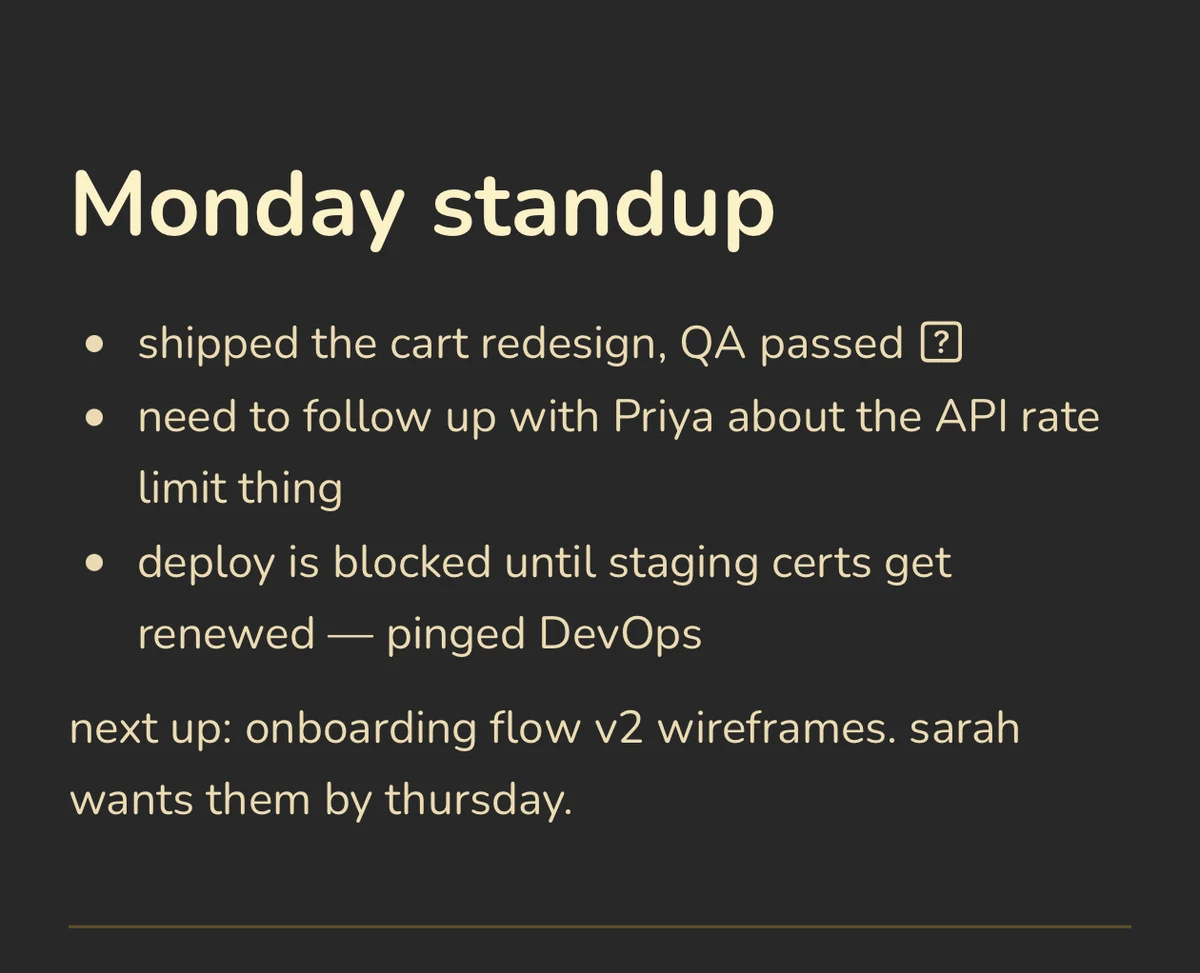
- The Meeting Buffer: Customer interview at 2 PM: create a heading, type bullets while you listen, and use checkboxes for action items. You don't format it. You just capture the raw data. Later, you distill the insights into the official product brief, and then you clear the pad. The pad is a transit zone, not a museum.
- Drafting PRDs before they are PRDs: Never start a Product Requirements Document directly in Confluence. It feels too permanent too quickly. Draft the rough edges—the actual problem statement, the core risks—in Benchpad. The visual constraint forces clarity.
- Engineering pushback: When engineering pushes back on scope, you need to quickly sketch out a compromise before you respond in Slack. Benchpad is where you work through the logic before broadcasting it.
- End-of-day dump: What actually happened versus what you planned, what got moved, and what you need to pick up tomorrow. Three minutes of writing that makes the next morning survivable.
The mechanics of focus
- Instant capture: There is no "New Note" button. You open the app and the cursor is exactly where you left it.
- Visual silence: There is no sidebar to collapse. No property fields. No AI chatbot demanding your attention. It is just your text, set in beautiful typography.
- Markdown natively: Headings, blockquotes, and lists are formatted instantly with standard markdown. You never have to take your hands off the keyboard.
Offline is a working condition
PMs work in weird places. Airplanes, commuting on trains, pacing in the hallway outside a meeting room. True focus requires absolute structural trust that your tool won't betray you when the router fails.
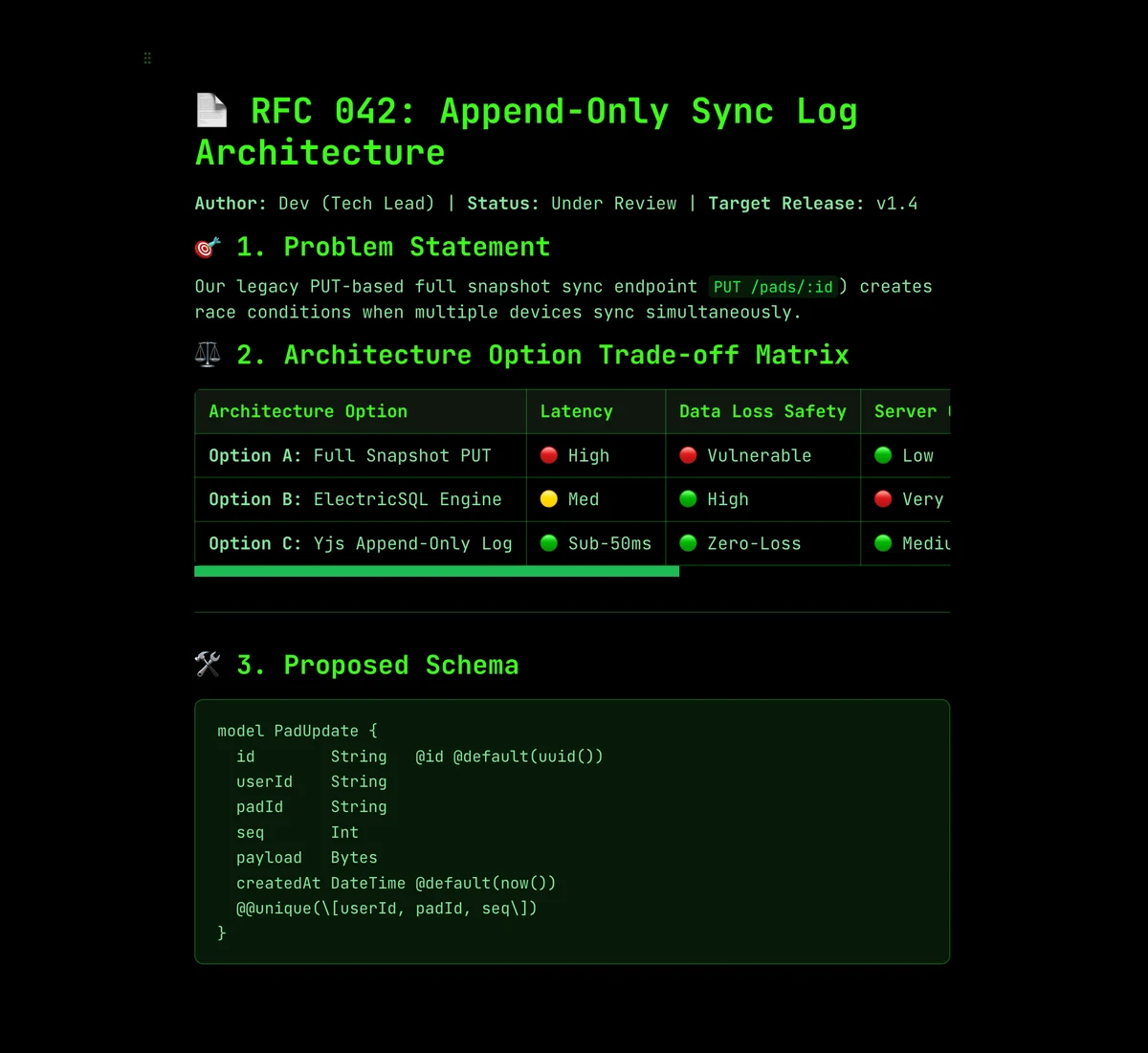
Benchpad is built on a local-first architecture. Every keystroke is saved immediately to your device's local IndexedDB. It does not wait for a server response. When you write on a plane with no Wi-Fi, the app doesn't complain or force you into a read-only mode. It just works.
When you eventually reconnect, Benchpad's CRDT engine quietly syncs your work in the background, merging edits perfectly without demanding your attention.
Stop managing your notes.
The next time you need to draft something, don't open an app that asks you what you want to name the file. Just write.
Related: For founders · For developers · The best offline note app
Get Benchpad
On every platform
Native apps for iPhone & Android, and a Mac menu bar & Windows tray app — same three pads, offline-first, synced everywhere.