Notes that work where you actually are
Planes, tunnels, basements, hotel wifi, a cabin with no bars. Six places your notes app quits and Benchpad doesn't notice.

The problem: Your notes shouldn't need permission from a router
We treat constant internet access as a given, right up until the moment we actually need to get work done.
Most modern note-taking apps are fundamentally cloud apps wrapped in a thin local shell. They load from a remote server, cache data loosely, and treat being offline as a critical error condition. You can feel exactly where this architecture breaks down—it's the endless spinners, the red reconnecting... banners, and the frustrating read-only fallback modes.
Offline support in these apps was bolted on after the architecture was settled, and it shows. When you lose connection, they panic.
The solution: A scratchpad that works where you actually are
Benchpad loads from your device, not from our servers, and syncs quietly when you're back.
It starts from a fundamentally different architectural premise: the local state on your machine is the absolute truth, and the server is merely a background sync target. It is a sharp knife that cuts perfectly whether you have a connection or not.
The six places where normal apps quit
 Writing on a plane — Benchpad doesn't notice the connection is gone
This architecture matters in the specific places where your current note app usually gives up:
- The plane: Six hours in, you open your notes app to finally draft that document. Unable to connect. The one block of uninterrupted thinking time you've had all month is ruined because the app is stuck on a login screen. Benchpad opens exactly where you left it.
- The tunnel: A thirty-second signal drop on the commuter train. Other apps freeze your cursor and show a reconnecting banner mid-sentence. Benchpad has no banner to show, because nothing was waiting on the network in the first place.
- The basement: The parking garage, the storage room, or the corporate meeting room with thick concrete walls and one bar of 3G. With Benchpad, notes get taken anyway.
- The conference: Two hundred people fighting for one access point, and every cloud-based app is timing out around you. You loaded Benchpad from your device's hard drive before the Wi-Fi collapsed, so you just keep typing.
- The hotel with the captive portal: The annoying webpage that demands your room number and last name before it will pass a single packet of data. Your notes shouldn't have to negotiate with it.
- Off-grid on purpose: A cabin, a camping trip, or a weekend where you deliberately put your phone in a drawer. Some of the best, most clarifying thinking happens here, and you should still be able to write it down securely.
What's happening underneath
Benchpad is available as native iOS and Android apps, Mac and Windows desktop apps, and an installable web app (PWA).
The very first time you load it, it caches the app shell on your device. Every single load after that comes straight from that local cache, completely bypassing the network.
Your notes live in local storage on that specific device. Every keystroke is written there immediately. Syncing to the server is strictly a background job—it runs when it can, not when it must.
If you edit the exact same pad on your phone and your laptop while both are completely offline, Benchpad doesn't force you to pick a "winning" version later. It merges them seamlessly at the character level using Yjs CRDTs—the exact same class of technology behind Figma's real-time collaborative engine. Neither side loses a single character of data.
Your data is physically yours
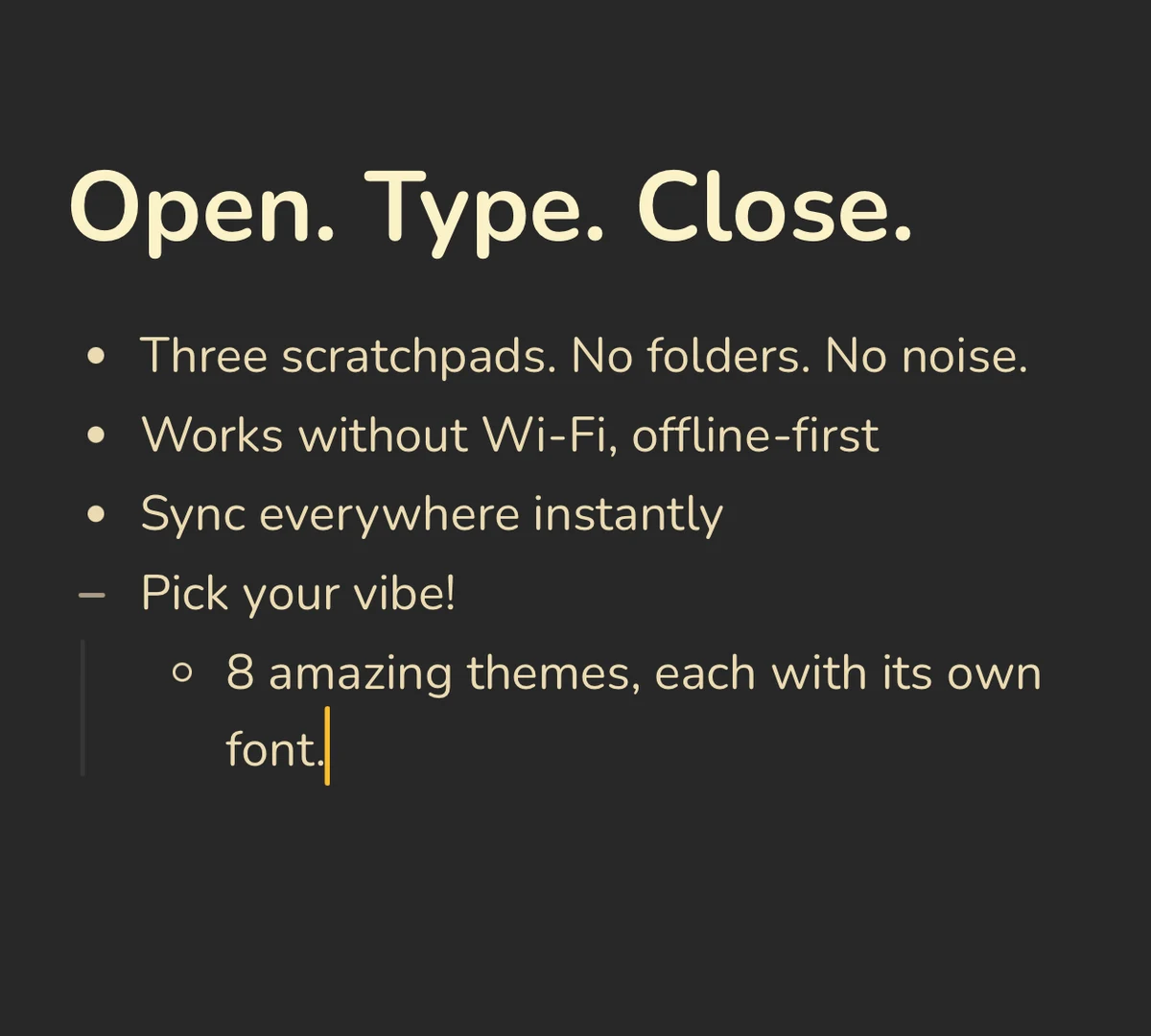 Benchpad Interface
If our servers experience an outage, you don't even notice. If you cancel your subscription, your notes are still physically on your device.
If we disappeared as a company entirely tomorrow, your notes would still be there—stored in plain markdown, and fully exportable as Markdown, plain text, or HTML. Your notes were never exclusively ours to begin with.
Test it on your next flight
Load it once while you're at the gate. Then don't think about the connection again.
Related: The best offline note app · A note app without internet · For remote workers
Get Benchpad
On every platform
Native apps for iPhone & Android, and a Mac menu bar & Windows tray app — same three pads, offline-first, synced everywhere.