Floating Desktop Scratchpad for Windows, Mac & Linux
Looking for an always-on-top floating desktop scratchpad? Benchpad provides a persistent clipboard and scratchpad buffer that stays accessible.

The problem: Context switching is expensive
When you are deep in a complex task—debugging code, reading a dense financial report, or participating in a fast-moving Zoom call—a sudden thought inevitably lands in your brain. You need to write it down now.
If your current workflow requires you to hunt for your notes app in the dock, click through a folder structure to find your "Inbox", wait for a cloud sync spinner, and finally click "New Note", you have already lost.
That six-second context switch doesn't just cost you six seconds. It costs you the entire cognitive context of the task you were originally working on. By the time you switch back to your code or your report, you have to spend two minutes re-loading the mental state you just abandoned.
A scratchpad that requires you to leave your current context is fundamentally broken.
The solution: A sharp knife that floats above your work
Benchpad solves this with a floating desktop scratchpad.
We didn't build a massive workspace you have to switch into. We built a very sharp, very fast knife that hovers exactly where you are.
By pressing a single, global keyboard shortcut (Alt+Shift+B or your custom binding), Benchpad instantly slides over whatever application you are currently looking at.
 A floating scratchpad hovering over an IDE on Mac
You don't lose your place in your code. You don't take your eyes off the Zoom presentation. You press the shortcut, type your thought, and press the shortcut again to dismiss the pad. The entire interaction takes two seconds, and your cognitive context remains completely intact.
How it actually works
- Global Hotkey Summon: It doesn't matter if you are full-screen in a video game, deep in Excel, or writing in a terminal. One shortcut brings the scratchpad to the foreground immediately.
- The full editor, instantly: This isn't a stripped-down sticky note. The floating window gives you the full power of Benchpad: slash commands, markdown shortcuts, blockquotes, and your custom theme.
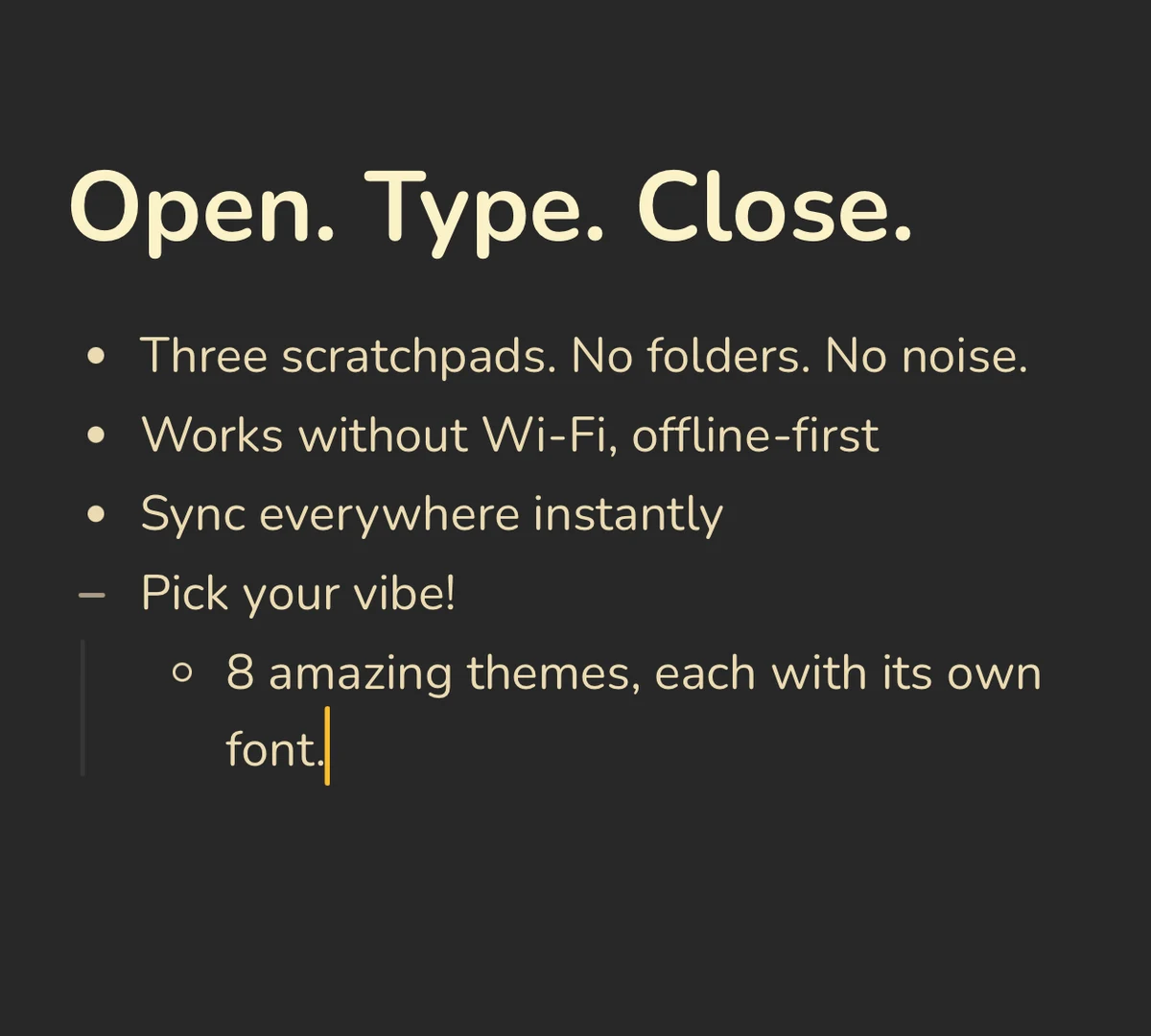
- Always offline-first: The desktop app writes every keystroke straight to your local hard drive. There is zero latency waiting for a cloud server to confirm your text.
- True cross-device sync: The note you jot into the floating window on your Mac is instantly synced to the Benchpad app on your Android phone and your iPad. It’s exactly the same three pads, everywhere.
Don't break your flow
You shouldn't have to stop working just to remember something. Install the desktop app, set your global hotkey, and keep your focus exactly where it belongs.
Related: Apple Notes alternative for desktop · A truly cross-platform notes app
Frequently Asked Questions
Can Benchpad stay on top of other desktop windows?
Yes. Benchpad can be pinned or accessed via global keyboard shortcut across macOS, Windows, and Linux.
Get Benchpad
On every platform
Native apps for iPhone & Android, and a Mac menu bar & Windows tray app — same three pads, offline-first, synced everywhere.