Benchpad Quick Capture — the Chrome notes side panel
The place to capture shouldn't be another tab. A real pad in Chrome's side panel, one shortcut away, synced to your phone before you switch back.

The problem: The tab-switching tax
You're deep in a Google Doc, reviewing a pull request, or reading a long, dense article. Suddenly, a thought lands—a task you need to remember, a counter-argument to a point you just read, or a snippet of text worth keeping.
Today, capturing that thought requires a violent context switch. You have to open a new tab or switch to a separate desktop app. You lose your exact place in the article. You paste your text, switch back, and then spend precious seconds finding the exact line you were reading.
Do that eight times a day, and the real cost isn't the lost seconds. It's the cognitive friction of eight interruptions. Most knowledge work happens in the browser, yet most note apps force you to leave the browser just to jot something down. This is fundamentally backwards.
The solution: A sharp knife right where you work
The place to capture shouldn't be somewhere else. Benchpad Quick Capture puts a fully functional, offline-first scratchpad directly into Chrome's side panel. It sits exactly one keystroke away. Your thought lands safely without you ever leaving the tab you're currently reading.
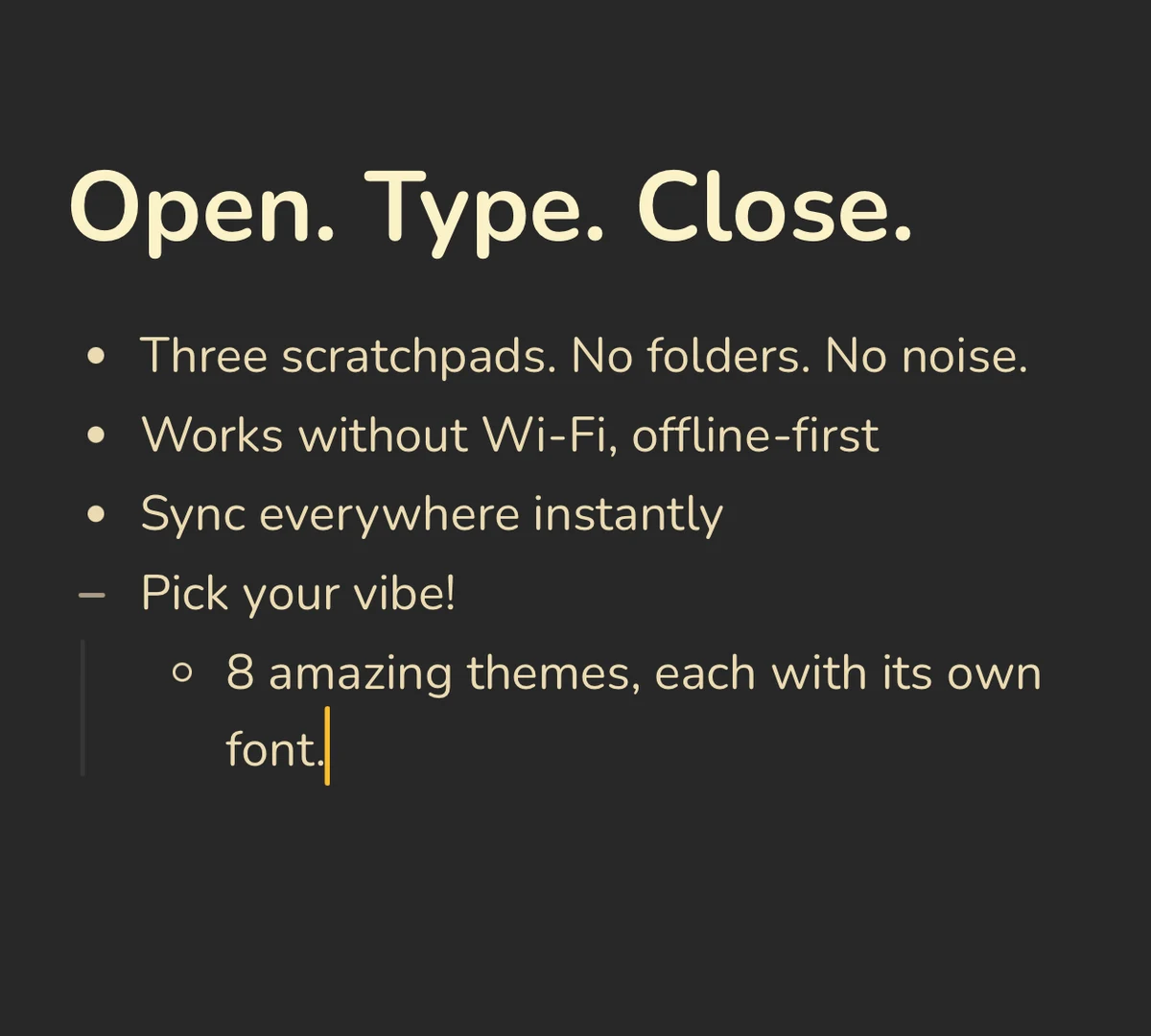 Benchpad Interface
How it actually works
Unlike bloated web clippers that dump URLs into a digital landfill you'll never read, Benchpad Quick Capture is the entire application, perfectly optimized for a tall, narrow panel.
- Summon it anywhere: A quick click of the toolbar icon or a keyboard shortcut (
Alt+Shift+B) slides the panel out next to your current tab. Press it again to dismiss it. It's exactly that simple. - The full editor experience: This isn't a stripped-down popup. You get full markdown shortcuts, slash commands, headings, tables, code blocks, and your preferred theme. We didn't compromise the knife just because it's in a side panel.
- Offline-first, always: Just like the main app, the side panel keeps working even if your connection drops on a flight or a bad coffee shop Wi-Fi. It writes locally first. Edits merge conflict-free across your devices when you're back online.
- Instant sync: A note you jot down in the browser side panel is on your phone and desktop moments later. It’s not a separate "browser notebook"—it's the exact same three pads you rely on everywhere else.
Capture from wherever the thought is
The Chrome side panel is just one of four doors into the exact same three pads. You can also access Benchpad via our menu bar and system tray app with a global hotkey over any application, native iOS and Android apps, and the main web app.
No matter where the thought happens, the sharp knife is right there to catch it.
Add it, then forget it's there
Install it once, and let it fade into the background. It will be there the next time you need to write something down without destroying your context.
Add to Chrome · Start writing for free
Related: The menu bar app · A truly cross-platform notes app · The best offline note app
Frequently Asked Questions
How do I open the Benchpad side panel?
Click the Benchpad icon in your Chrome toolbar, or press the keyboard shortcut (Alt+Shift+B by default). The side panel slides out next to your current tab with your pad ready to type. Press the shortcut again to close it. Every shortcut is rebindable at chrome://extensions/shortcuts.
Are my notes the same in the extension and the app?
Yes. The extension is the same Benchpad running in the side panel — the same three pads, the same content, the same offline-first sync. A note you jot in the browser is on your phone and desktop moments later, and it still works if the connection drops.
Does the Chrome extension cost anything?
No. The extension is free, and so is the Benchpad free tier — one pad, forever. Pro ($10/year) unlocks all three pads, attachments, and export, and applies everywhere you're signed in, including the side panel.
Get Benchpad
On every platform
Native apps for iPhone & Android, and a Mac menu bar & Windows tray app — same three pads, offline-first, synced everywhere.