A note app that works without internet
Four steps to find out whether your note app really works offline — and what Benchpad does at each one.

The problem: The "four-step" offline test
Almost every note-taking app claims to work offline. Very few of them actually do.
Most note apps treat offline mode as an afterthought—a fragile caching layer slapped on top of a web wrapper. They might let you read a note you just had open, but try to do anything more and the illusion breaks. They are built for a world of perfect, ubiquitous internet that does not exist.
Run this four-step test on any note app you're considering. It takes two minutes and it's brutally decisive:
- Open the app while connected.
- Turn off Wi-Fi and Cellular completely. Not just Wi-Fi—apps fall back to mobile data and pass a test they'd fail on a plane.
- Close the app entirely. Swipe it away from your phone's multitasking view. This is the step that catches most of them: the app was fine in active memory, but it cannot cold-boot without a server.
- Reopen it from scratch.
Most note apps at step 4 give you a loading spinner, an error screen, or a read-only view of stale content. If you try to create a new note, the software simply gives up.
The solution: A violently simple offline-first scratchpad
Benchpad passes the four-step test every single time. We didn't build an ecosystem dependent on a server. We built a very sharp, very fast knife.
It works flawlessly with no internet because your device holds the canonical copy of your notes. The server is where background sync happens; it is not where the notes live.
At step 4, Benchpad opens instantly. Your pads are exactly where you left them, and the editor is fully live. You can write, format text, add a table, or insert a code block—everything works, because absolutely none of it requires our servers to be online.
What makes step 4 actually work
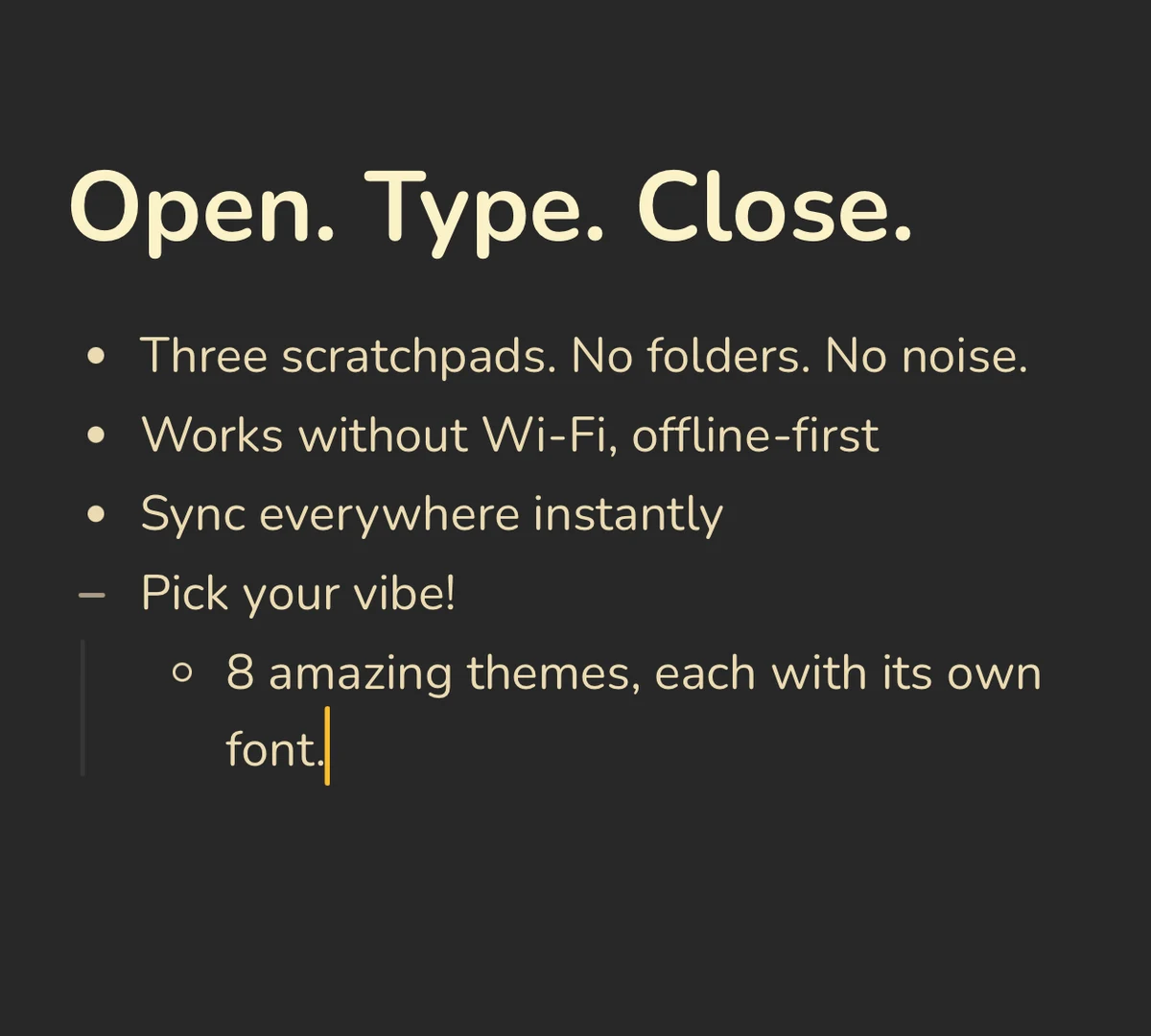 Airplane mode on, Benchpad fully working — every keystroke saved locally
- Local storage first: Every single keystroke saves to your device (IndexedDB in the browser, local storage in the native apps) before any network request is even attempted. The local copy is the absolute source of truth.
- The app shell is cached: The code, assets, and fonts live on your device after the first load. It opens without the network because it never asks the network for permission to render the UI.
- Sync is a quiet background job: When a connection finally exists, changes go up on their own. You don't manage it, and there is no "Sync Now" button to press.
- Conflicts merge instead of overwriting: Did you edit the same pad offline on your phone and your laptop? Benchpad uses a Yjs CRDT engine to merge both versions perfectly at the character level when they reconnect. No data is lost, and you don't have to resolve a "Conflicted Copy" warning.
 Two devices edited offline, merged at the character level when back online
Install it for the strongest version
While the web app works offline, installing the native applications provides the most bulletproof experience:
- Native iOS app — App Store
- Native Android app — Google Play
- Mac and Windows desktop apps
Once installed, it launches exactly like a native app and is fully available offline—even if you've had zero connection on that specific device since the day you installed it.
The places people run into this
A true offline-first app matters in the specific places where normal apps quit:
- Planes: From takeoff to landing, with no $30 Wi-Fi purchase required.
- Trains: Tunnel dropouts never surface as a frantic error banner.
- Rural areas: Cabins, field sites, and anywhere cellular coverage is a rumor.
- Libraries and archives: The Wi-Fi is stuck behind a login page you haven't authenticated through yet.
- Hospitals and basements: Thick concrete walls, no bars, but notes are still desperately needed.
Your notes belong to you
Sync exists for backup and for your other devices. But the copy on the machine in front of you is always current and always reachable. If our servers went away permanently tomorrow, your notes would still be exactly where you left them, exportable as Markdown, plain text, or HTML.
Try step 2 right now
Load Benchpad, kill your Wi-Fi, and keep typing. If it flinches, you'll know in ten seconds.
It won't.
Related: The best offline note app · Notes that work where you are · The FAQ
Get Benchpad
On every platform
Native apps for iPhone & Android, and a Mac menu bar & Windows tray app — same three pads, offline-first, synced everywhere.