Benchpad blog
Your tools are not the problem (but they might be)
Switching note apps won't make you more organized. But using a tool that demands less of you might.
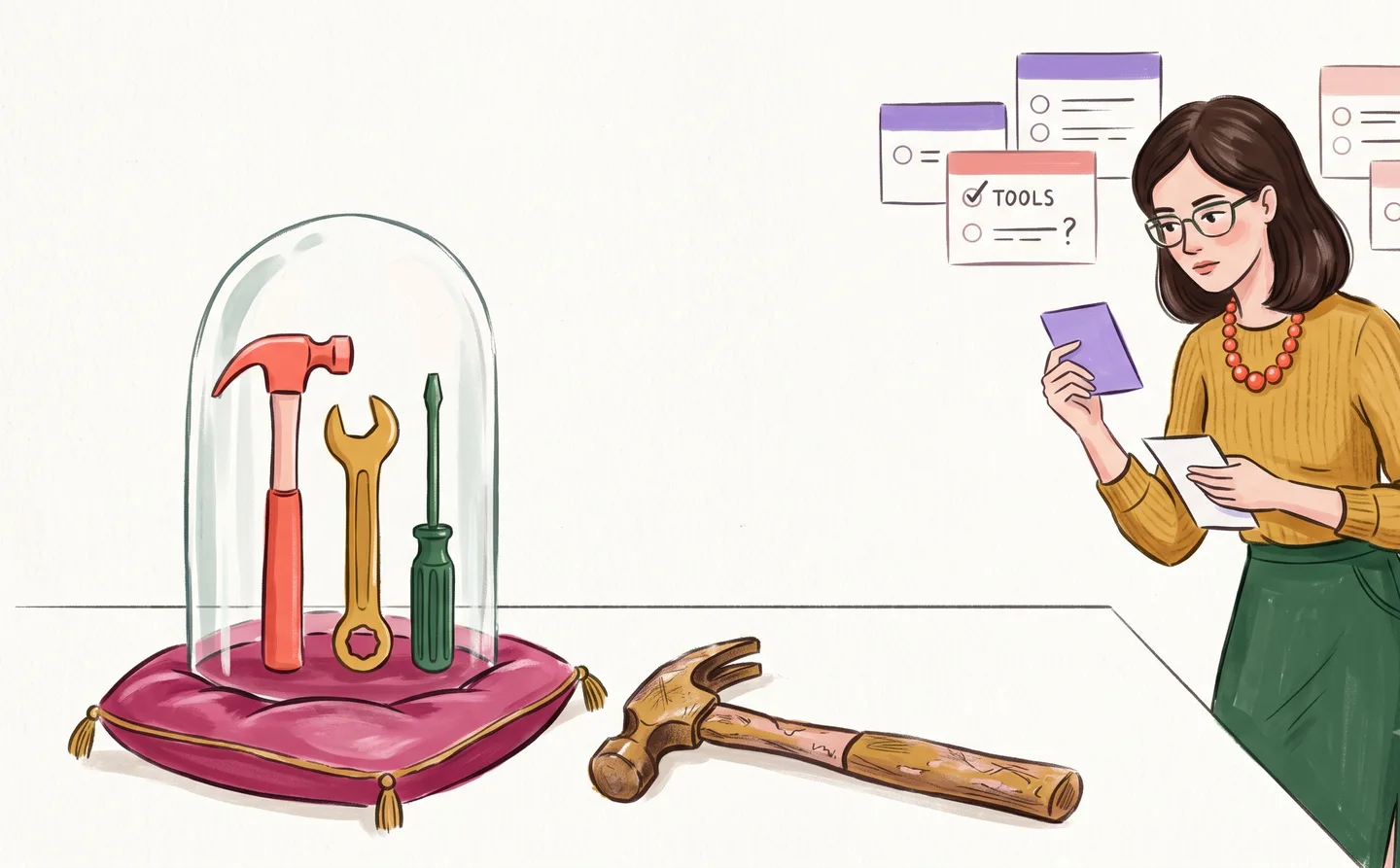
Every year, the same cycle plays out across thousands of Reddit threads, YouTube videos, and blog posts: "I switched from [App A] to [App B] and it changed everything."
It changed nothing. The writer will switch again in eight months.
This isn't cynicism — it's a documented pattern. People switch tools when their current system breaks down, attribute the breakdown to the tool, and move to a new one. The new tool feels better because it's empty. An empty system always feels productive. Give it a year.
The tool-switching trap
Tool switching feels productive because it involves setting things up. Creating folders. Importing data. Configuring settings. Watching tutorial videos. All of this feels like work, and it is — but it's work on your system, not work in your system.
The distinction matters. Productive note-taking means writing things down and being able to find them later. That's it. Everything else — the organizational structure, the integrations, the aesthetic choices — is meta-work. It's work about work.
Meta-work is addictive because it feels productive without the risk of actual production. You can spend three hours setting up a Notion workspace and feel like you accomplished something, even though you haven't written a single useful note.
When the tool actually is the problem
That said, sometimes the tool is genuinely the problem. Here's how to tell:
The tool is slow. If opening your note app takes more than a second, that friction accumulates. A tool you avoid because it's slow is a tool you don't use.
The tool demands decisions. If writing a note requires choosing where it goes, what tags it gets, what template to use — that's friction. Every decision between you and the blank page is the tool's fault, not yours.
The tool requires the internet. If you can't access your notes offline, you don't own your notes — the cloud does. And the cloud is not always available.
The tool grows with you. This sounds good. It isn't. A tool that grows with you means a tool that accumulates. Growth means more notes, more folders, more organizational debt. A tool that stays the same size forces you to stay current.
What the right tool looks like
The right tool is invisible. You don't think about it. You don't configure it. You don't reorganize it on Sunday afternoons. You open it, you write, you close it.
Here's the criteria:
- Opens instantly. Zero loading time.
- Works offline. Your notes are local, always available.
- Requires no decisions. You don't choose where to write. You just write.
- Stays small. The tool doesn't grow. It doesn't accumulate. It stays the same size whether you've used it for a week or a year.
- Gets out of the way. No onboarding, no tips, no feature announcements.
This is not a description of a powerful tool. It's a description of a calm one. The power is in what it doesn't do.
The meta-work detector
Here's a quick test. Think about the last three times you opened your note app. Were you writing, or were you organizing? Filing? Tagging? Searching for something? Moving things between folders?
If more than a third of your time in your note app is spent on meta-work, the tool is part of the problem. Not because it's bad — because it's too much. Too many features, too many decisions, too much surface area for you to manage.
The fix isn't a better tool. It's a smaller one.
Benchpad is three scratchpads. Nothing to organize. Nothing to configure. $10/year. Start writing free →
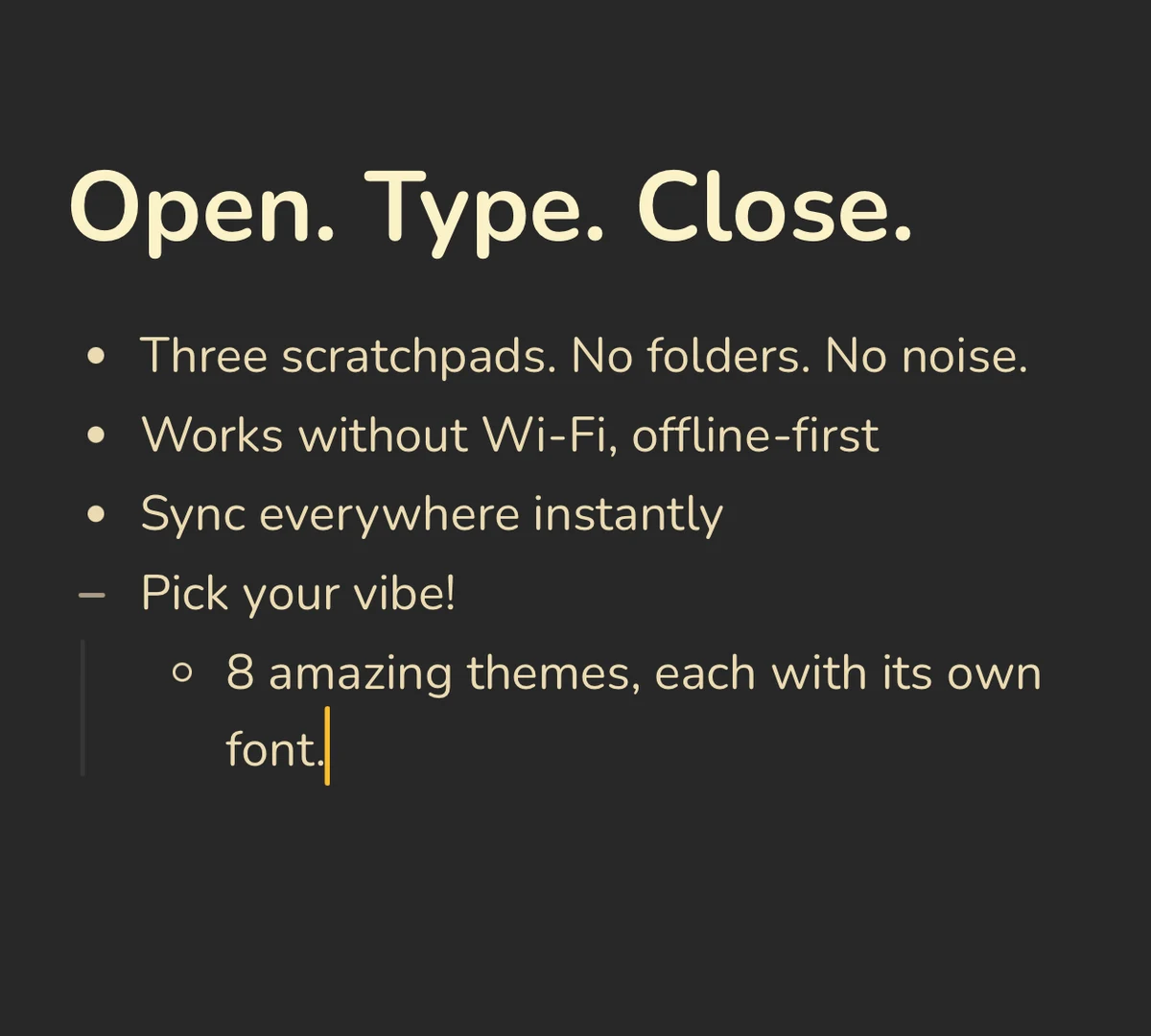 Benchpad Interface
Get Benchpad
On every platform
Native apps for iPhone & Android, and a Mac menu bar & Windows tray app — same three pads, offline-first, synced everywhere.
Benchpad
Try it free.
No credit card required.