Benchpad blog
The overwhelm is not your fault
You're not bad at notes. Your note app just asked you to become an information architect in addition to whatever your actual job is.
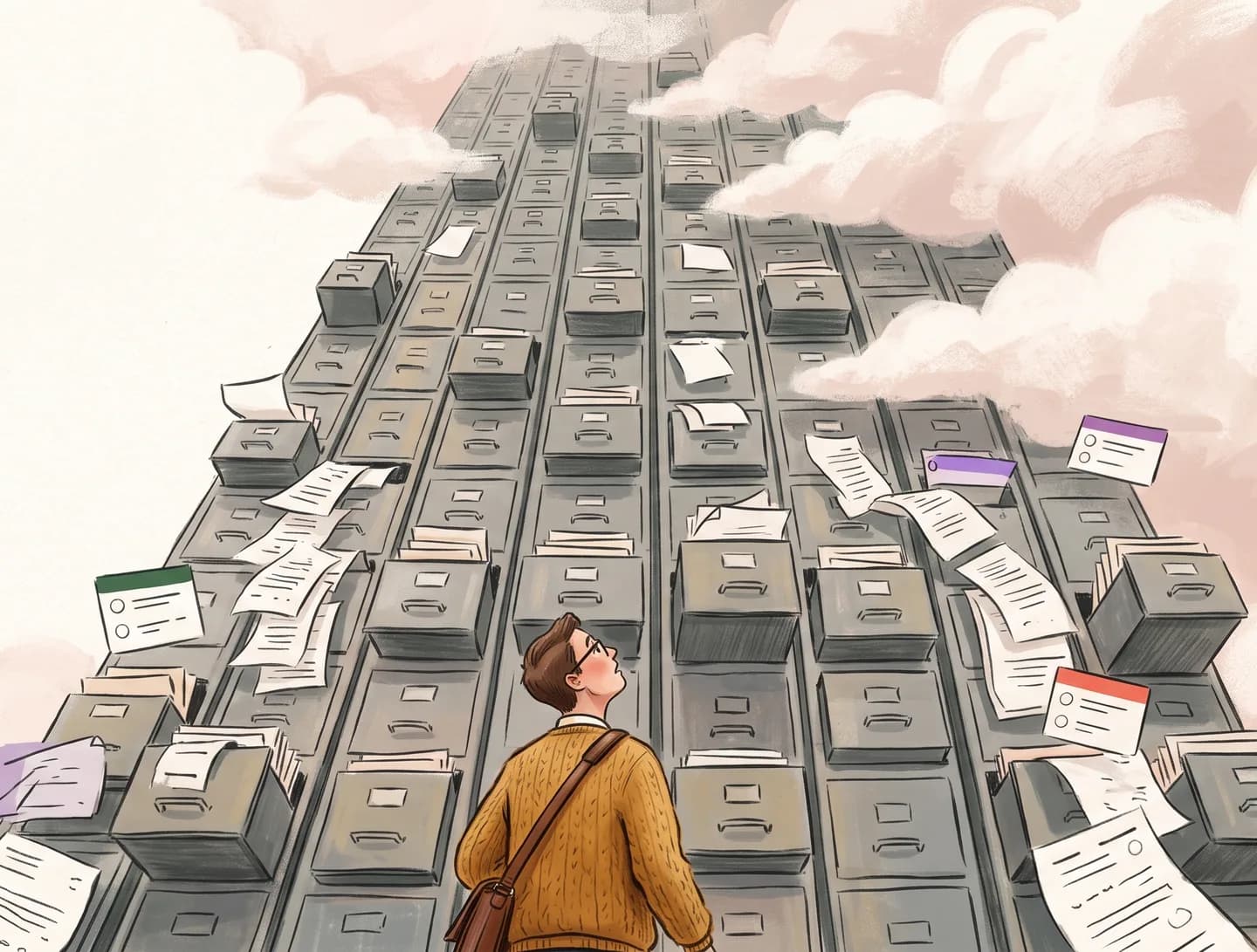
If you've ever felt overwhelmed by your note app, you are not alone, and you are not the problem.
Somewhere in the last decade, note-taking tools went from "write something down" to "build a personal knowledge management system." The expectation shifted from "capture a thought" to "architect an information system."
You didn't sign up for that. You wanted a scratchpad. You got a part-time job.
How note apps create overwhelm
The overwhelm doesn't come from one thing. It comes from a cascade of small demands that add up:
The blank page. You open the app. You need to create a new note. Where does it go? What folder? What notebook? What workspace? This decision — before you've typed a word — is the first source of friction.
The organization tax. After you write something, the app expects you to organize it. Tags, links, properties, databases. Each is optional, and each creates pressure to engage. "I should tag this." "I should link this to that other note." These small should-tasks accumulate.
The maintenance burden. Over time, your system grows. Notes pile up. Folders multiply. Some notes are outdated. Some are duplicates. Your system needs maintenance — inbox processing, weekly reviews, periodic reorganization. This is work that has nothing to do with the notes themselves.
The feature treadmill. The app updates. New features appear. You should learn them. You should integrate them. You should evaluate whether your current system is using the app correctly. This is yet another layer of work on top of the notes.
The expertise problem
Modern note apps assume a level of information-architecture expertise that most people don't have — and shouldn't need.
Designing a folder structure is information architecture. Choosing between tags and links is a taxonomy decision. Deciding whether to use a database or a page is a data-modeling choice. These are skills that information scientists study for years.
Note apps present these decisions as intuitive, but they're not. They're genuinely hard problems dressed up in friendly UI. And when your system breaks down — as it inevitably does, because information architecture is hard — the app makes you feel like the failure, when really the app just asked too much of you.
The guilt cycle
Overwhelm creates guilt, and guilt creates avoidance. Here's the cycle:
- You create a note system.
- The system grows and becomes harder to maintain.
- You stop maintaining it because maintenance is boring.
- The system becomes cluttered and disorganized.
- You feel guilty about the clutter.
- You avoid the app because using it means confronting the clutter.
- You switch to a new app. Go to step 1.
This cycle is so common that it's practically a genre of productivity content. "I tried Notion but switched to Obsidian." "I moved from Roam to Logseq." "My new system is Apple Notes." The specific apps change; the pattern doesn't.
Breaking the cycle
The cycle breaks when you remove the conditions that create it. No organization means no organizational debt. No unlimited growth means no unmanageable archive. No feature treadmill means no maintenance.
This is what "less" actually means in the context of a note app. It doesn't mean "worse." It means "fewer demands." It means the app asks less of you, and in exchange, you get to do the thing you wanted to do in the first place: write things down.
What a non-overwhelming note app looks like
- Fixed structure. You don't decide where notes go because the structure is already decided. Three pads. You named them when you started. Done.
- No organizational layer. No tags. No folders. No backlinks. Nothing to maintain, nothing to feel guilty about not maintaining.
- Finite capacity. Three pads means no infinite growth. You keep what's current and let go of the rest.
- No feature updates to learn. The feature set is small and stable. There's nothing new to evaluate or integrate.
- Offline by default. No sync errors to debug. No cloud dependency to worry about.
The result is a tool that never creates overwhelm because it never creates the conditions for overwhelm. The guilt cycle can't start because there's nothing to feel guilty about.
Benchpad is three scratchpads. Zero organization. Zero guilt. $10/year. Start writing free →
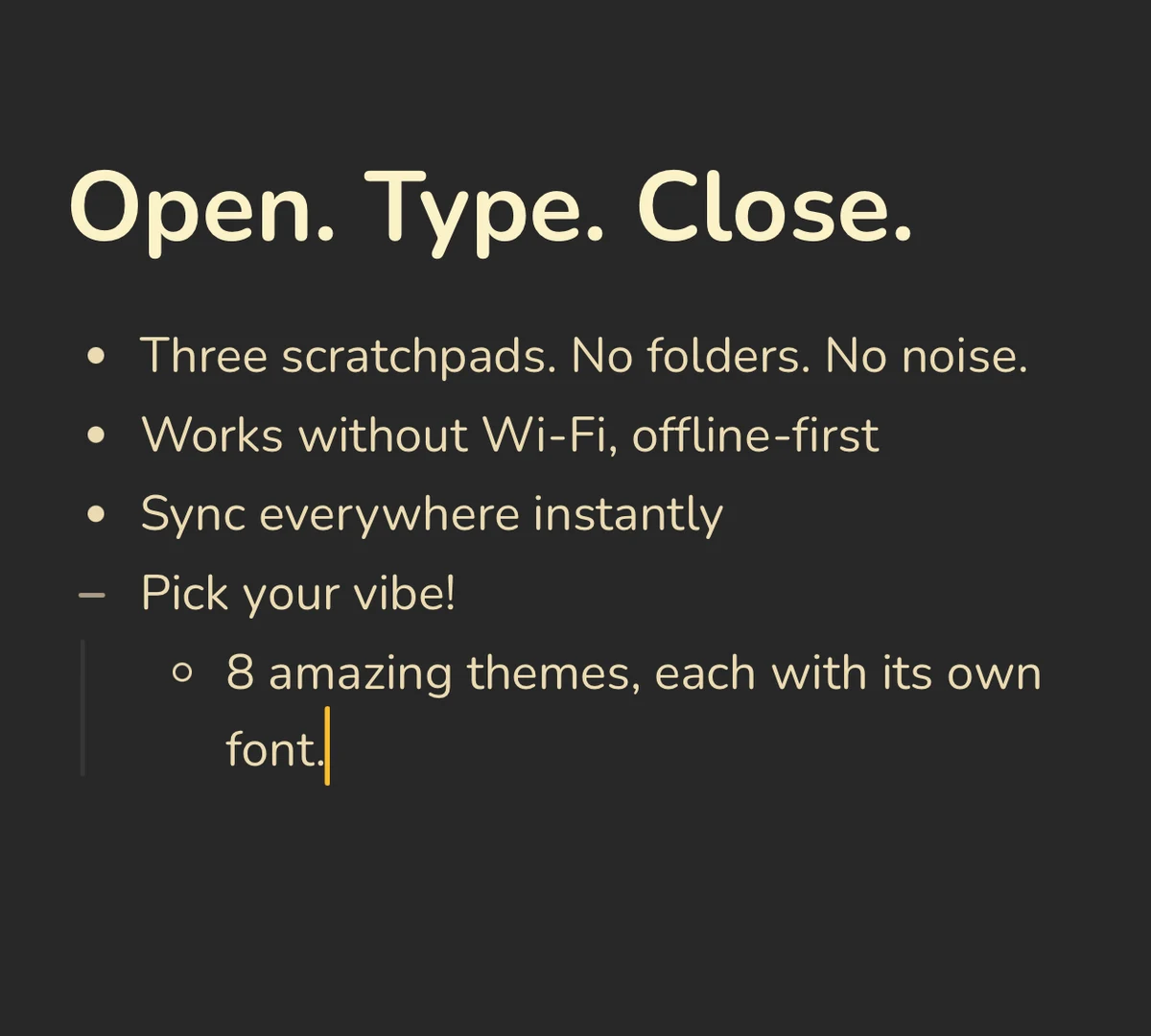 Benchpad Interface
Get Benchpad
On every platform
Native apps for iPhone & Android, and a Mac menu bar & Windows tray app — same three pads, offline-first, synced everywhere.
Benchpad
Try it free.
No credit card required.