Benchpad blog
Scratchpad vs. notes app: they're not the same tool
A notes app manages documents. A scratchpad absorbs thinking. Confusing the two is why your notes app feels like work — and why the fix isn't a better notes app.
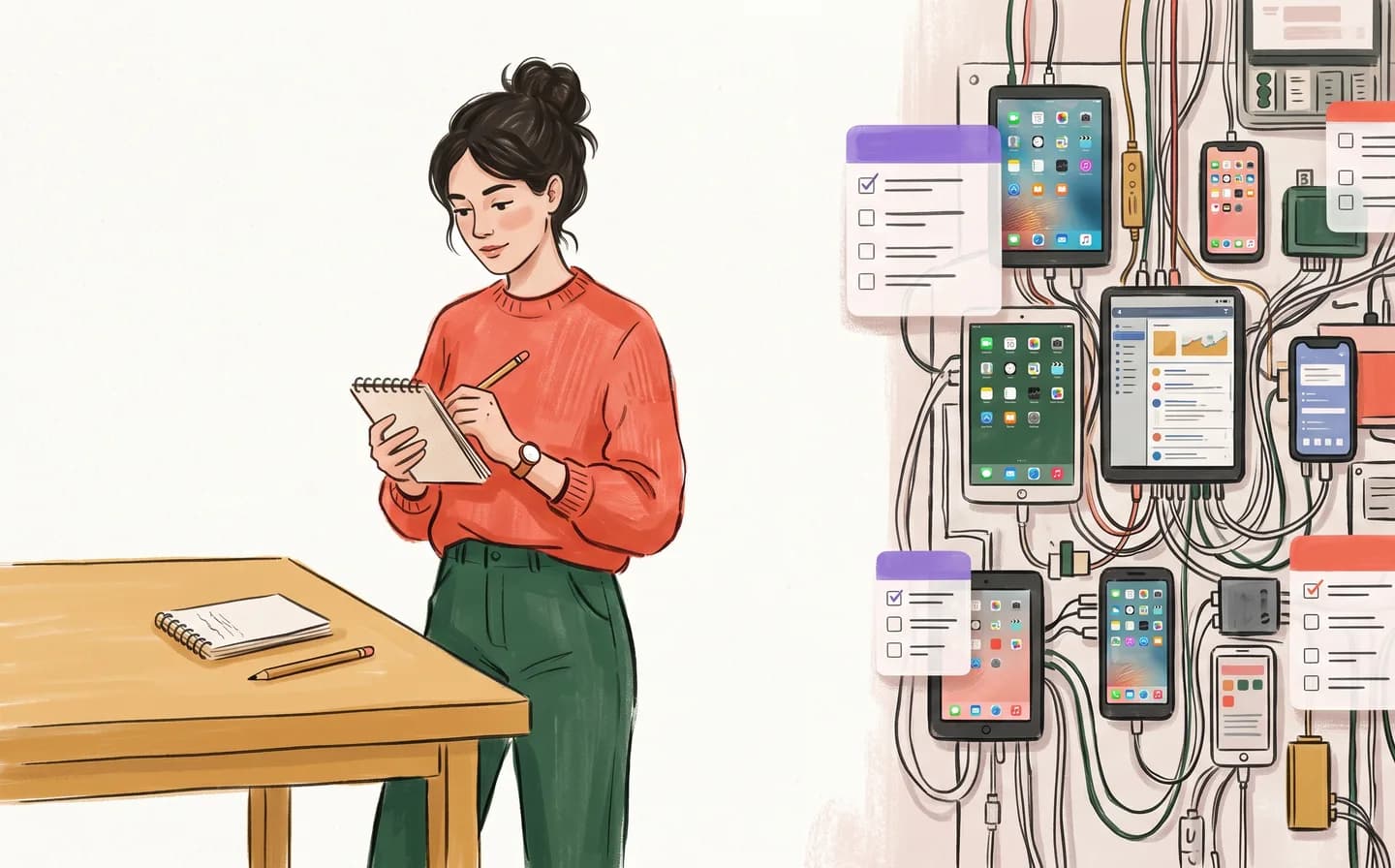
Here's a test. Open your notes app and count what happens before you can type: pick a location, name the note, maybe a tag, maybe a template prompt. Now look at the back of a receipt. The receipt wins on every metric that matters at the moment of capture.
That's not because your notes app is bad. It's because it's a different tool than you think it is.
Two jobs, one word
We use "notes" for two completely different activities.
Storing documents. Meeting archives, recipes, tax records, the wifi password. This is a filing job. It rewards structure: folders, tags, search, links. Notes apps are built for this, and the good ones do it well.
Catching thinking. The idea on the walk, the number during the call, the sentence that arrived while you were doing something else. This is a reflexes job. It rewards exactly one thing: how fast the surface accepts text.
Every mainstream notes app is built for the first job and marketed for both. So you do your catching in a tool optimized for filing — and every capture pays a filing tax.
What the tax costs you
The tax is small. Three seconds, maybe five. Pick a folder, dismiss a prompt, name the thing.
But it's charged at the worst possible moment — while the thought is still soft. Thoughts don't wait for filing decisions. They degrade in working memory like a phone number you're trying to hold while someone talks to you.
So you develop workarounds. You email yourself. You text yourself. You keep a "quick notes" note at the top of the app, which grows into a swamp. Every workaround is an admission: the notes app failed at capture, and you built a scratchpad out of whatever was lying around.
What a scratchpad actually is
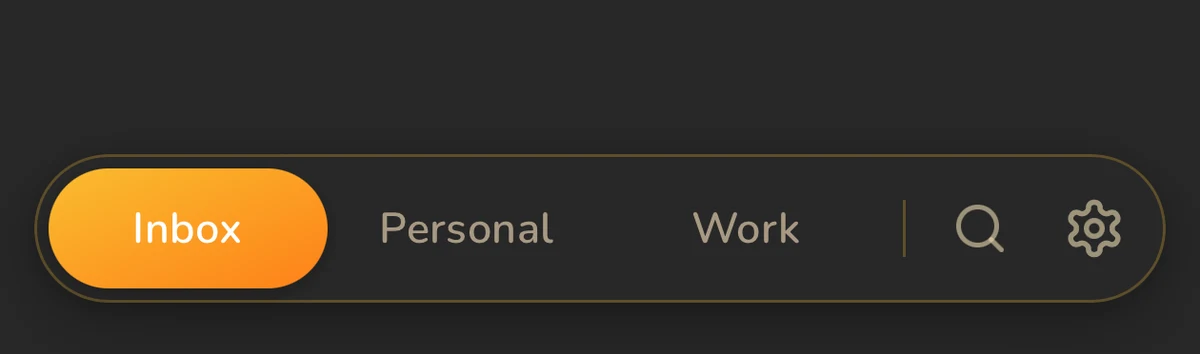 Three pads interface
A scratchpad inverts every notes-app assumption.
- Fixed surfaces instead of unlimited documents. Tot has seven dots. Benchpad has three pads. The count never grows, so there's nothing to choose.
- The app is the note. Opening it puts a cursor in front of you. No dashboard, no list, no "+" button.
- No filing, ever. Not deferred filing, not smart filing. None.
- Persistence without ceremony. Close it mid-sentence. It's there tomorrow.
The whole category fits in one sentence: a scratchpad is the receipt-back, made permanent and synced.
We wrote a full guide to the category — what qualifies, what doesn't, and the apps worth knowing — at What is a scratchpad app?
"So I need two apps?"
Maybe. Plenty of people run Obsidian or Notion for the library and a scratchpad for the desk. The library holds what's finished; the scratchpad holds what's happening. The two jobs stop fighting over one tool.
But here's what surprised us building Benchpad: most people's "library" was aspirational. They had the folder structure of an archivist and the usage pattern of a scribbler. Ninety percent of what went into the system was scratch that never needed filing — it needed a place to land, a week of being looked at, and then a way to leave.
That's why Benchpad gives you three pads and nothing else — no folders, no archive to file into. Scratch that turns out to matter, you keep in the pad or copy it out. Scratch that doesn't, you clear without guilt. The pad stays the size of your attention.
The test, again
Tomorrow, when a thought arrives, watch what you reach for. If it's the receipt, the self-text, the swamp note at the top of the app — you don't need a better notes app.
You need a scratchpad.
Benchpad is three scratchpads. Offline-first. Plain markdown. $10/year. Start writing free →
Get Benchpad
On every platform
Native apps for iPhone & Android, and a Mac menu bar & Windows tray app — same three pads, offline-first, synced everywhere.
Benchpad
Try it free.
No credit card required.