Benchpad blog
Offline-first is not a feature. It's a value.
Most apps treat offline as an edge case. We built Benchpad so offline is the default state and the network is a background luxury.

Every modern web app says it supports offline. Almost none of them mean it.
What they mean is: if you've recently loaded the page while online, and you don't navigate away, and you don't need to fetch new data, and the cached content happens to be the content you need — then yes, technically, offline.
This is not offline support. This is cloud software that occasionally tolerates network interruptions.
The tell
The tell is what happens when you deliberately go offline and then open the app from scratch.
Most note apps: spinner. "Reconnecting." "No internet connection." Sometimes a read-only view of cached content. Almost never a fully writable editor.
Benchpad: opens. Your pads are there. Your edits are saved. No indicator that anything is missing.
The app isn't pretending to handle offline. It was built to handle offline as the first case, not the last.
Why it matters more than it sounds
You don't go offline on purpose. You go offline because:
- You're on a plane
- You're on a train through a tunnel
- You're in a building with dead zones
- You're at a conference on saturated hotel wifi
- Your ISP is having an incident
- You're in a meeting and cellular is unreliable
- You're somewhere intentionally disconnected
In all of these cases, the need to write something doesn't pause. Thoughts don't wait for connectivity. Meetings produce action items regardless of signal strength.
An app that stops working when the network drops is an app that fails you exactly when you need it most: when you're somewhere interesting.
What offline-first actually means architecturally
Offline-first means the local state is the source of truth. The network is a sync mechanism, not a dependency.
In practice: every keystroke saves to your browser's local storage immediately. The sync to the server runs in the background when a connection is available. If no connection is available, nothing breaks. The local state is the only state that matters for the user experience.
Benchpad uses CRDTs — conflict-free replicated data types — so that when two devices edit offline simultaneously, both versions merge at the character level when they reconnect. Not "last write wins." Not "pick a version." Both edits, merged, with no data loss.
This is the same approach Figma uses for collaborative editing. It's not new technology. It's a deliberate architectural choice to treat the user's data as indestructible.
The trust argument
When your notes are cloud-first, you're trusting the company's servers every time you open the app. If the servers are down — which has happened to Notion, Evernote, Roam, and every major note app at some point — you have nothing.
When your notes are local-first, you're trusting the device in your hands. That device is there. It's on. It has your notes. Server downtime is invisible.
This is a different relationship with your data. Your notes exist on your device. They were never exclusively in the cloud. If the service disappears tomorrow, your notes are still in your browser's local storage, exactly as you left them.
Offline-first as a statement about what software should do
When software requires a connection to function, it's making a statement: our infrastructure is more important than your availability.
When software is offline-first, it's making the opposite statement: your availability is the priority. Our infrastructure serves you. If it fails, you don't notice.
That's the position we built Benchpad from. Not as a feature differentiator — as a belief about how tools should work.
Your thoughts don't wait for wifi. Neither should your note app.
Benchpad is three scratchpads. Offline-first. Plain markdown. $10/year. Start writing free →
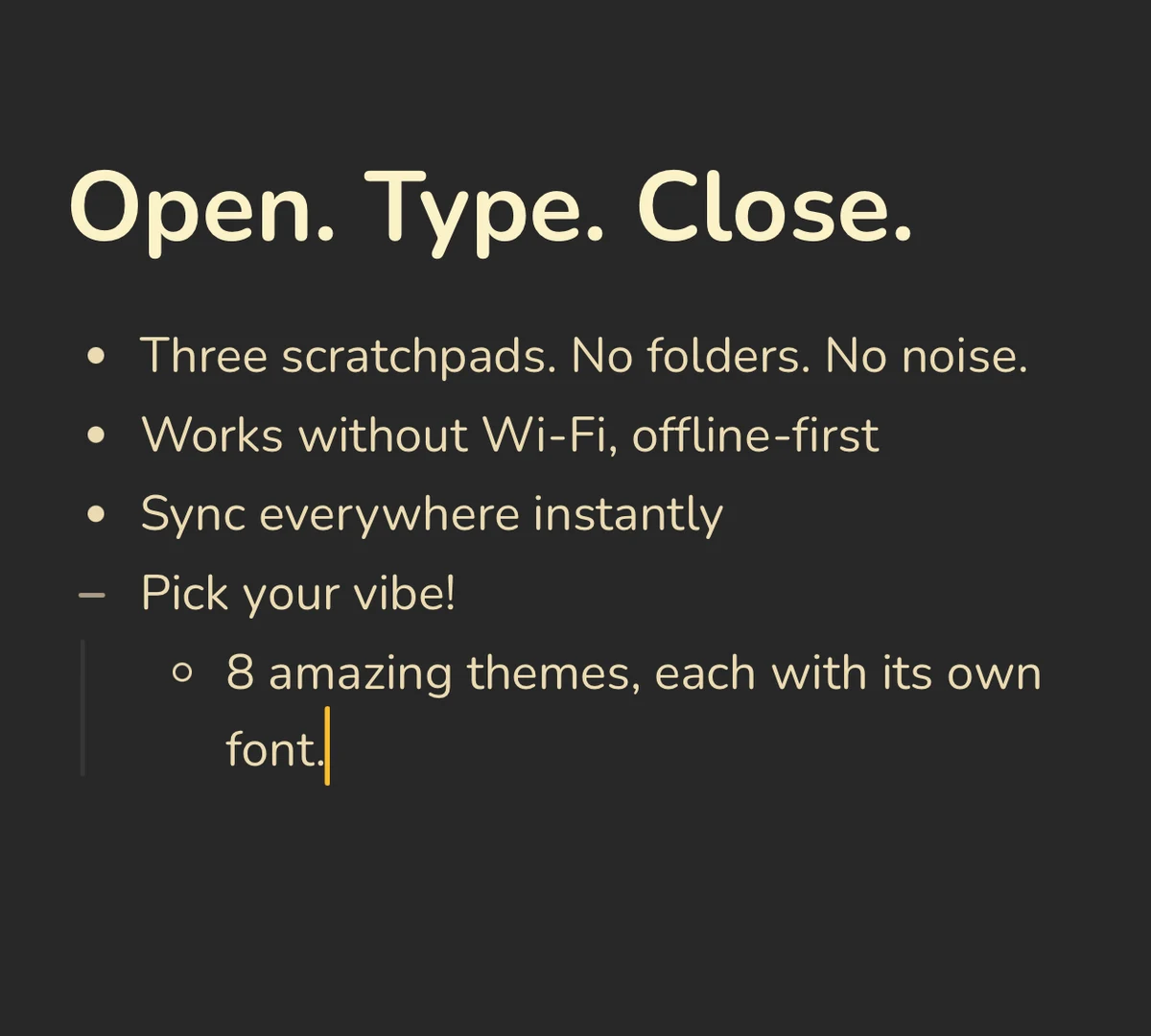 Benchpad Interface
Get Benchpad
On every platform
Native apps for iPhone & Android, and a Mac menu bar & Windows tray app — same three pads, offline-first, synced everywhere.
Benchpad
Try it free.
No credit card required.