Benchpad blog
What local-first software actually means (and why it matters for your data)
In 2019, a group of researchers published a paper arguing that cloud software had made a bad trade. Here's what local-first software is, how it works technically, and why it's the only honest answer to cloud dependency.
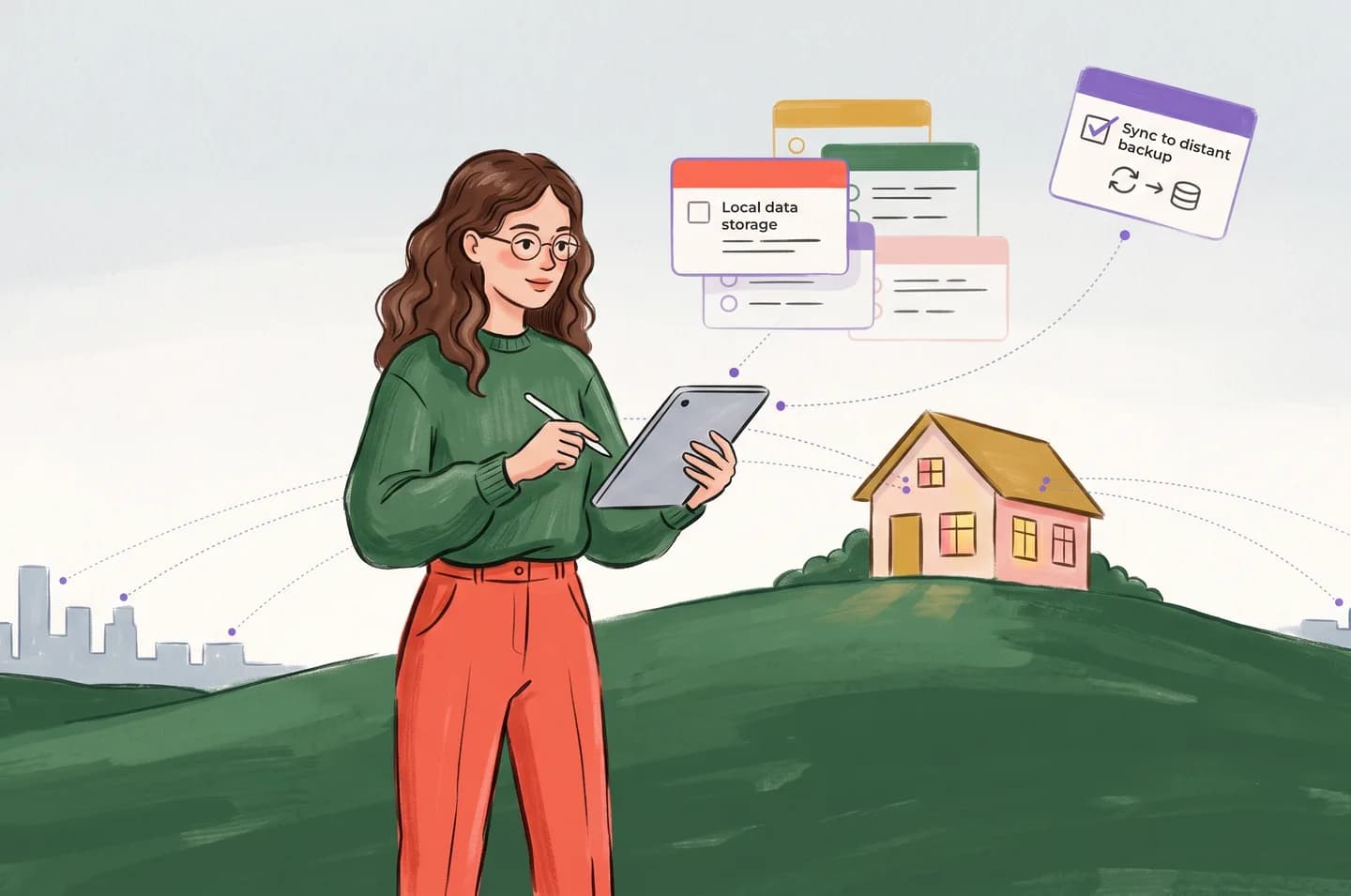
In 2019, Martin Kleppmann, Adam Wiggins, Peter van Hardenberg, and Mark McGranaghan published a paper in the proceedings of the ACM SIGPLAN conference titled "Local-first software: You own your data, in spite of the cloud."
Kleppmann is the author of Designing Data-Intensive Applications, one of the most widely-read books in software engineering. This was not a blog post. This was a peer-reviewed research paper arguing that the fundamental architecture of cloud software had made a set of trades that users had never consciously agreed to — and that a better model existed.
The paper began with an enumeration of seven ideals for software:
- Fast
- Multi-device
- Offline
- Collaboration
- Longevity
- Privacy
- User control
Then it made a blunt observation: cloud apps score well on collaboration and multi-device, and poorly on everything else. Local apps — the old model of software that ran on your machine and stored your files locally — score well on the other five, and poorly on collaboration and multi-device.
The question the paper asked: is there an architecture that scores well on all seven?
What went wrong with the cloud
To understand the argument, you have to understand what the cloud actually changed.
Before cloud software, you had files. Stored locally. Owned entirely. You could open them with any compatible application, move them anywhere, back them up yourself. The software you used to edit them was a separate question from the software you used to store them.
Cloud software collapsed this distinction. The file is no longer yours to store. It lives on servers controlled by the provider. Your access to it is mediated by the provider's application, running on the provider's infrastructure, subject to the provider's pricing, availability, and continued existence.
The trade, Kleppmann et al. argued, was:
You gave up: ownership, offline access, longevity, privacy, and control. You got: real-time collaboration and automatic multi-device sync.
For most individual users, the trade was unexamined. Cloud apps are more convenient in the default case — you don't have to think about backups, sync, or file management. The costs are invisible until something goes wrong: the service shuts down, the pricing changes, the servers have an outage, the company decides to monetize your data differently.
The costs are also structural. Every time you open a cloud app, you're making a network request. The app's availability is dependent on yours and the server's connectivity. This is a logical AND — both conditions must be true. Network AND server. The probability of success is the product of both reliabilities, not just one.
A local app with offline capability changes this to a logical OR: it works if you have the file, regardless of server state. Local files are available as long as your device is.
The CAP theorem, briefly
In distributed systems, there is a fundamental result called the CAP theorem, proven by Eric Brewer in 2000 and formalized by Seth Gilbert and Nancy Lynch in 2002.
It states that a distributed data system can provide at most two of three guarantees simultaneously:
- Consistency: every read returns the most recent write
- Availability: every request receives a response
- Partition tolerance: the system continues to function despite network failures
You cannot have all three. Network failures (partitions) happen. Therefore, in the presence of a partition, you must choose between consistency and availability.
Cloud-first systems almost universally prioritize consistency: when you're offline, you lose availability (the app stops working or becomes read-only) because the system can't guarantee you're seeing the latest state.
Local-first systems invert this: they prioritize availability. You always have access to your data. When you reconnect, the system resolves any conflicts that arose during the partition.
The question is how you resolve conflicts. "Last write wins" — the most common approach — is destructive. If you edit a document on your laptop and your phone while offline, and "last write wins," one of those edits is silently deleted. You may never know.
CRDTs: how local-first sync actually works
The technical solution the paper describes is Conflict-free Replicated Data Types (CRDTs) — a class of data structures designed specifically to enable multiple devices to edit the same data simultaneously and merge their edits correctly without coordination.
The concept was introduced in a 2011 paper by Marc Shapiro, Nuno Preguiça, Carlos Baquero, and Marek Zawirski. The key insight: if you design data structures so that any two valid states can be merged — no matter the order in which operations arrived — you get a system where offline edits are always resolvable.
There are different kinds of CRDTs. The one most relevant to text editing is the operation-based CRDT, which records not just the final state of the text but the sequence of operations that produced it (insert character X at position Y, delete character at position Z). When two devices merge, they replay each other's operations. As long as the operations are commutative — as long as applying A then B produces the same result as applying B then A — the final state is identical regardless of merge order.
Making text editing operations commutative is the hard problem. Martin Kleppmann, together with Victor Grishchenko, developed Automerge, an open-source CRDT library for collaborative applications. Y.js, developed by Kevin Jahns, is another widely-used implementation — the one Benchpad uses.
Figma uses a custom CRDT-like system for collaborative design editing. Google Docs uses an older operational transformation approach that solves similar problems differently. Apple Notes uses iCloud sync that, notoriously, sometimes loses data when two devices diverge — because it doesn't use CRDTs.
What this means at the level of your notes
You have two devices. You edit a note on your laptop while on a plane. Your phone, which you've been using, has diverged from your laptop's state because it was also edited during the flight.
Without CRDTs: when your laptop reconnects, one version wins. This might be the laptop's version, the server's version (which reflects your phone's edits), or some heuristic the app uses. The other version is discarded. You might not notice. You've lost work.
With CRDTs: when your laptop reconnects, the CRDT library merges both sets of changes at the character level. The text contains all the edits from both devices, correctly ordered. Nothing is discarded. The merge is deterministic — anyone who performs the same merge arrives at the same result.
The technical mechanism: each insert and delete operation is tagged with a unique identifier (typically a timestamp plus a device identifier). The CRDT maintains a total ordering over all operations, so two identical merges always produce the same document. There is no "latest wins" — there is a mathematical definition of what the correct merged state is, and everyone agrees on it.
The longevity problem
Kleppmann's paper gives a striking illustration of why longevity matters.
He examines a set of popular applications across a dimension called "data longevity" — could you open and read the files from this app in 20 years?
For local files in plain formats (text, markdown, PDF): almost certainly yes. Those formats are stable, well-documented, and supported by dozens of applications.
For cloud-native apps (Notion, Evernote, Google Docs): only if the company still exists and still offers export. If the company is acquired, shuts down, changes its pricing model, or deprecates the export feature, your data is inaccessible.
This is not hypothetical. Evernote significantly degraded its export functionality in some versions. Basecamp has changed its data policies through ownership transitions. Google has killed products containing user data without clean migration paths. In all cases, users with years of accumulated notes faced a sudden, unexpected loss of access.
The paper notes: "Cloud apps often centralize data on the vendor's server, which makes it difficult or impossible to use the software without an internet connection or without the vendor's server being available. In the worst case, when a company closes down or decides to discontinue a product, the data stored in the cloud evaporates along with the company."
The mitigation is simple: use software where the data lives on your device, in an open format, independently of the service. Notes as markdown files. PDFs you control. Not proprietary databases you're renting access to.
The privacy corollary
Local-first architecture has a privacy implication that gets insufficient attention.
In a cloud-first architecture, your data must travel to the server to be processed. Even if it's encrypted in transit, the server decrypts it to render the application. End-to-end encryption — where the server never sees the decrypted content — is technically possible for note apps but difficult to combine with useful features like full-text search.
Most cloud note apps are not end-to-end encrypted. They state this, or they don't. Your notes are readable by the provider, and potentially by their employees, subpoenas, hackers who breach the server, or acquirers who inherit the data. This is not paranoia — it's the logical consequence of where the data lives.
In a local-first architecture, your data lives on your device. You control the encryption. The server holds an encrypted copy for sync purposes; the decryption key is either never sent to the server (true E2EE) or held by you and not by the server's infrastructure layer.
This doesn't mean every local-first app provides E2EE — it doesn't. But it means the architecture is capable of it in a way that pure cloud-first apps are not, and it means the default posture — data lives on your device — is intrinsically less exposed than data that lives on a server you don't control.
Where local-first software is now
The 2019 paper was prescient but also honest about the state of the ecosystem: "Local-first software is possible, but it requires rethinking the architecture of software."
The tools have matured significantly since then. Y.js is production-stable and used in Figma, VS Code Live Share, and a growing list of collaborative applications. Automerge has reached 1.0. Replicache, ElectricSQL, and Triplit have emerged as frameworks for building local-first applications.
The model is no longer experimental. The infrastructure is there for developers who choose it.
What hasn't changed is the incentive structure. Local-first software is harder to build than cloud-first software. It requires the developer to accept that they don't own the data — that it lives on the user's device and the developer's server is a sync target, not a central repository. This is architecturally and philosophically uncomfortable for companies that want to retain control.
The developers who build local-first software do so because they believe the user's data should belong to the user. Not as a marketing claim. As an architectural commitment.
What to ask before trusting a tool with your notes
Given the analysis above, here are the questions that matter:
Where does the data live when I'm offline? If the answer is "nowhere accessible" or "in a cache that might expire," the tool is cloud-first with tolerances, not local-first.
What happens if the service shuts down tomorrow? If your notes are inaccessible, you've been renting them.
What format is the data in? Proprietary binary formats are dependencies. Plain text and markdown are not.
What happens when two devices diverge? "Last write wins" costs you data. CRDTs don't.
Can I verify the privacy claims? "We encrypt your data" requires asking: at rest? In transit? Do you hold the key or do I?
None of these questions have good answers for most cloud note apps. Not because the apps are malicious — most aren't — but because the architecture that makes cloud software convenient is fundamentally in tension with the architecture that gives you ownership.
The 2019 paper framed this as a tractable engineering problem. It is. The engineering exists. What's required now is choosing software built on it.
Benchpad stores your notes in your browser's local storage using Y.js CRDTs. It syncs when it can and works when it can't. Your notes are plain markdown. You can export them anytime — or just copy them. They were always yours.
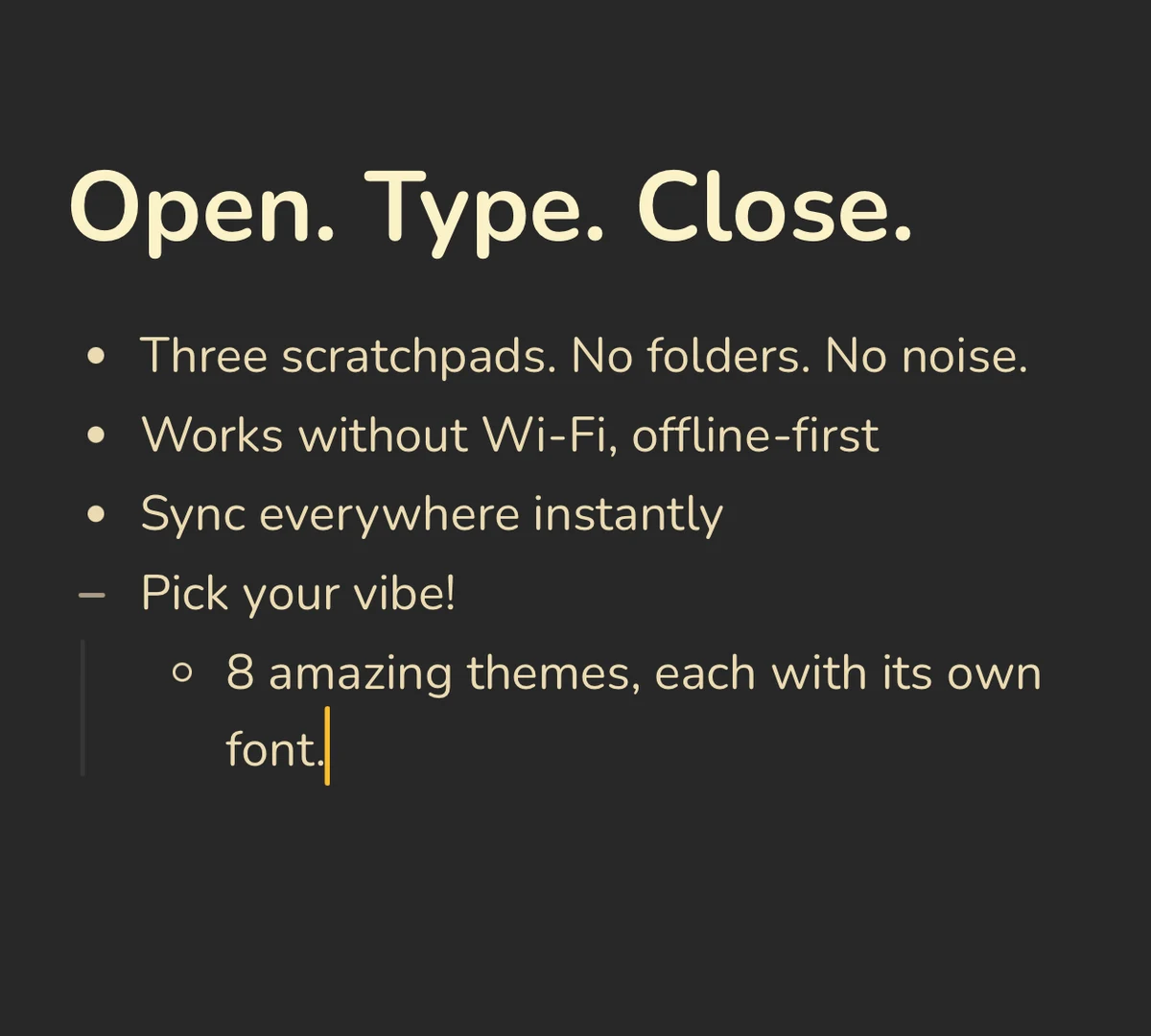 Benchpad Interface
Get Benchpad
On every platform
Native apps for iPhone & Android, and a Mac menu bar & Windows tray app — same three pads, offline-first, synced everywhere.
Benchpad
Try it free.
No credit card required.