Benchpad blog
How Bloggers & Journalists Write Long-Form Content Without Folder Fatigue
Overcome writer's block and organizational overwhelm. Learn how writers use Benchpad's outline panel, distraction-free markdown editor, and dark themes to write deep content.

Writing is hard enough. Fighting your text editor makes it impossible.
When you sit down to draft an essay, blog post, technical report, or book chapter, most modern writing software gets in your way. Banners ask you to install extensions, popups ask you to organize your draft into folders, and floating toolbars cover your cursor.
Before you've written a single paragraph, your creative flow is shattered.
Benchpad was engineered specifically for writers who value uninterrupted deep focus, instant navigation via outline panels, and zero-clutter dark typography.
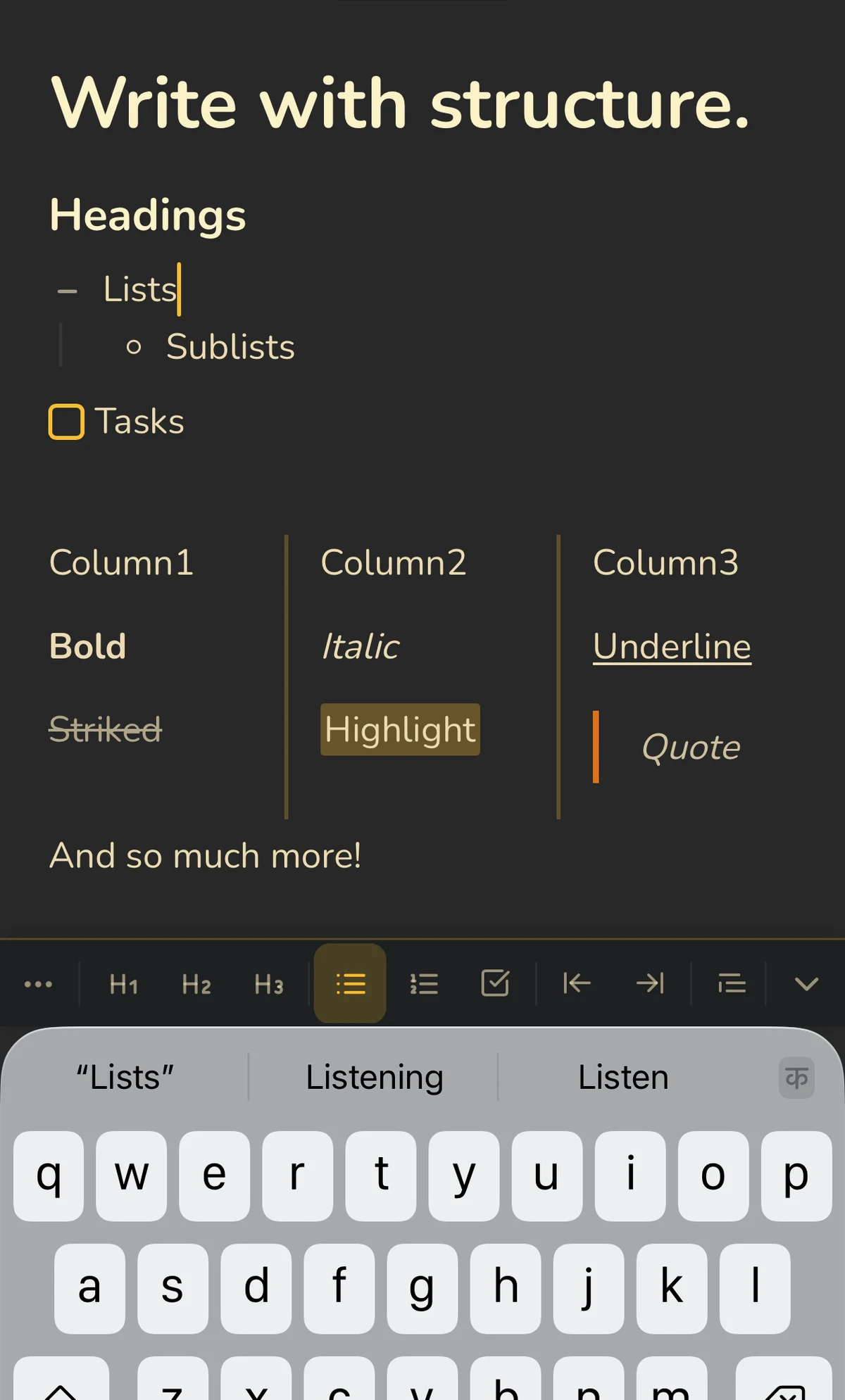
 Benchpad Distraction Free Writing View
The 3-Step Article Drafting Process in Benchpad
Step 1: Brainstorming & Raw Note Pool
In your raw scratchpad, dump research quotes, key arguments, and rough ideas without worrying about polish:
💡 Essay Idea: Why Slow Software is a Choice
Core Premise
- Software hasn't gotten slower because computers got slower. It got slower because developers stopped caring about payload sizes and DOM nodes.
- Reference Mark Weiser's 1991 paper on Calm Technology.
- Quote from Alan Kay: "Simple things should be simple, complex things should be possible."
Key Arguments to Develop
- The web bundle inflation cycle (React + 40 npm dependencies for a static page).
- Electron vs Native/Capacitor memory footprints.
- Offline-first local storage (IndexedDB + CRDTs) vs waiting for API spinners.
Step 2: Building the Article Outline
Convert your raw ideas into a structured outline using H1, H2, and H3 markdown headings. Benchpad's Outline Panel automatically generates a live table of contents so you can jump to any section with a click or keyboard shortcut.
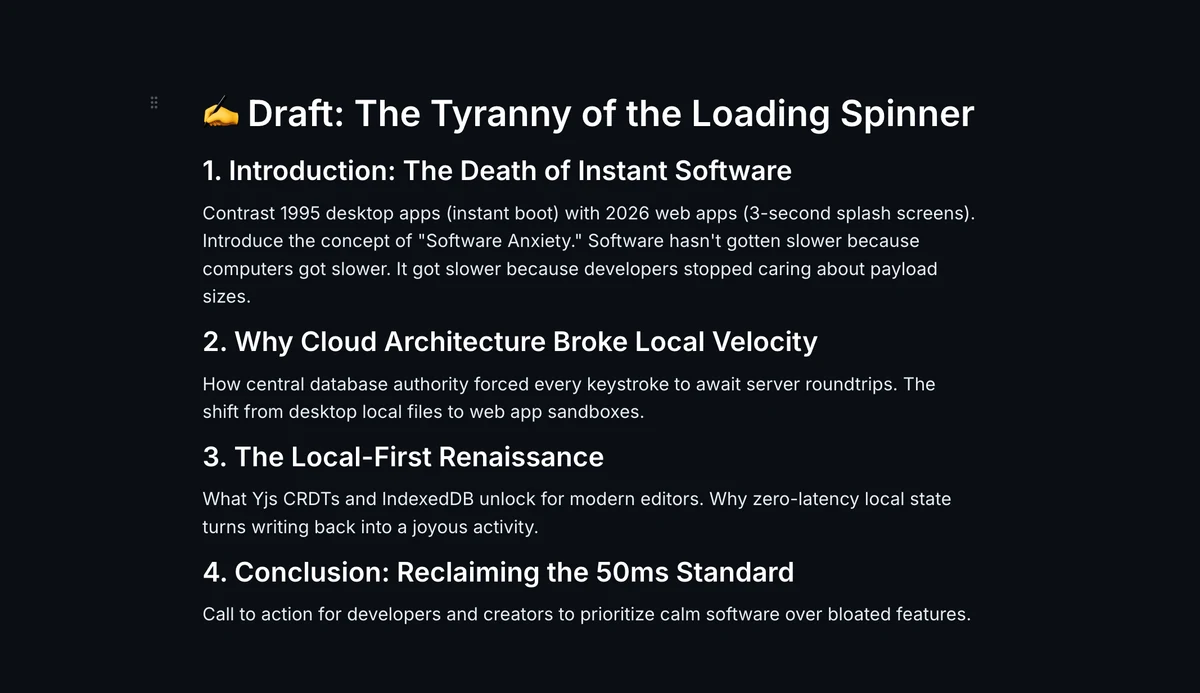
✍️ Draft: The Tyranny of the Loading Spinner
1. Introduction: The Death of Instant Software
- Contrast 1995 desktop apps (instant boot) with 2026 web apps (3-second splash screens).
- Introduce the concept of "Software Anxiety."
2. Why Cloud Architecture Broke Local Velocity
- How central database authority forced every keystroke to await server roundtrips.
- The shift from desktop local files to web app sandboxes.
3. The Local-First Renaissance
- What Yjs CRDTs and IndexedDB unlock for modern editors.
- Why zero-latency local state turns writing back into a joyous activity.
4. Conclusion: Reclaiming the 50ms Standard
- Call to action for developers and creators.
 Benchpad Article Outline Panel Navigation
Step 3: Deep Flow Drafting
Once your outline is locked in, switch to Benchpad's Focus Mono or OLED Mode theme.
- Focus Mono: JetBrains Mono font on dark navy — optimized for code and technical prose.
- OLED Mode: Pure
#000000dark background with crisp contrast — perfect for late-night writing on OLED screens.
With zero floating toolbars or notification popups, you enter a state of deep flow where words appear on screen as fast as you can think.
Why Long-Form Writers Prefer Benchpad
- No Folder Paralysis: Instead of managing 40 draft files, keep your Active Draft in Pad 1, Article Outlines in Pad 2, and Published Archive in Pad 3.
- Pure Plain Text Export: Your text is formatted in clean, standard Markdown. Copy directly into WordPress, Substack, Medium, Ghost, or your Next.js blog with zero HTML junk.
- Always Saved Locally: Never lose an article draft to a browser tab crash or lost internet connection.
The Writer's 3-Pad Setup
- Pad 1:
Active Draft→ Current article or chapter being written right now. - Pad 2:
Outlines & Ideas→ Article outlines, headline variations, research quotes. - Pad 3:
Publishing Log→ Newsletter schedule, published links, promotion notes.
Get Benchpad
On every platform
Native apps for iPhone & Android, and a Mac menu bar & Windows tray app — same three pads, offline-first, synced everywhere.
Benchpad
Try it free.
No credit card required.