Benchpad blog
How Developers Use Code Blocks as an Offline CLI Cheat Sheet & Buffer
Stop re-searching StackOverflow and shell history for obscure CLI flags and SQL scripts. Build an offline, instant-access code snippet scratchpad in Benchpad.
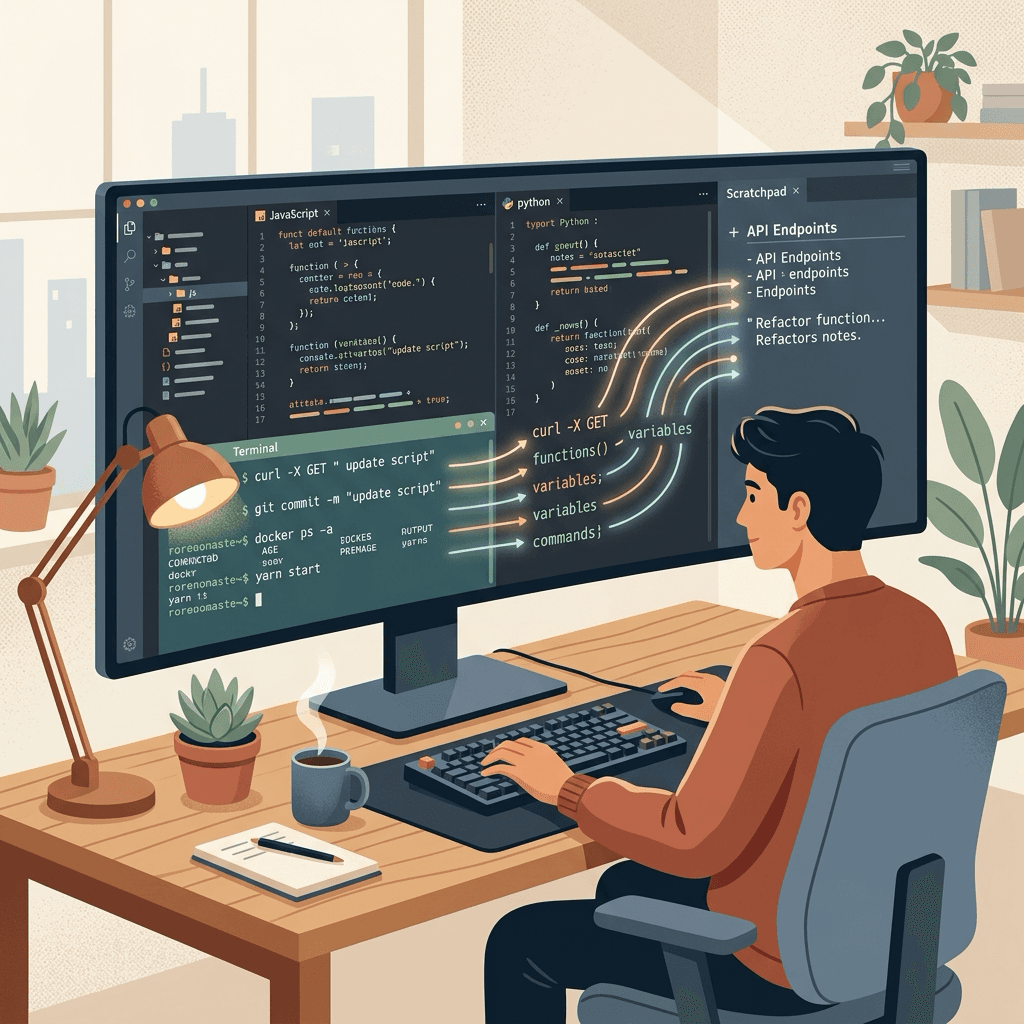
How many times a day do you search Google or your shell history for the exact ffmpeg command, Docker cleanup flag, or Prisma migration command?
history | grep docker
history | grep psql
history | grep git
Context-switching to search for snippet syntax wastes minutes of focus every hour. Gists and bookmark apps are too far away, and notes apps like Notion take 4 seconds to load and hide code snippets under heavy UI menus.
Benchpad provides a blazing-fast, offline code buffer with native syntax highlighting and one-click copy buttons.
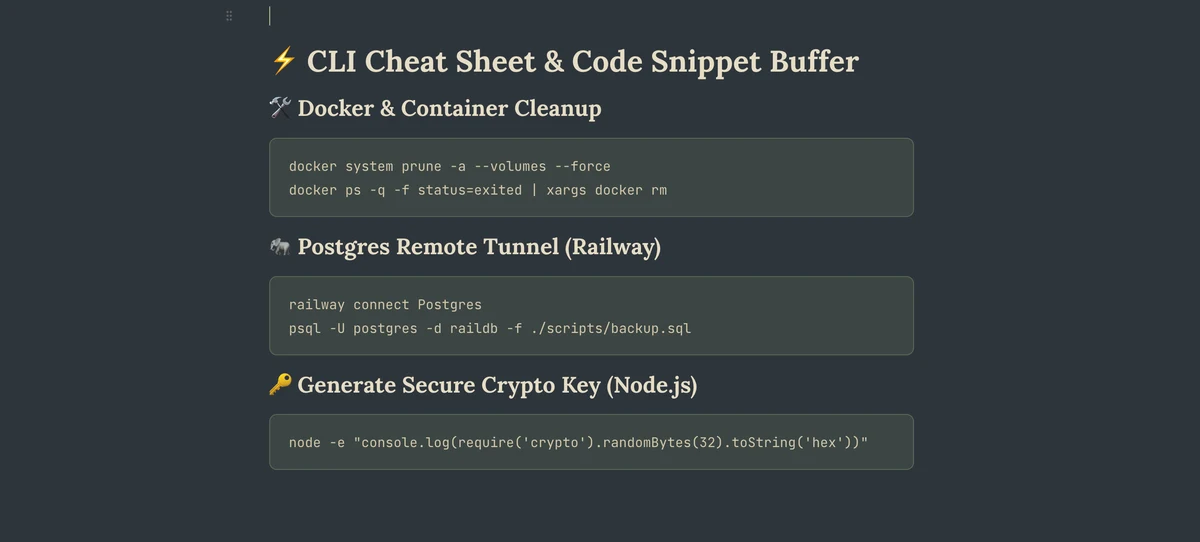 Benchpad Code Snippets with Syntax Highlighting
Setting Up an Offline CLI & Command Scratchpad
In Benchpad, code blocks support full Markdown syntax with automatic language detection (Bash, TypeScript, SQL, JSON, YAML, Go, Rust, Python, Dockerfile, etc.).
Here is a real-world developer CLI cheat sheet in Benchpad:
# 🛠️ Docker & Container Cleanup
docker system prune -a --volumes --force
docker ps -q -f status=exited | xargs docker rm

# 🐘 Postgres Remote Tunnel (Railway)
railway connect Postgres
psql -U postgres -d raildb -f ./scripts/backup.sql

# 🔑 Generate Secure Crypto Keys (Node.js)
node -e "console.log(require('crypto').randomBytes(32).toString('hex'))"

# 📦 Turborepo & Pnpm Clean Install
rm -rf node_modules apps/*/.next services/*/dist
pnpm install --frozen-lockfile
Storing Temporary API Payloads & JSON Schemas
When testing REST or GraphQL endpoints in Postman, curl, or Insomnia, you frequently need a place to hold raw payload JSON without cluttering your IDE tabs.
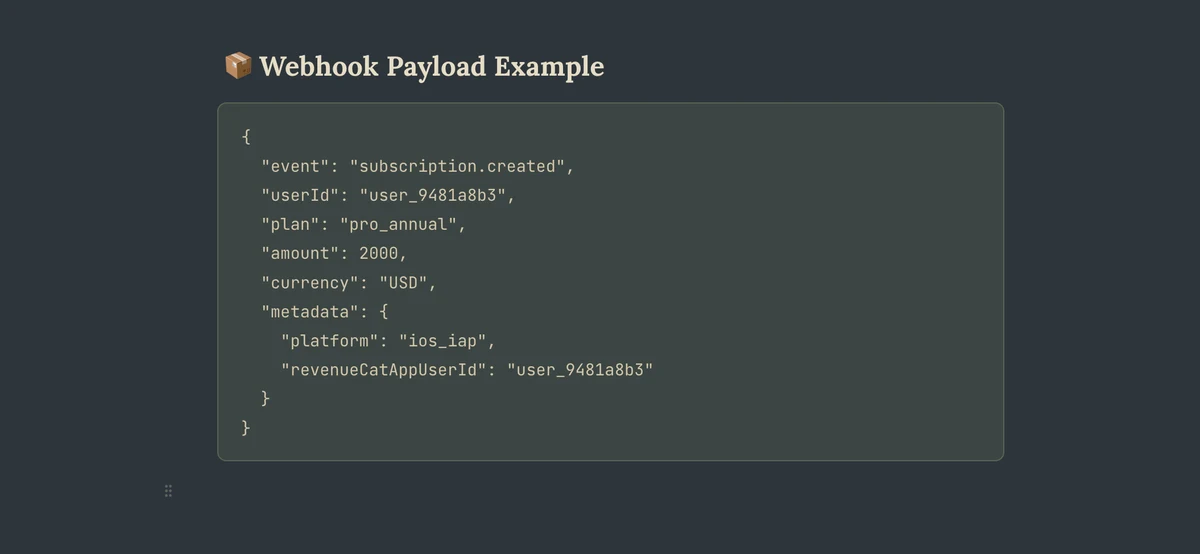
Benchpad formats JSON code blocks with precise indentation and syntax coloring:
{
  "event": "subscription.created",
  "userId": "user_9481a8b3",
  "plan": "pro_annual",
  "amount": 2000,
  "currency": "USD",
  "metadata": {
    "platform": "ios_iap",
    "revenueCatAppUserId": "user_9481a8b3"
  }
}
 Benchpad Copy Code Block Button
3 Reasons Developers Love Benchpad Code Blocks
1. One-Click Copy Buttons
Hovering over any code block in Benchpad reveals a clean Copy button. Click it (or hit a hotkey) to copy the exact code block to your clipboard without highlighting trailing spaces or line numbers.
2. Monospace Dark Mode Fonts
Benchpad ships with developer-crafted typography and themes:
- Focus Mono (JetBrains Mono font + dark navy background)
- Terminal Green (Roboto Mono font + pure black matrix look)
- OLED Mode (True pitch-black for battery savings on OLED laptops & phones)
3. Sub-50ms Offline Access
Benchpad lives in your browser's IndexedDB. If your internet drops or you're working on a remote flight, your entire library of commands and snippets opens instantly.
How to Structure Your Developer Scratchpads
- Pad 1:
Tasks & PRs→ Active sprint tasks, daily standup notes, review queue. - Pad 2:
CLI & Cheat Sheets→ Shell snippets, SQL queries, Docker flags, Git commands. - Pad 3:
Draft Specs & Scratch→ JSON payloads, unformatted logs, API scratchpad.
Build your offline developer code scratchpad with Benchpad →
Get Benchpad
On every platform
Native apps for iPhone & Android, and a Mac menu bar & Windows tray app — same three pads, offline-first, synced everywhere.
Benchpad
Try it free.
No credit card required.