Benchpad blog
Constraint as a feature, not a limitation
Every app promises unlimited. But unlimited is what created the mess you're in. What if the limit was the product?

Open any note app's marketing page and count how many times you see the word "unlimited." Unlimited notes. Unlimited folders. Unlimited storage. Unlimited integrations.
"Unlimited" is supposed to mean freedom. In practice, it means entropy.
Unlimited notes become unmanageable archives. Unlimited folders become nested labyrinths. Unlimited integrations become a maintenance burden. The word "unlimited" sounds like a feature, but it functions like a slow-motion disaster.
The unlimited note graveyard
Here's what actually happens when you give someone unlimited notes:
Month 1: They create a system. Folders for work, personal, ideas. It's clean.
Month 6: The system has grown. Sub-folders. A "miscellaneous" folder (always a bad sign). Some notes are in the wrong place. Reorganizing sounds exhausting.
Month 12: The system is abandoned. New notes get dumped wherever. The search function is the only way to find anything. Old notes exist in a foggy archive that creates vague guilt every time they open the app.
Month 24: They switch to a new app. The cycle restarts.
This cycle is so common it has a name in productivity circles: "note app churn." And it's not caused by bad apps — it's caused by unlimited capacity in tools that don't help you manage that capacity.
What constraint does
Constraint prevents the cycle from starting. If you can only write in three places, the graveyard never forms.
This isn't accidental. Constraint is doing specific cognitive work:
It makes cleanup automatic. When your pad is full of outdated content, you notice — because you're looking at it every day. In an unlimited system, old notes hide in folders you forgot about. In a three-pad system, everything is visible, and visibility drives maintenance.
It prevents hoarding. The impulse to save something "just in case" runs directly into the reality that you only have three pads. You start asking "do I actually need this?" — a question that unlimited storage never forces you to ask.
It keeps the tool fast. Not just technically fast (though that too). Cognitively fast. You don't scroll through hundreds of titles trying to find the right note. You know where everything is because there are only three places.
Designing with limits
Most product design starts with the question: "What else can we add?" Constraint-based design starts with: "What else can we remove?"
The design process for Benchpad was mostly subtraction:
- Remove folders. (You don't need to organize three things.)
- Remove tags. (Same reason.)
- Remove unlimited pads. (That's what creates the mess.)
- Remove templates. (They add a decision at the moment you least want one.)
- Remove the sidebar. (Three pads don't need navigation.)
What's left is the thing itself: a place to write, with no overhead. The constraint isn't a compromise — it's the product.
When constraint is wrong
Constraint-based tools aren't for everyone. If you genuinely need a project management system, a research database, or a team knowledge base, three scratchpads won't cut it.
But here's the thing: most people don't need any of that. Most people need a fast, quiet place to jot down what they're thinking about today. The note-app industry has convinced us that we all need enterprise-grade information management. We don't. We need a scratchpad.
The constraint helps you realize what you actually need by making it impossible to pretend you need more.
Benchpad is three scratchpads, intentionally. No unlimited. No infinity. Just what you need. $10/year. Start writing free →
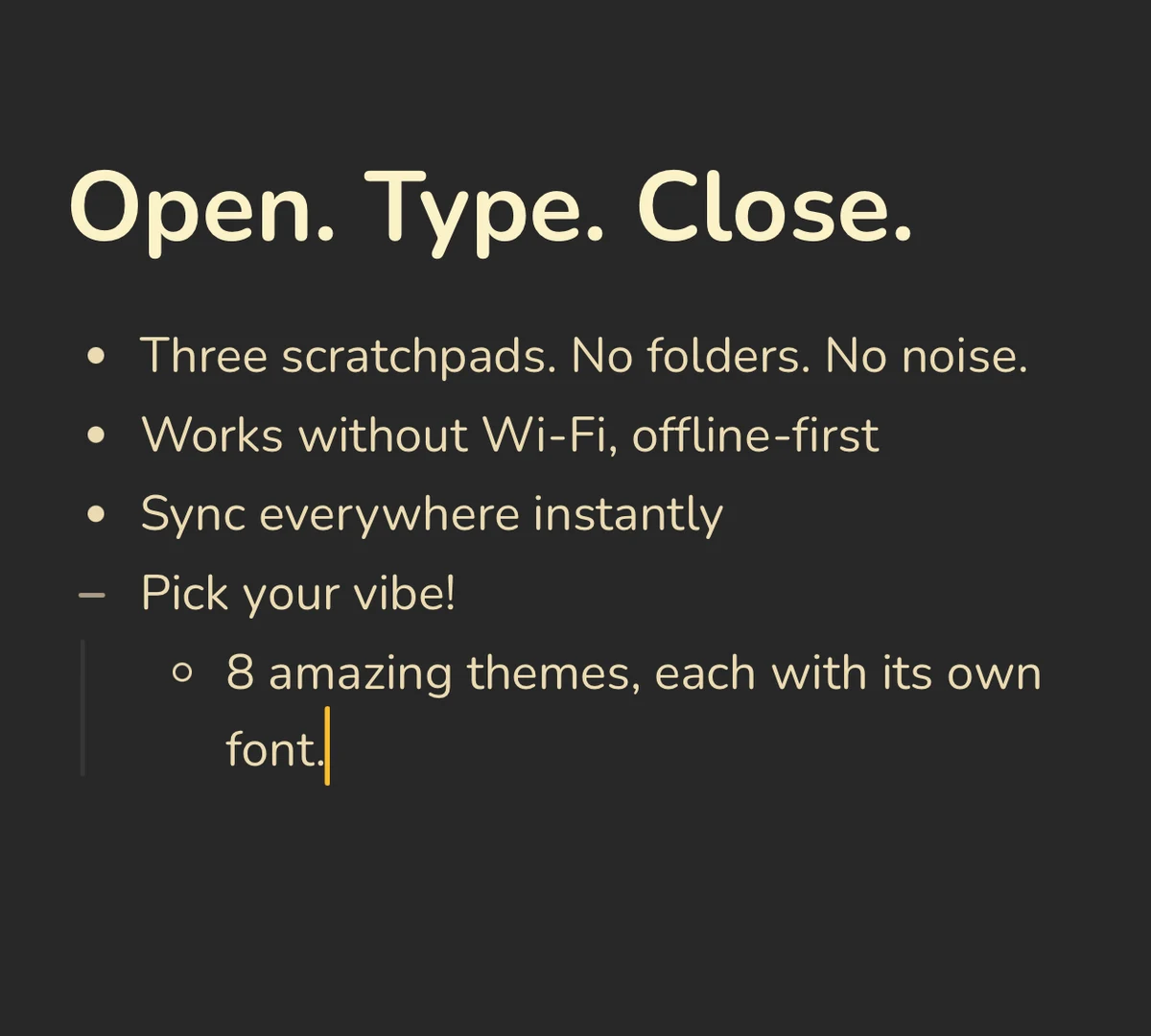 Benchpad Interface
Get Benchpad
On every platform
Native apps for iPhone & Android, and a Mac menu bar & Windows tray app — same three pads, offline-first, synced everywhere.
Benchpad
Try it free.
No credit card required.